Slide 5 of 9 from Atom Shapes for PowerPoint
6138-02-atom-shapes-powerpoint-5
Atomic Structure Comparison Slide
- Diagram
- Comparison Split
- Concept Explanation Slide
- 16:9
- 100% Editable
The Atomic Structure Comparison slide from the Atom Shapes for PowerPoint template offers a clear, symmetrical layout ideal for educational presentations on atomic theory. This slide uses editable shapes to depict atomic diagrams with distinct electron and nucleus representations, supporting science lectures and corporate presentations that require precise concept explanation. It integrates well within a slide deck focused on scientific topics, enhancing understanding through visual comparison in PowerPoint templates and Google Slides templates.
What’s on This Slide
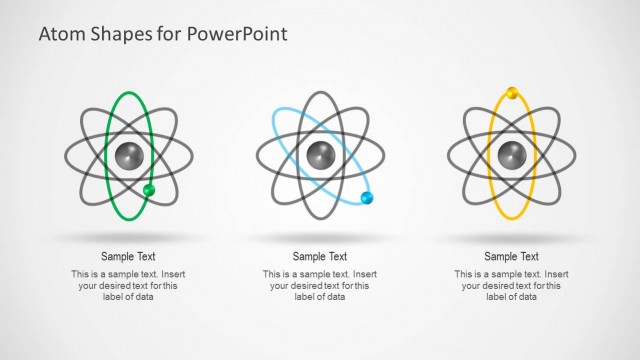
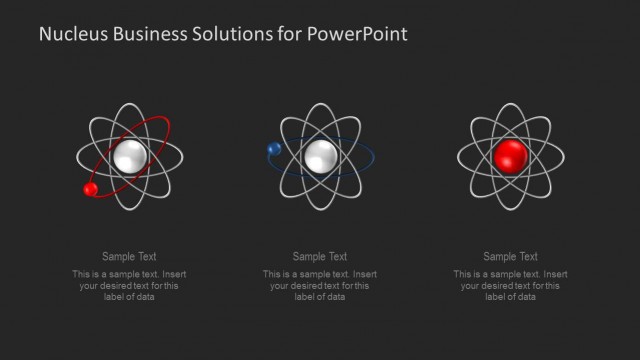
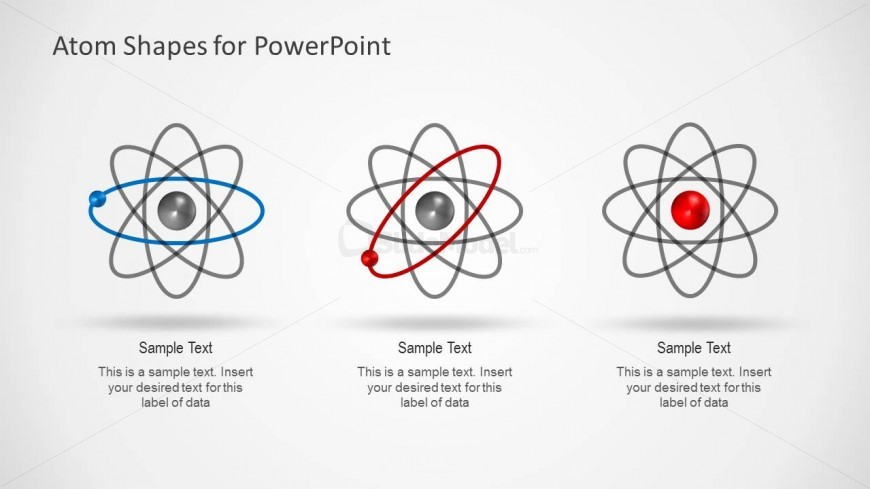
The slide features three atomic diagrams arranged horizontally. Each diagram includes a central sphere representing the nucleus, surrounded by orbiting electrons depicted as smaller spheres. The left diagram has a blue electron, the middle one has a red electron, and the right one has a solid red nucleus. Below each diagram, there are text placeholders aligned centrally for labels or descriptions. The background is light gray, enhancing the visibility of the diagrams. The overall layout emphasizes symmetry and clarity, with equal spacing between elements.
How to Use It
This layout serves to compare different atomic structures or concepts in a scientific presentation. It is suitable for educational contexts, such as chemistry or physics classes, where visual representation aids understanding. This slide can effectively illustrate variations in atomic models or highlight key differences in atomic behavior. It fits well in a sequence following introductory content, allowing for deeper exploration of atomic theory or related scientific principles.
Text Placeholders & Capacity
Keep your copy within these limits so it fits without resizing. Label slots can hold up to 50 characters each, while body slots can hold about 100 characters each.
| Placeholder | Count | Max characters (approx.) |
|---|---|---|
| Item heading | 3 | 50 |
| Item body | 3 | 100 |