Slide 8 of 9 from Atom Shapes for PowerPoint
6138-02-atom-shapes-powerpoint-8
Atomic Structure Comparison Slide
- Diagram
- Comparison Split
- Comparison Slide
- 16:9
- 100% Editable
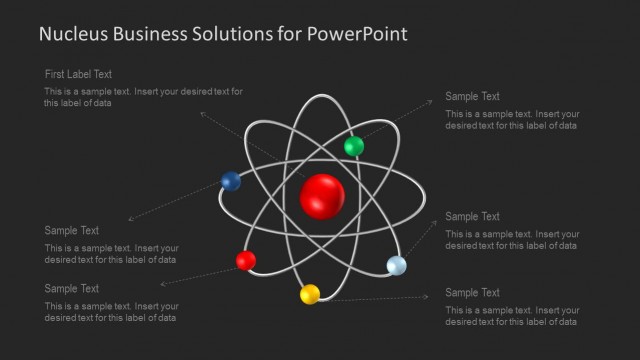
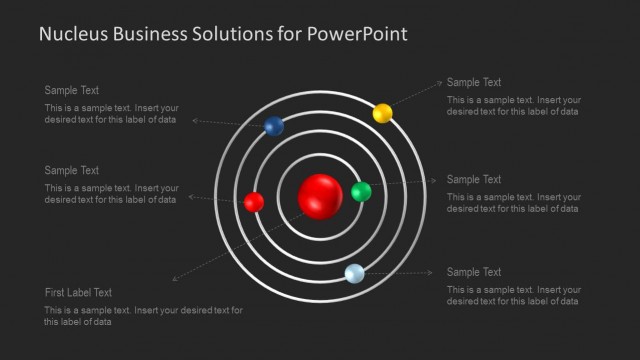
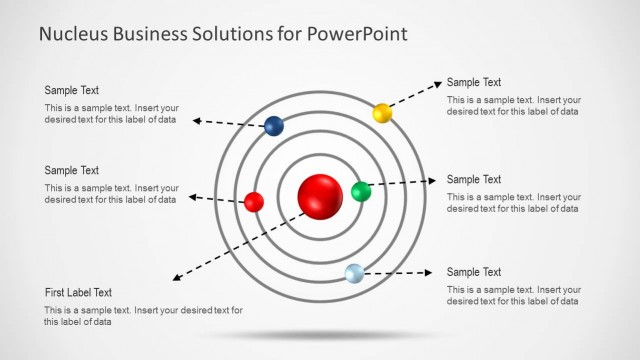
The Atomic Structure Comparison slide from the Atom Shapes for PowerPoint template offers a clear visual layout for scientific comparisons in educational presentations. Featuring editable slides with atomic diagrams and text placeholders, it supports detailed discussions on atomic theory and electron configurations. This slide layout is ideal for corporate presentations or pitch deck templates focused on scientific or technical topics, enhancing clarity with vector icons and a balanced design.
What’s on This Slide
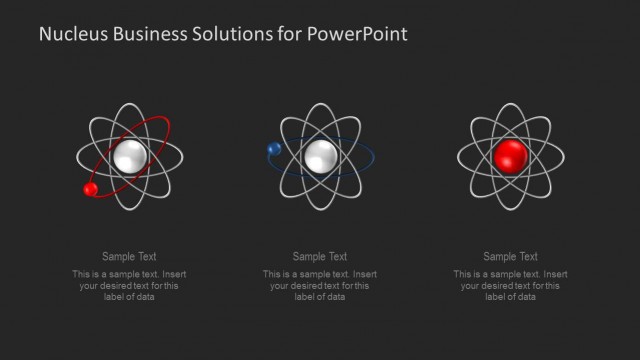
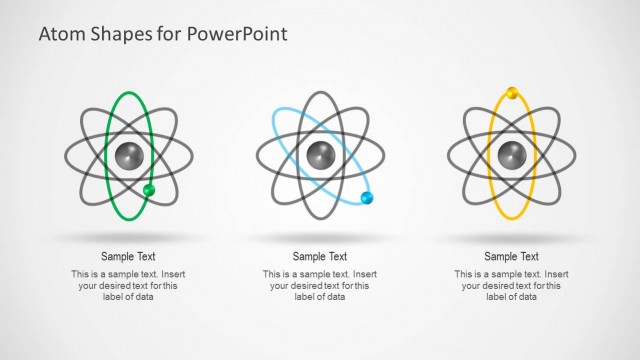
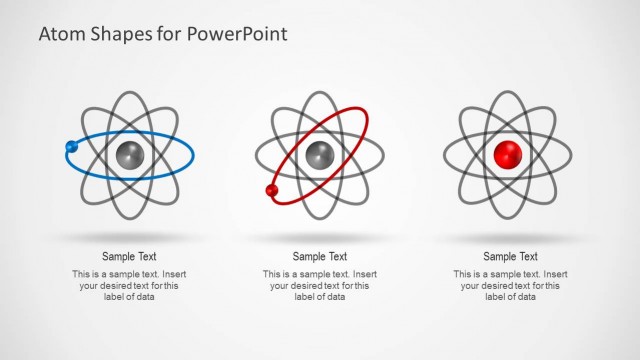
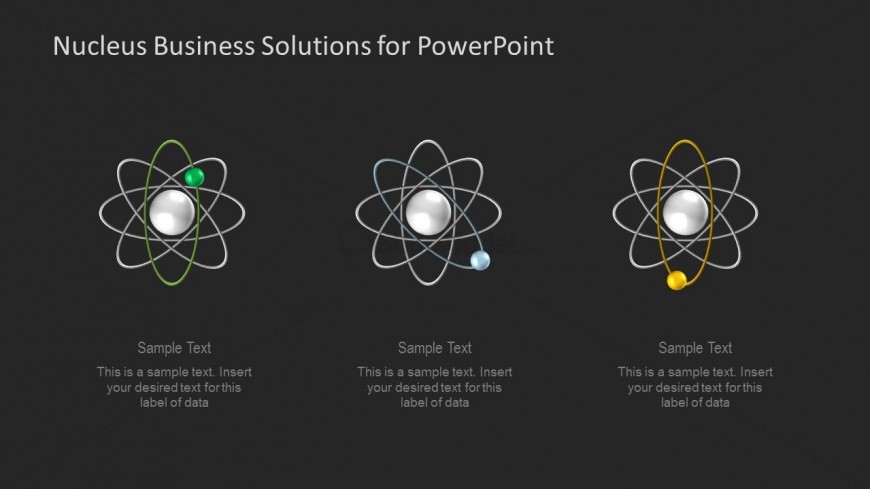
The slide features three atomic diagrams arranged horizontally across the center. Each diagram consists of a nucleus represented by a white sphere surrounded by orbiting electrons depicted as colored spheres. The left diagram has a green electron, the middle one has a blue electron, and the right one has a yellow electron. Below each diagram, there are text placeholders aligned centrally for labels, with a consistent visual hierarchy. The background is dark, enhancing the visibility of the atomic illustrations and text. The overall layout is balanced and structured.
How to Use It
This layout serves to compare different atomic structures or concepts in a scientific presentation. It is suitable for educational contexts, particularly in chemistry or physics, where visualizing atomic models is essential. It fits well after introductory content, allowing for a clear comparison of atomic characteristics. This structure can be utilized in discussions about atomic theory, electron configurations, or molecular structures, providing a visual aid to enhance understanding.
Text Placeholders & Capacity
Keep your copy within these limits so it fits without resizing. Each node can accommodate roughly 50 characters for labels and 100 characters for descriptions.
| Placeholder | Count | Max characters (approx.) |
|---|---|---|
| Item heading | 3 | 50 |
| Body paragraph | 3 | 100 |