Atom Shapes for PowerPoint– Atoms are the smallest unit particles of matter. The name is derived from the Greek word “atomos” meaning uncuttable. John Dalton initially discovered the particle concept that is present within chemicals. Create amazing and comprehensive atomic structure presentations using Atom Shapes for PowerPoint.
The PowerPoint template is ideal with atomic research and science reporting projects. The slide designs can supplement broader presentations. They are perfect for chemistry and physics subject matters. Some specific topics that can find Atom Shapes for PowerPoint useful are electromagnetic force, elements, chemical bonding, nuclear fission and fusion, matter and quantum physics.
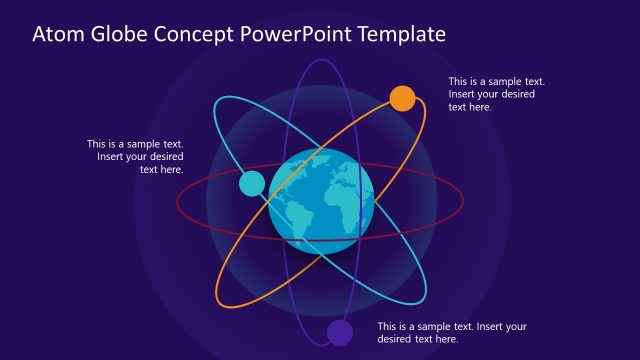
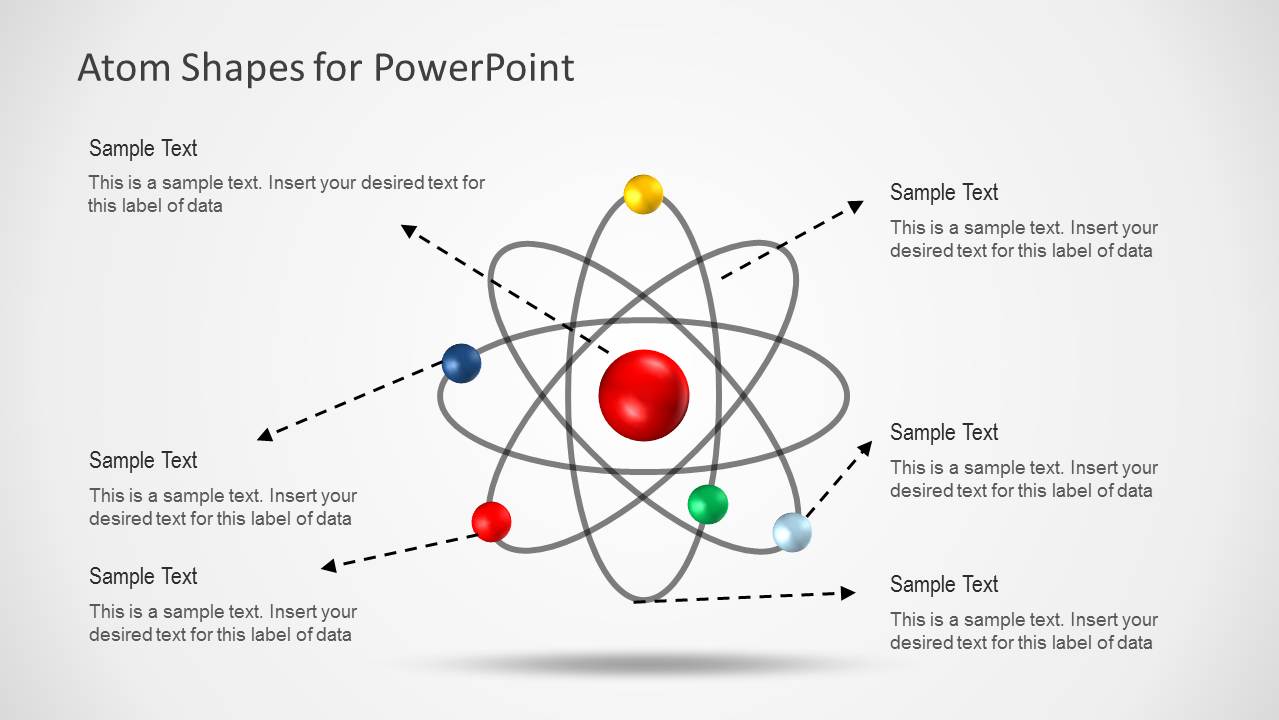
In the first slide, the user can see the atomic model with the axis of all its parts. There are 4 spheres orbiting the larger sphere in the center. The sphere in the center can represent the nucleus which is actually composed of the proton and neutron. The outer spheres can refer to electrons. In the second slide, the same model is shown together with corresponding text placeholders. The presenter can provide a brief description for every part. The 3rd slide features Neils Bohr’s model of an atom where the axes are displayed in flat circles. The fourth and fifth slides illustrate pictures that highlight each atomic part through color filter. The remaining slides are replicas of the 2nd-4th slides, exhibited in black background.
An atom is the base of quantum physics where its behaviour and detailed accounts of its existence are developed. The parts of an atom are the neutrons, protons and electrons. The neutrons (no charge) and protons (positively charged) are attached together, forming a nucleus or a center. The electrons (negatively charged) are found around the nucleus in an orbiting manner.
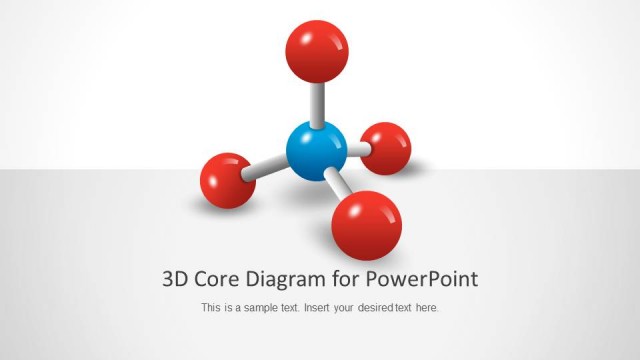
Catchy and professional, Atom Shapes for PowerPoint can capture global audiences. 3D Core Diagram for PowerPoint is a further molecular and atomic model downloadable from the SlideModel gallery.
What’s inside this template
Example presentation scenarios
- A chemistry teacher can introduce protons, neutrons, electrons, and orbital paths using the labeled atom callout slide and the Bohr-style concentric orbit diagram.
- A physics lecturer can explain particle behavior or nuclear concepts by moving from the full atom illustration to the highlighted orbit comparison slides.
- A student presenter can summarize an atomic structure assignment with the cover slide, then use the three-column component layouts to separate nucleus and electron orbit points.
- A technical business presenter can use the nucleus-centered diagrams as a metaphor for core services, with callout arrows showing related departments, capabilities, or dependencies.
Features
- 100% editable presentation template
- Compatible with Microsoft PowerPoint and Google Slides
- Scalable vector shapes, icons and illustrations
- AI-Ready for Microsoft Copilot and Claude
- Instant access and download
Frequently asked questions
Q: How should a presenter structure the explanation with these atom diagrams?
A: Start with the simple atom illustration to orient the audience before adding labels. Use the callout slide only for the key terms that matter to the lesson, then move to the Bohr-style diagram if orbital levels or electron placement need emphasis. The three-column slides work best as a recap or comparison of selected parts.
Q: Who is this template best suited for?
A: This template fits educators, students, researchers, and technical presenters who need a clear visual model of atom structure without building shapes from scratch. It is strongest for chemistry and physics lessons, short research explanations, and science-themed business metaphors where a central nucleus and surrounding connections help frame the message.
Q: Why does the atom metaphor work for business or science communication?
A: The nucleus-and-orbit structure gives the audience an instant hierarchy: the center reads as the core idea, while orbiting particles read as related forces, teams, features, or concepts. The callout arrows and three-option layouts reduce ambiguity by showing which element is being discussed instead of relying on text alone.



Atom Shapes for PowerPoint
9-slide PowerPoint presentation template with atomic models, Bohr diagrams, and labeled nucleus callouts
Atom Shapes for PowerPoint is a 9-slide PowerPoint shape template for explaining atomic and nucleus-centered concepts. It includes a cover atom illustration, labeled atom callout diagram, Bohr-style concentric orbit diagram, and three-item comparison layouts in light and dark themes. It suits chemistry, physics, science education, and research presentations.


 Loading...
 Microsoft PowerPoint
 Microsoft Copilot
 Claude for PowerPoint
Other formats supported
Subscribe today and get immediate
access to download our PowerPoint templates.