Slide 2 of 9 from Atom Shapes for PowerPoint
6138-02-atom-shapes-powerpoint-2
Atom Structure Diagram for Presentations
- Diagram
- Other
- Concept Explanation Slide
- 16:9
- 100% Editable
The Atom Structure Diagram slide from the Atom Shapes for PowerPoint template offers a clear visual aid for explaining atomic models in educational presentations. This slide layout uses editable shapes and vector icons to depict the nucleus and electron orbits, making it suitable for science lectures and atomic theory discussions. Its balanced design and labeled placeholders enhance comprehension in corporate presentations or academic slide decks focused on chemistry and physics concepts.
What’s on This Slide
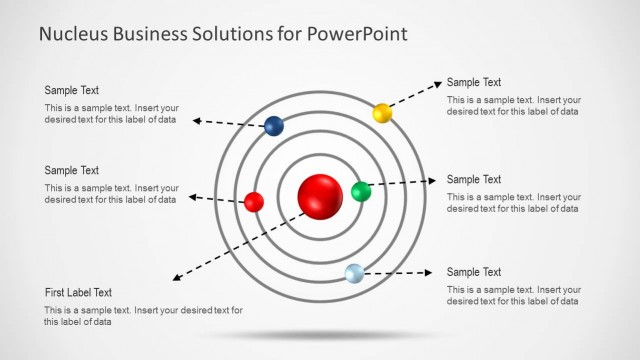
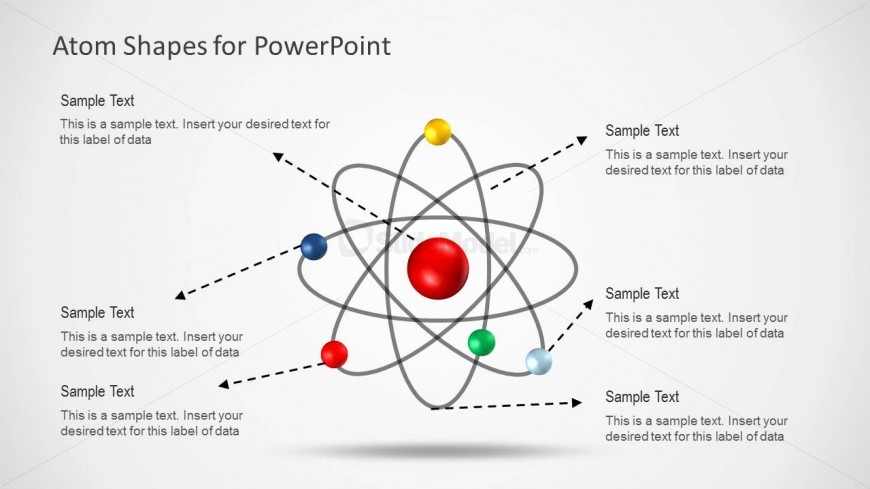
The layout features a central red sphere representing the nucleus, surrounded by multiple colored spheres symbolizing electrons. These spheres are connected by curved lines forming orbits. Text placeholders are positioned around the diagram, with arrows pointing towards them for labeling. The placeholders are aligned to the left, right, and bottom of the diagram, maintaining a balanced visual hierarchy. The background is light, enhancing the visibility of the colorful elements. The overall composition is circular, emphasizing the atomic structure theme.
How to Use It
This layout serves as a visual representation of atomic structure, suitable for educational presentations in chemistry or physics. It can effectively illustrate concepts such as electron orbits and atomic models. This slide fits well after introductory content, providing a detailed view of atomic components. It is useful for explaining scientific principles or comparing atomic structures in a clear, engaging manner. The diagram can also be adapted for discussions on molecular interactions or atomic theory.
Text Placeholders & Capacity
Keep your copy within these limits so it fits without resizing. Node labels can hold about 5-6 words each, while node bodies can hold about 10 words each.
| Placeholder | Count | Max characters (approx.) |
|---|---|---|
| Item heading | 6 | 30 |
| Item body | 6 | 50 |