Slide 4 of 9 from Atom Shapes for PowerPoint
6138-02-atom-shapes-powerpoint-4
Atomic Structure Comparison Slide
- Diagram
- Comparison Split
- Comparison Slide
- 16:9
- 100% Editable
The Atomic Structure Comparison slide from the Atom Shapes for PowerPoint template offers a clear visual layout for comparing atomic models. Featuring editable shapes and vector icons, this slide is designed for educational presentations and corporate slide decks that require detailed chemistry concept illustrations. Its balanced design and labeled placeholders support effective communication of atomic differences in both PowerPoint and Google Slides templates.
What’s on This Slide
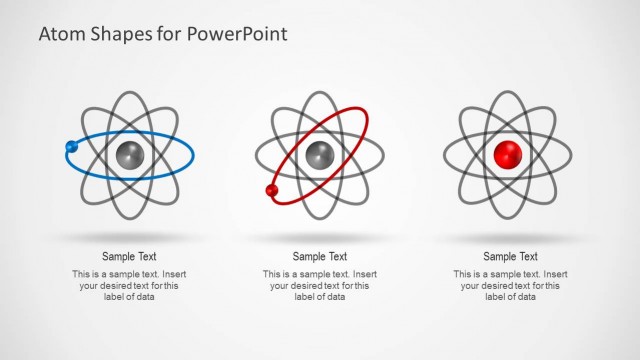
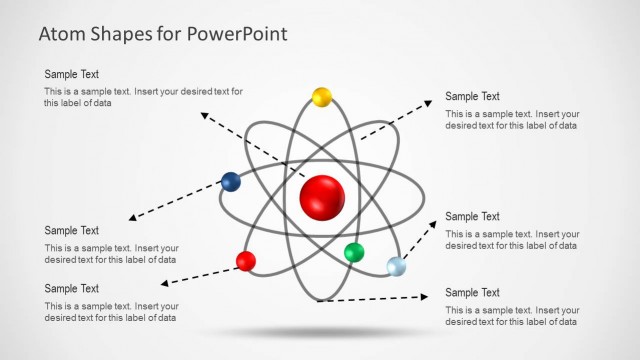
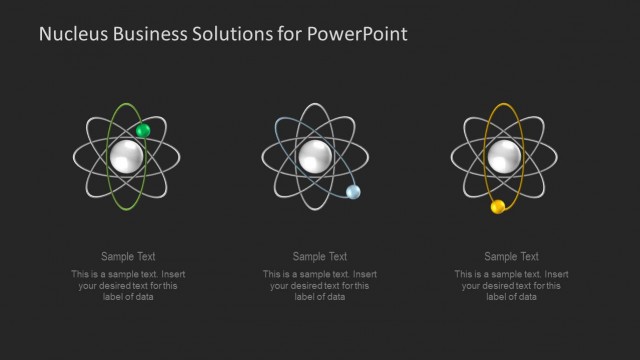
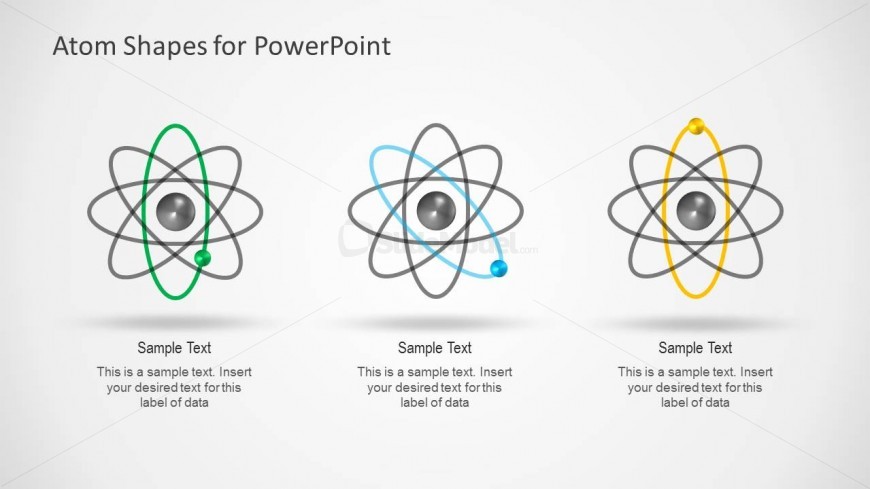
The layout features three atomic illustrations arranged horizontally. Each atom is depicted with a central nucleus and orbiting electrons, differentiated by colors: green, blue, and yellow. Below each atom, there are text placeholders aligned centrally for labeling data, with a consistent font size. The background is light gray, providing contrast against the darker atom shapes. The visual hierarchy emphasizes the atoms, with equal spacing between them. Each atom is visually distinct yet maintains a cohesive design, allowing for easy comparison of atomic structures.
How to Use It
This layout serves as a comparative diagram for presenting different atomic structures or models. It fits well in a sequence following an introduction to atomic theory or a discussion of atomic characteristics. Ideal for educational contexts, this slide can be used to illustrate variations in atomic models or to compare elements in chemistry and physics presentations. It effectively highlights differences and similarities in atomic configurations, making it suitable for lectures or research discussions.
Text Placeholders & Capacity
Keep your copy within these limits so it fits without resizing. Node body slots can hold roughly 15-20 words each.
| Placeholder | Count | Max characters (approx.) |
|---|---|---|
| Item heading | 3 | 30 |
| Item body | 3 | 100 |