Slide 2 of 3 from Animated Vertical Tabs PowerPoint Infographic
Customizable Animated Vertical Tabs Infographic PPT Template
Vertical Tabs PowerPoint Infographic
- Diagram
- Comparison Split
- Context Slide
- 16:9
- 100% Editable
The Vertical Tabs Infographic slide from the Animated Vertical Tabs PowerPoint Infographic template offers a clear, structured layout ideal for business presentations involving project updates, product features, or strategic planning. This slide uses editable shapes and vector icons arranged in vertically stacked tabs to organize content effectively, making it a practical choice for slide decks that require segmented information display within professional PowerPoint templates.
What’s on This Slide
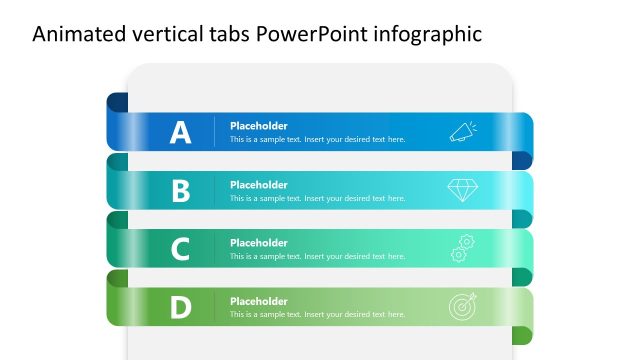
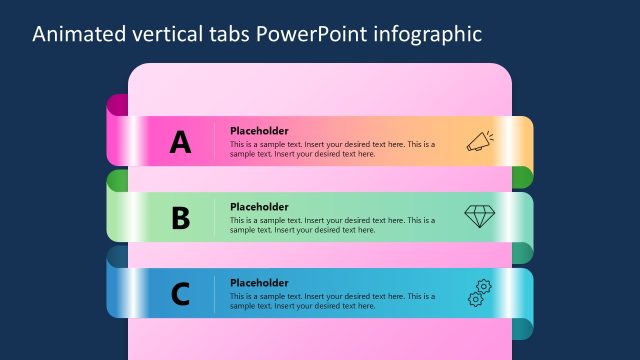
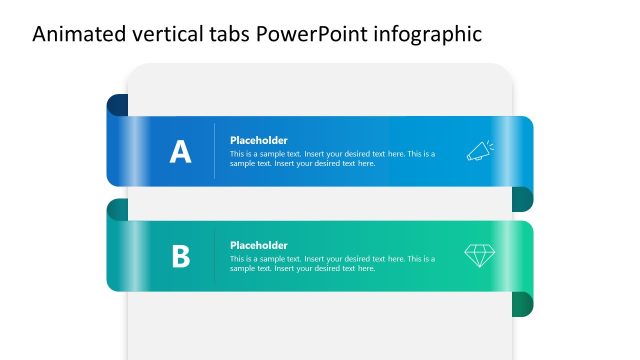
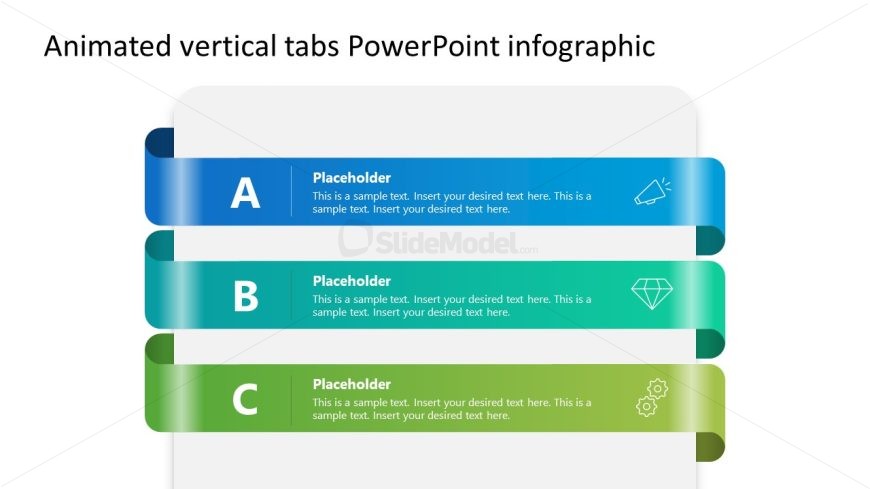
The layout features three horizontal tab sections stacked vertically. Each tab is a rounded rectangle with a gradient color scheme transitioning from blue to green. The first tab is labeled 'A', the second 'B', and the third 'C', with corresponding text placeholders below each label. The placeholders are aligned centrally within each tab, with additional sample text beneath. Icons are positioned to the right of each tab label, enhancing visual interest. The overall composition is clean, with ample white space surrounding the elements.
How to Use It
This layout serves as a categorized display for information, ideal for presentations that require structured content organization. It fits well in a sequence following an introduction or overview slide, allowing for detailed exploration of topics. This format is useful in business contexts such as project updates, product features, or strategic planning discussions, where clear segmentation of information is necessary.
Text Placeholders & Capacity
Keep your copy within these limits so it fits without resizing. Node body slots can hold approximately 25-30 words each.
| Placeholder | Count | Max characters (approx.) |
|---|---|---|
| Item heading | 3 | 1 |
| Item body | 3 | 150 |
Slide Keywords
Download unlimited PowerPoint templates, charts and graphics for your presentations with our annual plan.
DOWNLOAD