Slide 1 of 3 from Animated Vertical Tabs PowerPoint Infographic
Editable Animated Vertical Tabs PPT Template
Animated Vertical Tabs PowerPoint Infographic
- Diagram
- Comparison Split
- Context Slide
- 16:9
- 100% Editable
The Vertical Tabs Infographic slide from the Animated Vertical Tabs PowerPoint Infographic template offers a clear, organized layout ideal for business presentations and project overviews. This slide uses editable shapes and vector icons to present categorized information in a vertical tab format, enhancing audience engagement and navigation. It is suitable for corporate presentations and educational content requiring structured topic segmentation within a professional slide deck.
What’s on This Slide
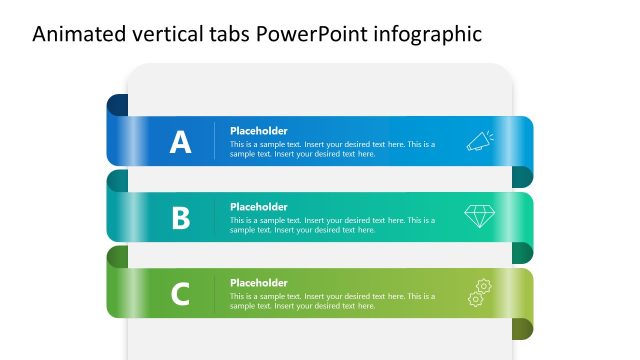
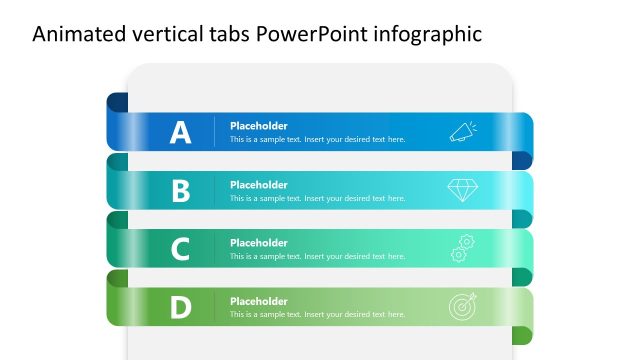
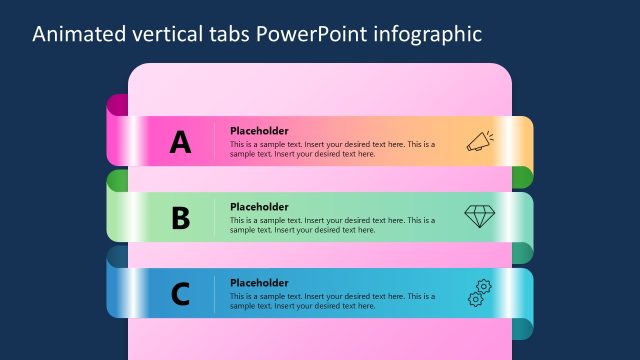
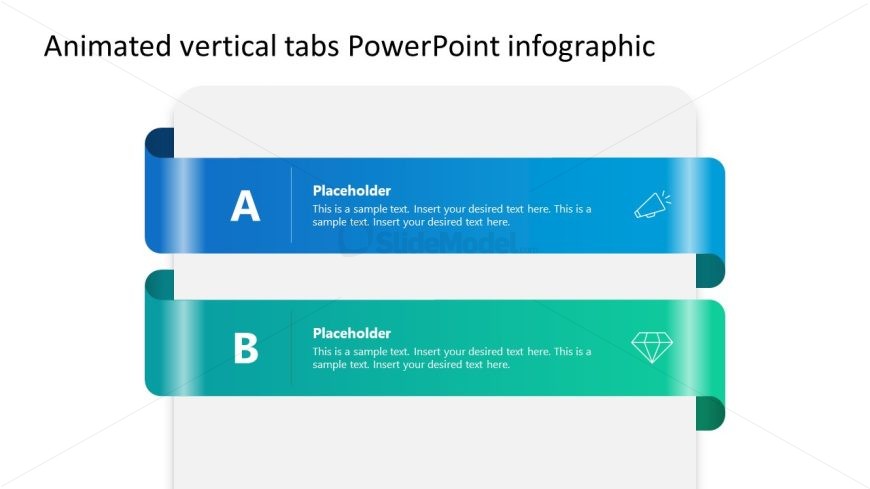
The layout features two horizontal tab sections stacked vertically. The top tab is blue, labeled 'A,' and contains a text placeholder aligned left. Below it, a green tab labeled 'B' has a similar structure. Each tab has an icon positioned to the right of the text. The background is light, enhancing the contrast with the vibrant tab colors. The text placeholders are centrally aligned within each tab, allowing for clear visibility of the content. The overall design emphasizes a clean and organized presentation of information.
How to Use It
This layout serves as a multi-tab infographic, ideal for presenting categorized information or topics in a structured manner. It fits well at the beginning of a presentation to outline key points or sections. Suitable scenarios include business strategy discussions, project overviews, or educational content where distinct categories need clear representation. The vertical arrangement allows for easy navigation between topics, making it effective for engaging audiences.
Text Placeholders & Capacity
Keep your copy within these limits so it fits without resizing. Node body slots can hold approximately 25-30 words each.
| Placeholder | Count | Max characters (approx.) |
|---|---|---|
| Slide title | 1 | 40 |
| Item heading | 2 | 10 |
| Item body | 2 | 150 |
Slide Keywords
Download unlimited PowerPoint templates, charts and graphics for your presentations with our annual plan.
DOWNLOAD