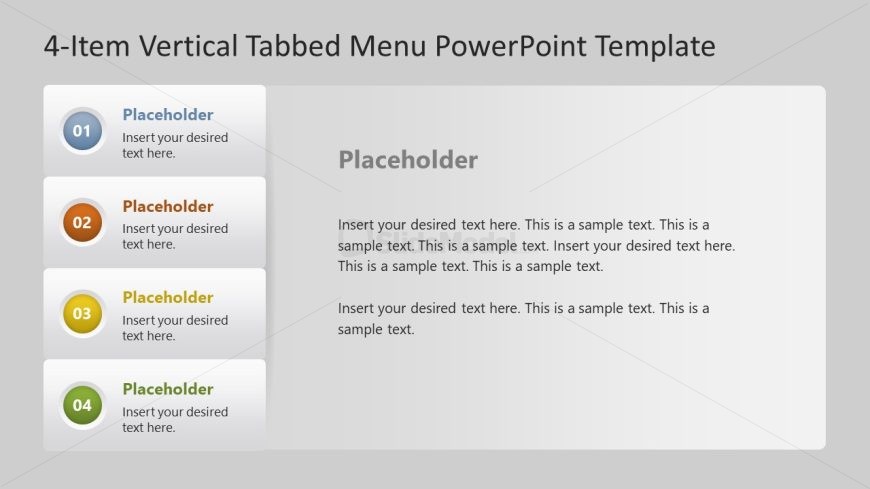
Slide 1 of 5 from 4-Item Tabbed Menu PowerPoint Template
4-Item Tabbed Menu Presentation Template
4-Item Vertical Tabbed Menu PowerPoint Template
- Text Layout
- Other
- Context Slide
- 16:9
- 100% Editable
What’s on This Slide
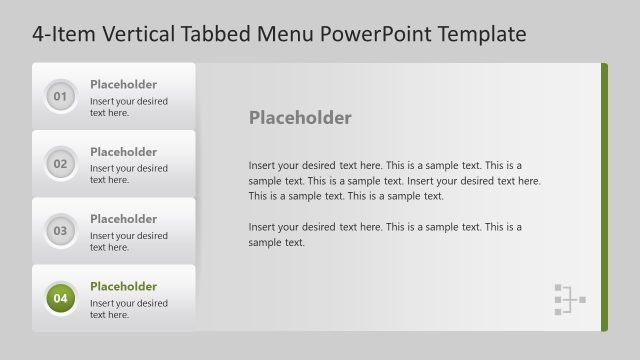
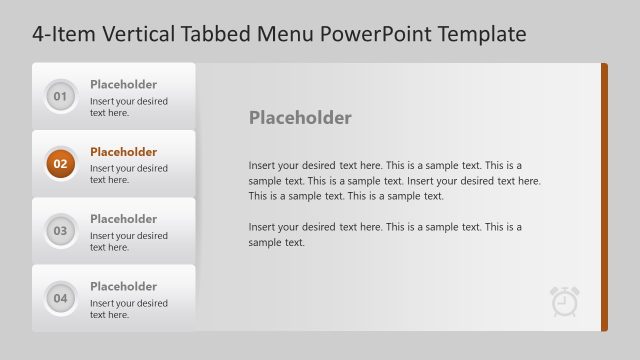
The layout features a vertical tabbed menu on the left side, containing four distinct tabs. Each tab is represented by a circular icon with a number and a colored background, arranged vertically. The main content area on the right includes a large text placeholder for detailed information. The tabs are aligned to the left, while the content placeholder is centered to the right. The background is a light gray gradient, enhancing the visual hierarchy. Text placeholders are present for both the tab labels and the main content, allowing for flexible text insertion.
How to Use It
This layout functions as a vertical tabbed menu, ideal for presenting multiple topics or sections in a clear, organized manner. It fits well in presentations that require a structured overview of different subjects, such as project updates or product features. This slide is particularly useful for business contexts where concise information needs to be conveyed efficiently. It can be used to guide discussions or highlight key points in a meeting or report.
Text Placeholders & Capacity
Keep your copy within these limits so it fits without resizing. Body slots can hold approximately 50-70 words each.
| Placeholder | Count | Max characters (approx.) |
|---|---|---|
| Item heading | 4 | 20 |
| Item body | 4 | 200 |
| Body paragraph | 1 | 400 |
Slide Keywords
Download unlimited PowerPoint templates, charts and graphics for your presentations with our annual plan.
DOWNLOADReturn to 4-Item Tabbed Menu PowerPoint Template.