Slide 3 of 3 from Animated Vertical Tabs PowerPoint Infographic
Animated Vertical Tabs Slide Infographic
Animated Vertical Tabs PowerPoint Infographic
- Diagram
- Comparison Split
- Context Slide
- 16:9
- 100% Editable
The Animated Vertical Tabs Infographic slide from the Animated Vertical Tabs PowerPoint Infographic template offers a structured layout with editable shapes and vector icons, ideal for business presentations and marketing overviews. This slide template uses a vertical tab design to organize content clearly, making it a practical choice for corporate presentations and project outlines within professional slide decks.
What’s on This Slide
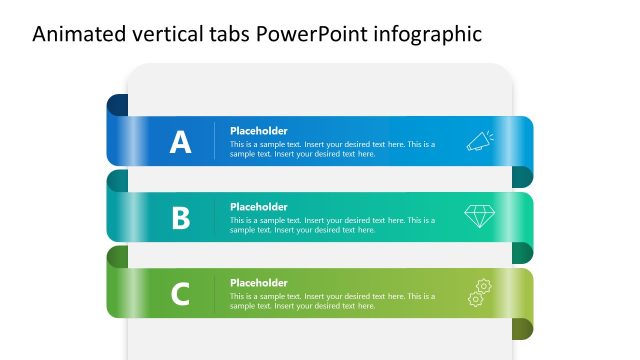
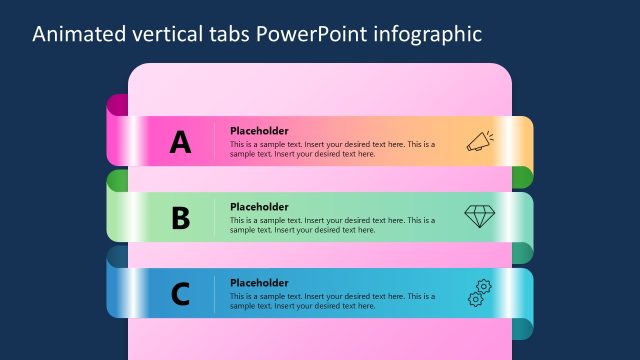
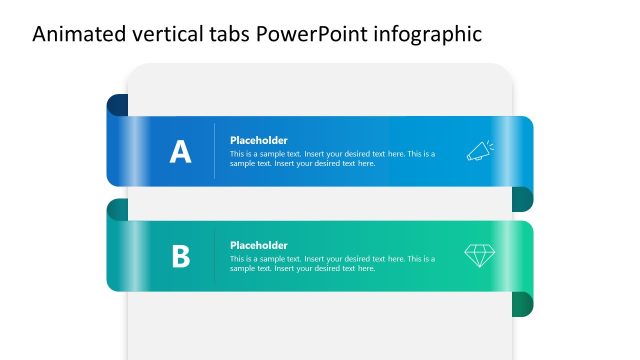
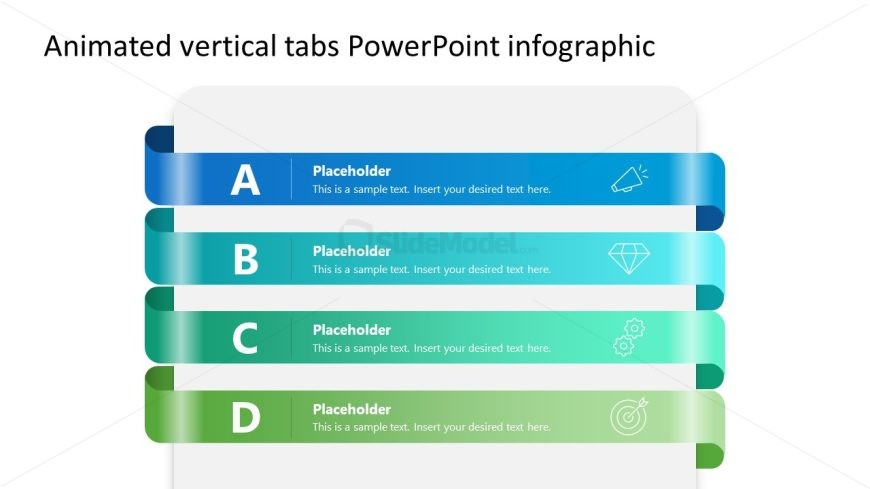
The slide features a vertical layout with four stacked tab ribbons. Each tab is labeled A, B, C, and D, positioned from top to bottom. The tabs are colored in a gradient from blue to green, creating a smooth transition. Each tab contains a text placeholder aligned to the left, with a small icon on the right side. The overall visual hierarchy emphasizes the tab labels, while the placeholders provide space for additional text. The background is light, enhancing the visibility of the tabs and icons.
How to Use It
This layout serves as a multi-tab infographic, ideal for presenting categorized information in a clear, organized manner. It fits well in presentations that require a structured overview, such as business strategies or project outlines. This slide can be used to highlight different aspects of a topic, making it suitable for marketing or HR presentations. It effectively guides the audience through various sections of content, enhancing comprehension and engagement.
Text Placeholders & Capacity
Keep your copy within these limits so it fits without resizing. Each tab can hold a title and a brief description, roughly 20 and 50 characters respectively.
| Placeholder | Count | Max characters (approx.) |
|---|---|---|
| Item heading | 4 | 20 |
| Item body | 4 | 50 |
Slide Keywords
Download unlimited PowerPoint templates, charts and graphics for your presentations with our annual plan.
DOWNLOAD