Display the parts of a strategic initiative in the executive presentation using our editable Animated Vertical Tabs PowerPoint Infographic. Product managers use the tab design in their product planning presentations to present multiple options, categories, or features. HR managers can edit the color-coded tabs to show the pillars of the employee engagement strategy in an organized way. They can highlight the recommendations or plan stages using the infographic template. Business consultants use the animated vertical tabs PPT template in their board presentations to showcase the client onboarding strategy in four simple steps. During team meetings, a digital marketing strategist can edit the animated vertical tabs template to illustrate details across multiple content platforms. They can mention the best-performing channels and effective ways to position the brand.
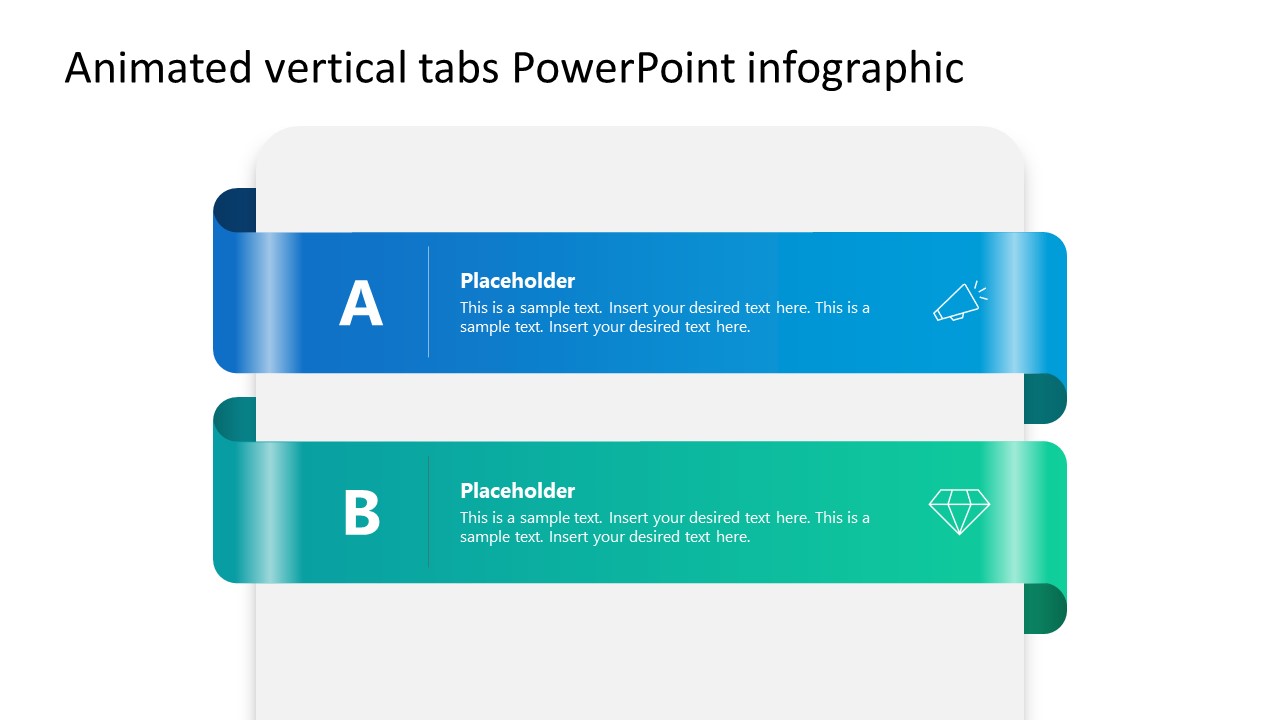
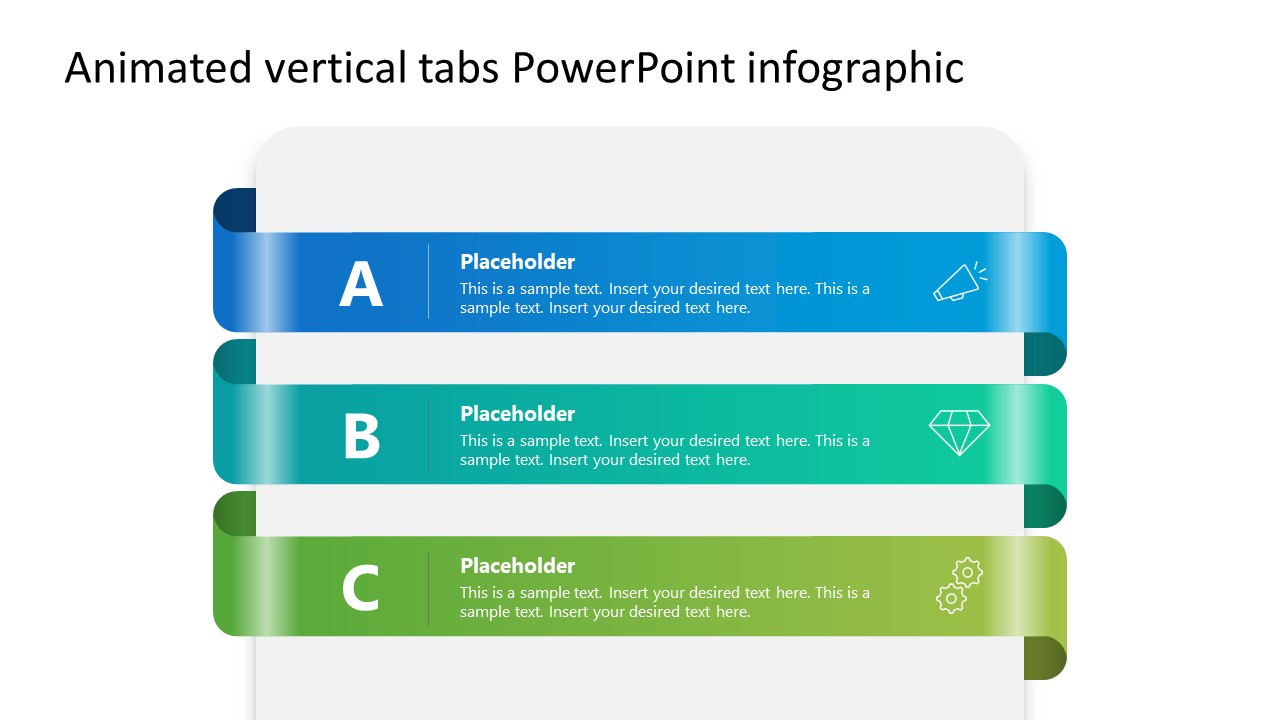
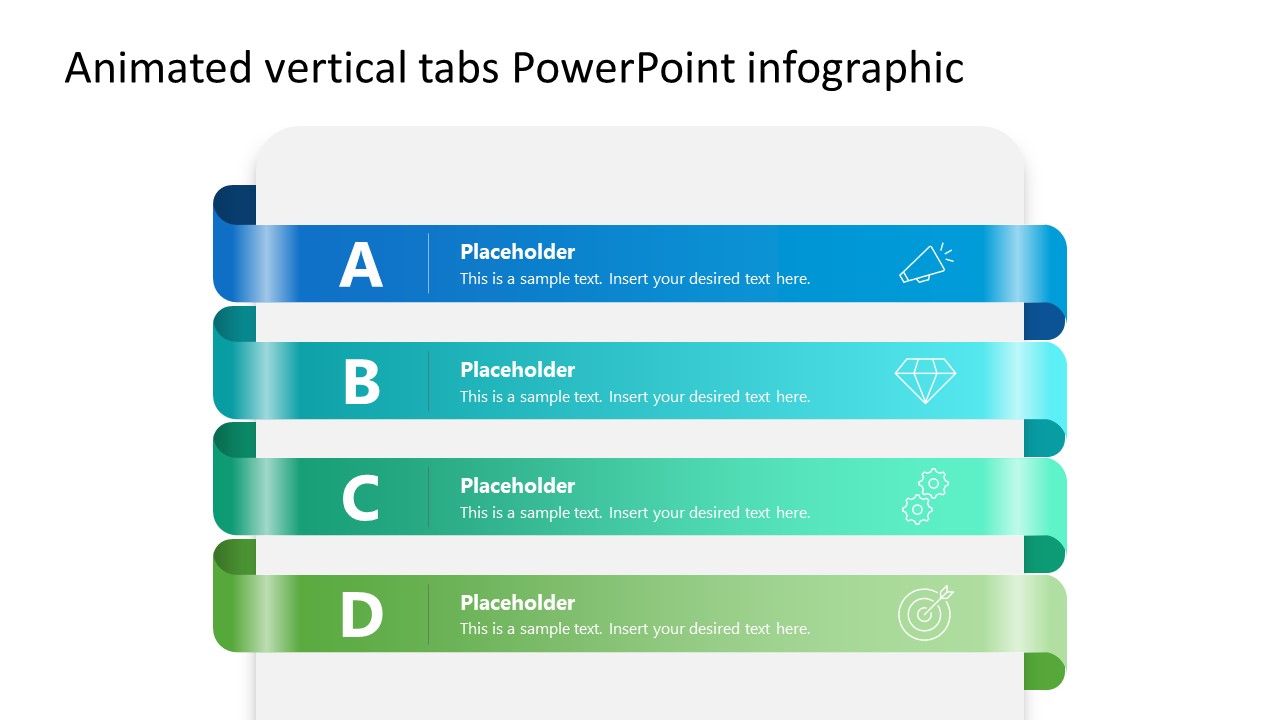
The Animated Vertical Tabs PowerPoint Infographic is fully compatible with all versions of Microsoft PowerPoint. Presenters can use a horizontally oriented tab layout, stacked vertically, to create multiple layers. Each layer is labeled A, B, C, or D according to the number of tabs. The first slide shows two rows; the second, three; and the last slide has four horizontal tabs. A gradient color scheme across each layer makes it more compelling for the audience. There is a header text, a description placeholder, and an infographic line to visually demonstrate the concept. The curves at the start and end of each tab create a visual alignment that helps present a linked concept.
You can easily change the visual elements, layout, or design of this template, or find a different version in our collection. Download the animated vertical tabs PPT infographic layout for your stakeholder presentation and discuss business frameworks in a structured format.
What’s inside this template
Example presentation scenarios
- A product manager can use the four-tab ribbon layout to explain feature groups, release themes, or product planning options during a roadmap discussion.
- An HR manager can use the three-tab layout to present employee engagement pillars, recommended actions, and supporting notes in a leadership meeting.
- A business consultant can use the four-tab layout to outline client onboarding steps, with each tab acting as a separate phase in the process.
- A marketing strategist can use the two-tab or three-tab layout to compare content channels, audience segments, or campaign priorities in a team briefing.
Features
- 100% editable presentation template
- Compatible with Microsoft PowerPoint
- 16:9 aspect ratio slides
- Scalable vector shapes, icons and illustrations
- Ready with Animations & Transitions in PowerPoint
- AI-Ready for Microsoft Copilot and Claude
- Instant access and download
Frequently asked questions
Q: How should a presenter structure content on the tab slides?
A: Treat each tab as one idea, not a paragraph container. Use the large A, B, C, or D label as the audience's mental anchor, then write a short headline and one supporting sentence. Keep the icon tied to the tab's meaning so the audience can recognize categories quickly before reading the text.
Q: For which business messages is this tab infographic the best fit?
A: This template works best when the presenter must explain a limited set of equal-weight items, such as strategy pillars, product options, onboarding steps, or marketing channels. It is useful for managers and consultants who need a simple visual index that can sit inside a larger business presentation without adding a complex chart.
Q: Why does the stacked tab design help communication?
A: The layout borrows the familiar folder tab metaphor, which signals that each row is a separate section within one topic. The stacked ribbons show connection while the colors, letters, and icons keep the parts distinct. This makes the slide easier to scan than a dense bullet list with the same information.
Animated Vertical Tabs PowerPoint Infographic
3-slide animated presentation template with vertical tabs, section ribbons, and icon labels
The Animated Vertical Tabs PowerPoint Infographic is a 3-slide Microsoft PowerPoint template for organizing categories in stacked tab ribbons. It includes two-tab, three-tab, and four-tab infographic layouts with letter labels, headline placeholders, body text, and small line icons for business planning, strategy, HR, or marketing presentations.
- Category
- Multi-purpose
- Rating

 Loading...
- Aspect ratio
- 16:9
- Item ID
- 23623-03
- Colors
 Microsoft PowerPoint
  Microsoft Copilot
  Claude for PowerPoint
 Other formats supported
Subscribe today and get immediate
access to download our PowerPoint templates.