Grab our modern Horizontal Concept Item Infographic PowerPoint Template to present the three aspects of a business model in corporate training. We have designed this template with editable PowerPoint elements that users can easily customize based on their needs. They can edit shapes, icons, fonts, and colors to accurately match their theme. Moreover, our horizontal concept infographic layout is compatible with Google Slides and other versions of Microsoft PowerPoint. You can use this PPT template in multiple scenarios. Professionals can edit the design to display a strategic action plan and key factors to ensure proper implementation. The concept infographic template allows teachers, mentors, corporate trainers, and college scholars to present three angles of a business, science, or academic concept. Marketers, project managers, product developers, and other professionals can use this template for their business meetings.
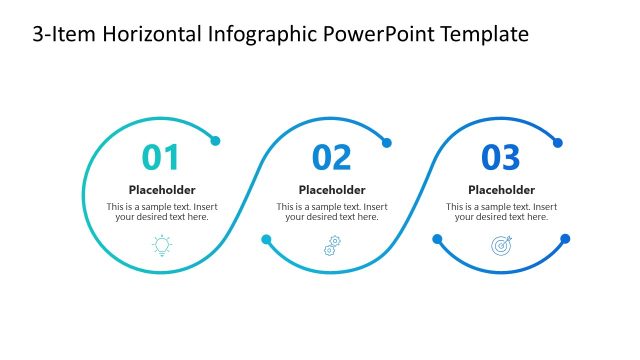
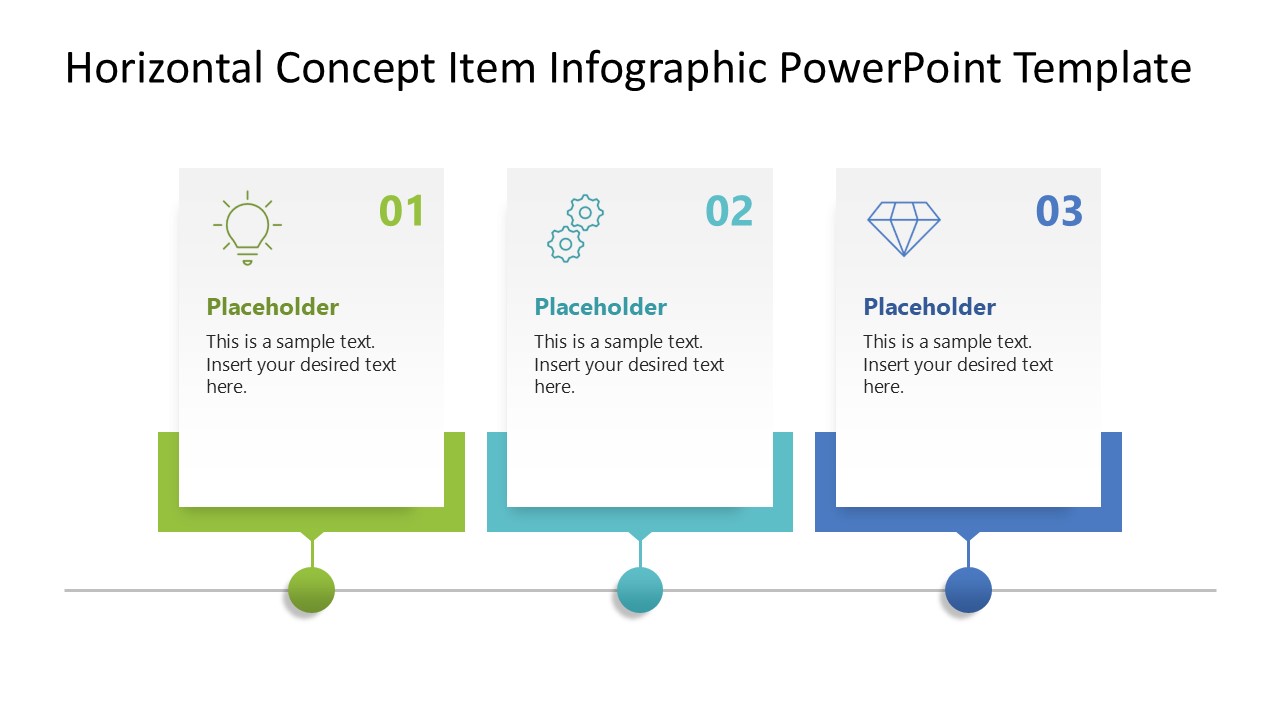
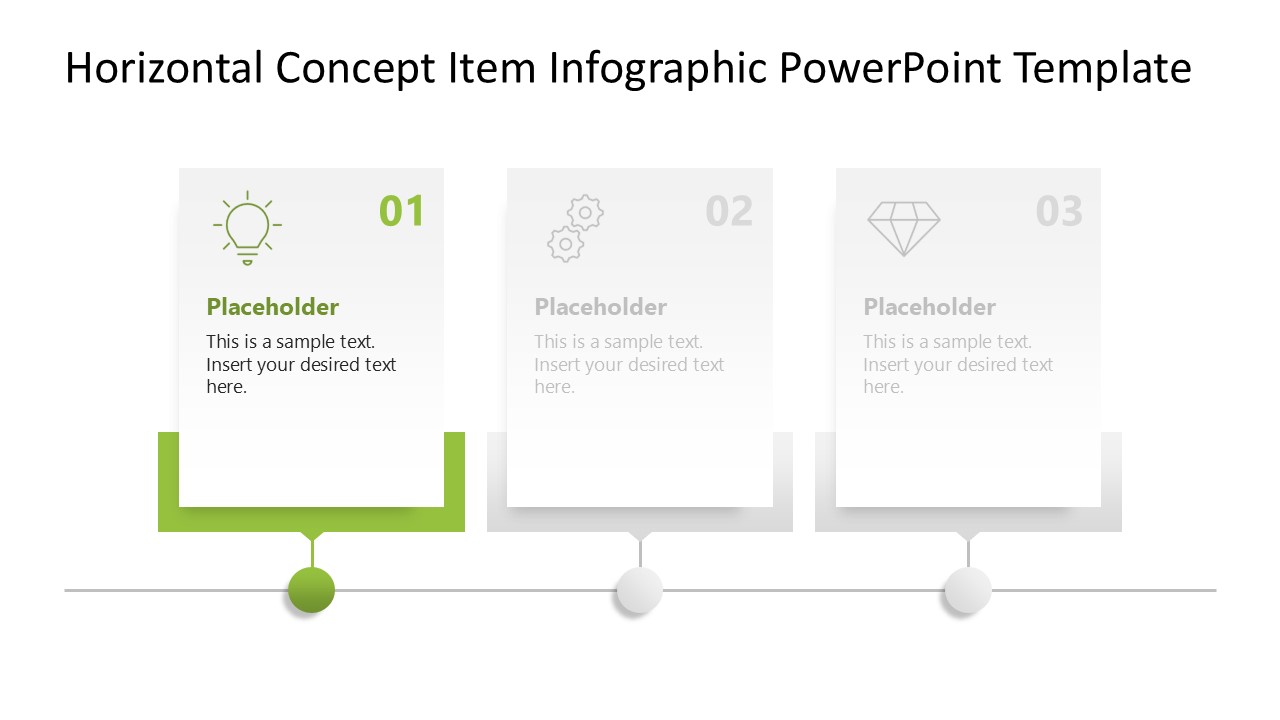
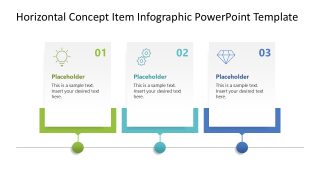
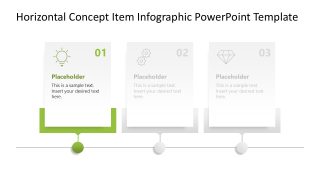
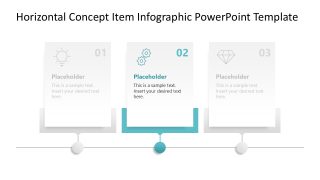
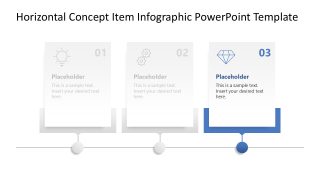
The Horizontal Concept Item Infographic PowerPoint Template features a simple line diagram with three dots. Each dot is connected to a container-like diagram with a text segment. All the text blocks are numbered to indicate the step number. There is an infographic icon, a placeholder text line, and title text. This diagram can also serve as a timeline to depict the sequence of events. Project managers can display multiple project stages using this diagram. The first slide features a colorful layout, while the subsequent three slides employ a spotlight effect, highlighting only one section of the diagram. This enables the presenters to communicate each stage of the timeline separately with proper details. Users can also repurpose the template based on their presentation requirements. Download the horizontal concept item PPT template for business meetings or project presentations. Grab it today!
What’s inside this template
Example presentation scenarios
- A corporate trainer can introduce three learning objectives with the overview slide, then use the spotlight slides to explain each objective one at a time.
- A project manager can present a three-stage implementation plan by replacing the card titles, body text, and icons with phase names, responsibilities, and expected outputs.
- A marketer can explain three campaign pillars using the numbered horizontal infographic to show how message, channel, and measurement connect.
- An educator or mentor can teach a three-angle academic concept by using the dimmed spotlight slides to keep attention on one idea before moving to the next.
Features
- 100% editable presentation template
- Compatible with Microsoft PowerPoint and Google Slides
- 16:9 aspect ratio slides
- Scalable vector shapes, icons and illustrations
- AI-Ready for Microsoft Copilot and Claude
- Instant access and download
Frequently asked questions
Q: How should a presenter explain the three items without making the overview slide feel crowded?
A: Use Slide 1 as a map, not as the full explanation. Keep each card to a short label and one supporting line, then move to Slides 2, 3, and 4 for the details. This lets the audience understand the structure first and process one item at a time.
Q: Who is this template best suited for in a business or training setting?
A: This template fits presenters who need to teach or summarize three connected points quickly: trainers explaining learning modules, project managers outlining implementation stages, marketers defining campaign pillars, or consultants framing recommendations. The layout works best when the three items are parallel, sequential, or equally important.
Q: Why does the horizontal line and spotlight sequence improve the message?
A: The horizontal line creates a simple journey metaphor, while the dots signal movement from item 01 to item 03. The spotlight slides reduce visual competition by fading the other cards, so the presenter can control attention and build understanding step by step instead of asking the audience to read everything at once.


Horizontal Concept Item Infographic PowerPoint Template
4-slide presentation template for three-step concept timelines, stage summaries, and horizontal item infographics
The Horizontal Concept Item Infographic PowerPoint Template is a 4-slide diagram set for explaining three connected items in sequence. It includes a full three-step horizontal concept infographic plus three spotlight slides that isolate step 1, step 2, and step 3. It suits trainers, project managers, marketers, and educators using Microsoft PowerPoint or Google Slides.
- Category
- Diagrams
- Rating

 Loading...
- Aspect ratio
- 16:9
- Item ID
- 23378-01
- Colors
 Microsoft PowerPoint
  Microsoft Copilot
  Claude for PowerPoint
 Other formats supported
Subscribe today and get immediate
access to download our PowerPoint templates.