Slide 3 of 5 from Animated Funnel Diagram for PowerPoint
Second Level of Funnel Slide
Animated Funnel Diagram for PowerPoint
- Diagram
- Funnel
- Process Slide
- 16:9
- 100% Editable
What’s on This Slide
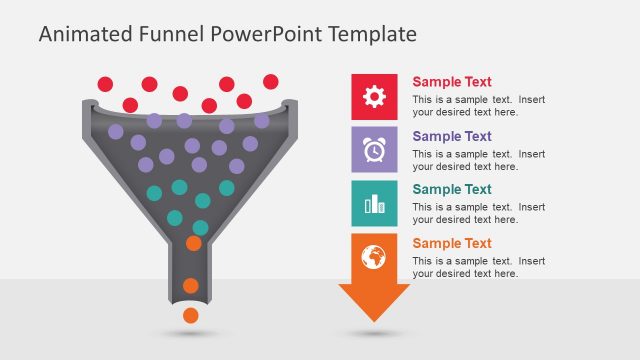
The layout features a funnel shape positioned centrally, with a gradient background. Above the funnel, there is a title area aligned to the center. To the left, an icon of a clock is placed within a square, colored purple. Below the icon, there is a text placeholder for a title, followed by another placeholder for body text. The body text is left-aligned and contains sample text. The funnel is filled with various colored circles, representing data flow, with larger circles at the top and smaller ones at the bottom. The overall composition emphasizes the funnel's central position.
How to Use It
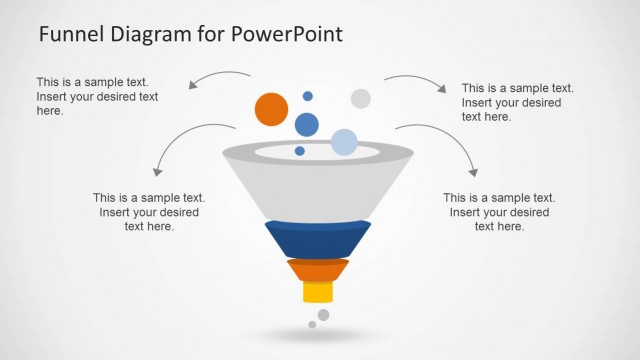
This layout serves as a visual representation of a funnel process, ideal for illustrating stages in sales or marketing. It fits well in a presentation sequence after problem identification and before outlining solutions. This structure is useful for businesses to depict customer journey stages, lead conversion processes, or sales strategies. It can be employed in discussions about marketing funnels, sales processes, or project workflows, making it versatile for various business contexts.
Text Placeholders & Capacity
Keep your copy within these limits so it fits without resizing. Body slots can hold approximately 30-40 words each.
| Placeholder | Count | Max characters (approx.) |
|---|---|---|
| Slide title | 1 | 30 |
| Item heading | 1 | 20 |
| Item body | 1 | 200 |
Slide Keywords
Download unlimited PowerPoint templates, charts and graphics for your presentations with our annual plan.
DOWNLOADReturn to Animated Funnel Diagram for PowerPoint.