Slide 4 of 5 from Animated Funnel Diagram for PowerPoint
Green Third Level Process Flow
Animated Funnel Diagram for Presentations
- Diagram
- Funnel
- Process Slide
- 16:9
- 100% Editable
What’s on This Slide
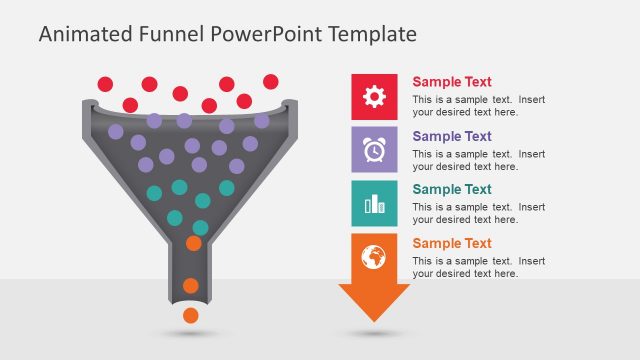
The slide features a funnel diagram positioned centrally, with a gray color scheme. The funnel is filled with various sized circles, some in teal and others in gray, representing flow. To the right, there is a text box containing sample text, aligned vertically. The text box is visually distinct with a teal background and a simple icon above it. The overall layout emphasizes the funnel, with a clean background that enhances visibility. Text placeholders are present, allowing for customization of content.
How to Use It
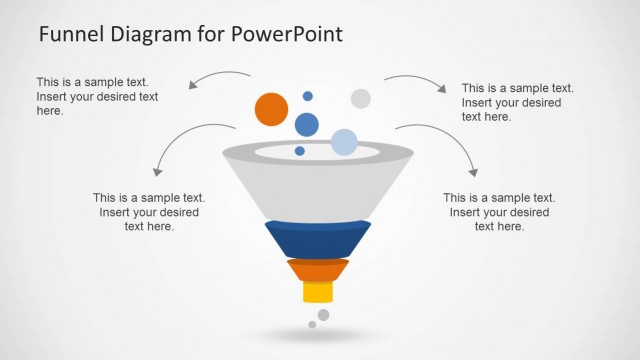
This layout serves as a visual representation of a funnel process, ideal for illustrating stages in sales or marketing. It fits well in a sequence following problem identification and preceding solution proposals. This structure is useful for business presentations that require a clear depiction of conversion rates or customer journey stages. It can be applied in various contexts, such as sales strategies or marketing campaigns, to convey how prospects are filtered through different phases.
Text Placeholders & Capacity
Keep your copy within these limits so it fits without resizing. Body slots can accommodate roughly 25-30 words each.
| Placeholder | Count | Max characters (approx.) |
|---|---|---|
| Slide title | 1 | 30 |
| Item body | 2 | 150 |
Slide Keywords
Download unlimited PowerPoint templates, charts and graphics for your presentations with our annual plan.
DOWNLOADReturn to Animated Funnel Diagram for PowerPoint.