Slide 2 of 5 from Animated Funnel Diagram for PowerPoint
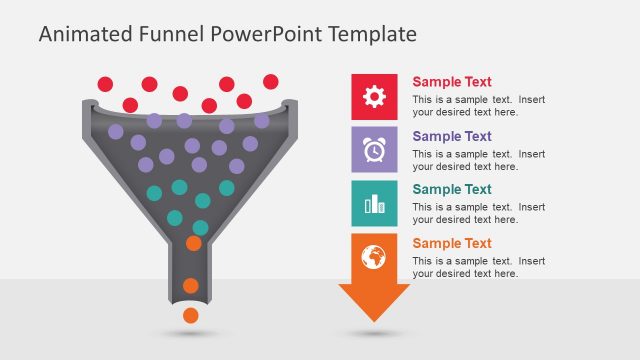
Red Dots First Level
Animated Funnel Diagram for PowerPoint
- Diagram
- Funnel
- Process Slide
- 16:9
- 100% Editable
What’s on This Slide
The slide features a funnel shape positioned centrally, colored in dark gray with circular nodes in red and light gray scattered above. A red gear icon is located on the right side, accompanied by two text placeholders. The first placeholder is aligned above the gear icon, while the second is directly below it, both left-aligned. The background is light gray, creating contrast with the funnel and icons. The overall composition is balanced, with visual elements grouped around the funnel, emphasizing its central role.
How to Use It
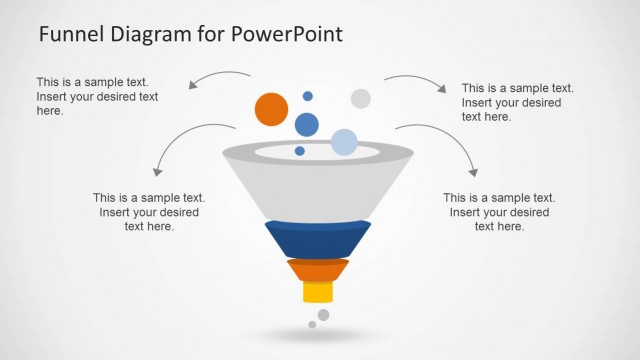
This layout serves as a visual representation of a funnel process, ideal for illustrating stages in sales or marketing strategies. It fits well in a presentation sequence following a problem statement, leading into solutions or strategies. This slide can be used to depict customer journey stages, lead generation processes, or sales conversion metrics, making it suitable for business contexts where funnel analysis is relevant.
Text Placeholders & Capacity
Keep your copy within these limits so it fits without resizing. Text slots can accommodate concise phrases, roughly 5-10 words each.
| Placeholder | Count | Max characters (approx.) |
|---|---|---|
| Slide title | 1 | 30 |
| Item body | 2 | 150 |
Slide Keywords
Download unlimited PowerPoint templates, charts and graphics for your presentations with our annual plan.
DOWNLOADReturn to Animated Funnel Diagram for PowerPoint.