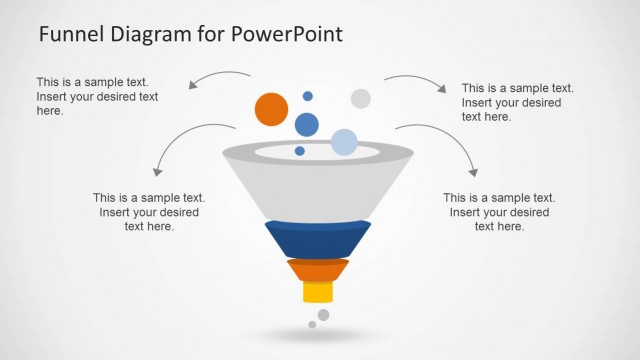
Slide 1 of 5 from Animated Funnel Diagram for PowerPoint
Colorful Funnel Diagram Shape
Animated Funnel Diagram for PowerPoint
- Diagram
- Funnel
- Process Slide
- 16:9
- 100% Editable
What’s on This Slide
The slide features a funnel shape positioned centrally, with colored dots above representing inputs. Below the funnel, five rectangular sections in different colors are aligned vertically on the left, each containing a text placeholder. The placeholders are aligned to the left and are of equal height. An orange downward arrow is located at the bottom, indicating flow direction. The background is light gray, providing contrast to the funnel and text sections. The overall composition is balanced, with a clear visual hierarchy emphasizing the funnel.
How to Use It
This layout serves as a visual representation of a funnel process, ideal for illustrating stages in sales or marketing workflows. It fits well in a presentation sequence after introducing a problem and before discussing solutions. This structure can be used in business scenarios like sales strategies, lead generation processes, or customer journey mapping, allowing for clear communication of sequential steps.
Text Placeholders & Capacity
Keep your copy within these limits so it fits without resizing. Node body slots can accommodate about 10 words each.
| Placeholder | Count | Max characters (approx.) |
|---|---|---|
| Item body | 5 | 50 |
Slide Keywords
Download unlimited PowerPoint templates, charts and graphics for your presentations with our annual plan.
DOWNLOADReturn to Animated Funnel Diagram for PowerPoint.