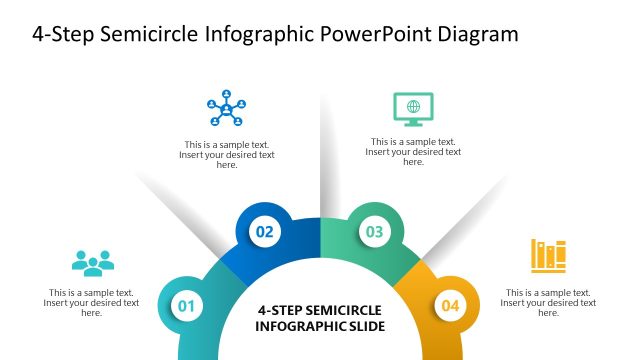
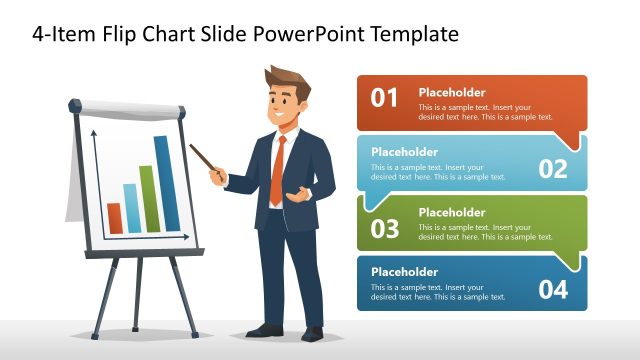
Discuss the four steps of the marketing campaign in your team presentations using our Animated 4 Steps Bubbles PowerPoint Diagram. The bubbles diagram creates a 3D effect, making the information on the slide stand out clearly. Market analysts can review the four stages of the full competitive analysis in their training presentations using the animated bubbles diagram. Strategy consultants present the four-phase digital transformation implementation plan in executive presentations using a bubble diagram. The bubbles layout grabs the audience’s attention and keeps them engaged throughout the presentation. During change management meetings, the operations managers highlight the four steps in the workflow distinctly with the diagram. SEO consultants use this design in client meetings to easily demonstrate the four-step site optimization process.
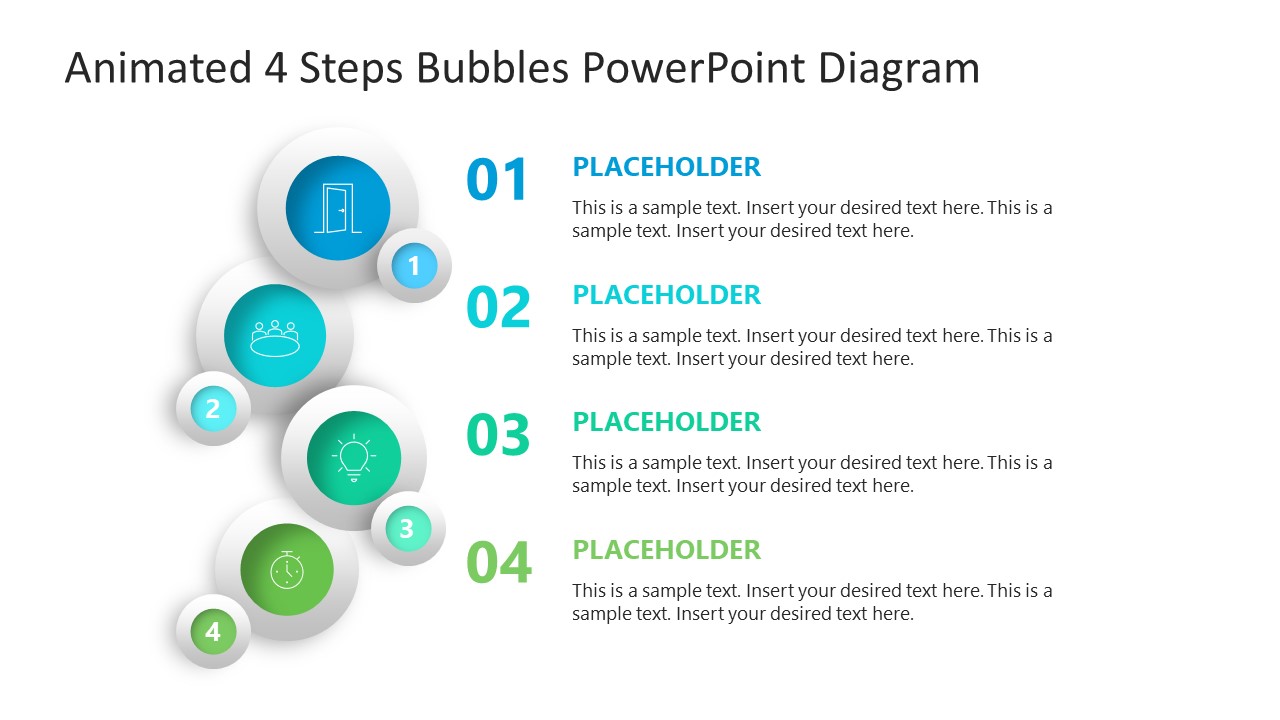
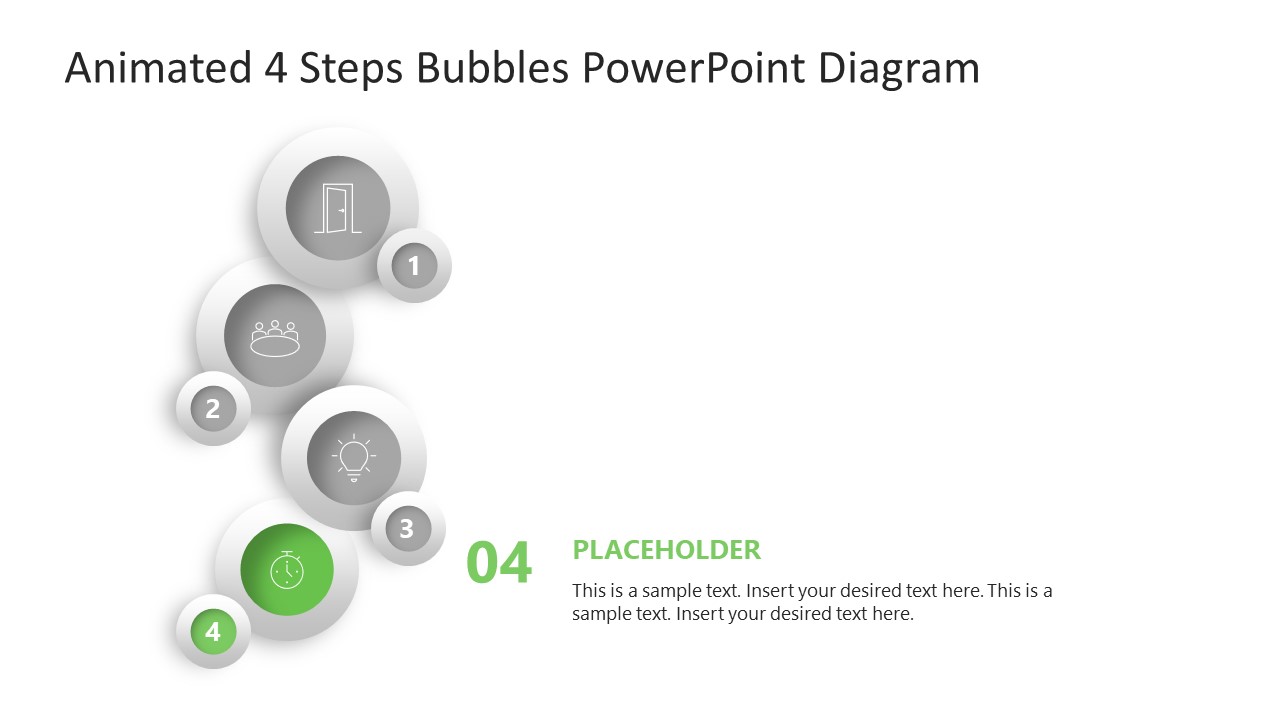
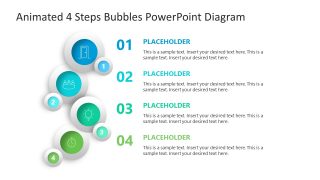
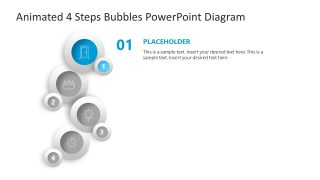
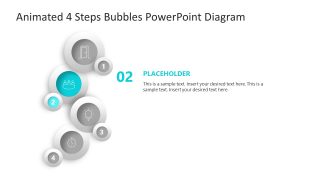
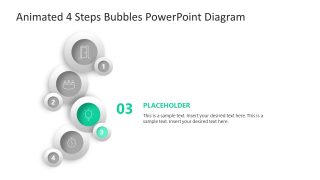
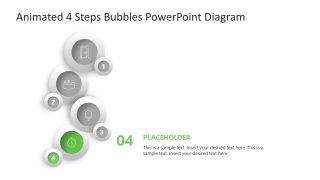
Our PPT template shows four pairs of bubbles. Each pair features a larger bubble with an icon and a smaller one with the step number. On the right side, project managers can edit the large bold digits and placeholder sections to describe the steps in detail. They can display the title and description with clarity. The Animated 4-Step Bubbles PowerPoint Diagram features spotlight-effect slides that individually explain the content for stakeholder presentations. The template cover slide elements appear from the bottom of the slide with subtle movement. During the presentation, the slides transition smoothly, enabling professionals to present their viewpoints, opinions, plans, or suggestions in a continuous flow without interruption.
Additionally, you have the option to change the effects, fonts, animations, or colors used in the diagram template. Download the animated 4-step bubbles infographic diagram PPT template to present the four-step prioritization model in the product development presentations.
What’s inside this template
Example presentation scenarios
- A marketing manager can use the overview slide to introduce the four stages of a campaign, then present each spotlight slide to explain ownership, tasks, and expected outputs.
- A strategy consultant can show a digital transformation plan by mapping each phase to one bubble, using the grayed-out inactive steps to keep executives focused on the current phase.
- An operations manager can explain a workflow change to department leads with the numbered bubbles, using the right-side text blocks to describe procedures, handoffs, and decision points.
- An SEO consultant can present a four-step site optimization plan to a client, assigning each bubble to audit, fixes, content, and measurement while keeping the sequence easy to follow.
Features
- 100% editable presentation template
- Compatible with Microsoft PowerPoint
- 16:9 aspect ratio slides
- Scalable vector shapes, icons and illustrations
- Ready with Animations & Transitions in PowerPoint
- AI-Ready for Microsoft Copilot and Claude
- Instant access and download
Frequently asked questions
Q: How should a presenter organize the message across the overview and spotlight slides?
A: Start with the full 4-step bubble overview to name the complete process and establish the sequence. Then use each spotlight slide to explain one decision, action, or deliverable in more detail. Keep the right-side text short: one clear heading, one outcome, and two or three supporting points are enough for this format.
Q: Who benefits most from using this four-step bubble diagram?
A: This template fits presenters who need to explain a compact process to people who may not know the details yet. Consultants, marketers, project managers, and operations leaders can use it for campaigns, workflow changes, implementation plans, or training modules where the audience must remember four distinct phases.
Q: Why use bubble visuals instead of a plain numbered list?
A: The bubble metaphor turns the process into a visible path, while the icon inside each larger circle gives every step a simple visual anchor. The spotlight slides reduce visual competition by graying out inactive steps, so the audience understands both the full sequence and the current point of discussion.


Animated 4 Steps Bubbles PowerPoint Diagram
5-slide animated PowerPoint presentation template for 4-step bubble diagrams and phase explanations
Animated 4 Steps Bubbles PowerPoint Diagram is a 5-slide Microsoft PowerPoint template for explaining four sequential actions or phases. It includes a full 4-step bubble overview, numbered text list, icon circles, and individual spotlight slides for each step, suited to process, campaign, workflow, or implementation presentations.
- Category
- Diagrams
- Rating

 Loading...
- Aspect ratio
- 16:9
- Item ID
- 23680-02
- Colors
 Microsoft PowerPoint
  Microsoft Copilot
  Claude for PowerPoint
 Other formats supported
Subscribe today and get immediate
access to download our PowerPoint templates.