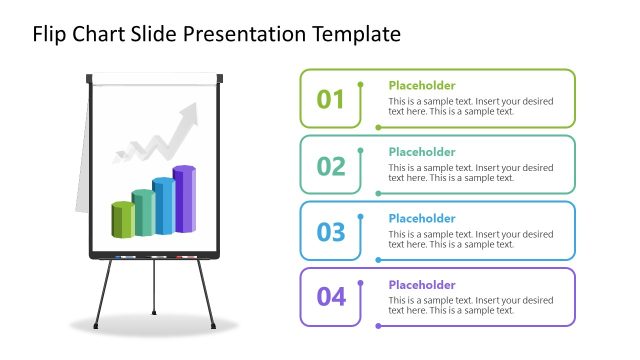
Download the modern 4-Item Flip Chart PowerPoint Template to structure your sequential explanation in a clean numbered layout. A financial advisor uses the four-point flip chart illustration to communicate a revenue improvement strategy in four clear stages. The management consultant visualizes the sequence of actions and explains how each step feeds into the next in the business workflows. The flip chart diagram is also fully compatible with Google Slides. The implementation of shadows gives the diagram a 3D appearance. Sales enablement trainers discuss the four steps to closing clients in the new-hire training presentations.
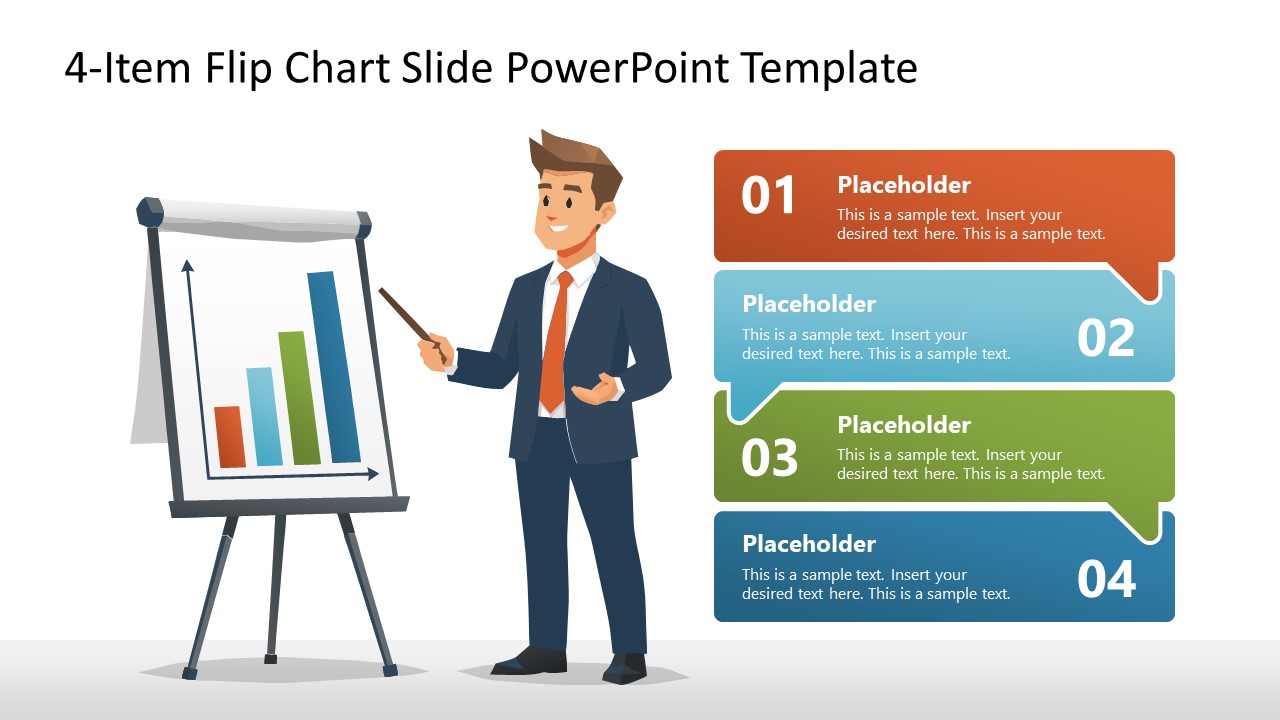
The 4-Item Flip Chart PowerPoint Template features a presenter-and-chart illustration with four numbered speech-bubble callouts. All the callouts are color-coded (orange, teal, green, blue) so the audience can grasp the concept with clarity. The callouts are numbered and connected to one another to create consistency in the design and keep the audience engaged. Alternating the placement of the numbers between left and right positions breaks the monotony of the layout. The presenter represents a startup founder, an entrepreneur, or a corporate guy discussing the data insights with the board members. For instance, the startup founder uses the 4-item flipchart diagram to showcase the product features and market opportunities to the investors to secure funds. Marketing directors discuss the four steps to building a long-term brand image in the target market.
Furthermore, we allow our users to change the design, arrangement, colors, or shapes to suit their needs. Download the 4-item flip chart PPT template to structure your onboarding plans in four clear steps in stakeholder presentations. Or see other versions of the diagram templates to select the design that best matches your theme and preferences.
What’s inside this template
Example presentation scenarios
- Management consultants can explain a four-stage workflow to client stakeholders using the numbered callouts and presenter illustration to keep each step distinct.
- Sales trainers can teach a closing process to new hires by assigning each speech-bubble callout to a specific client conversation stage.
- Financial advisors can brief executives on revenue improvement actions by using the flip chart bar graphic as the visual cue and the four callouts for recommendations.
- Project managers can open a meeting with four agenda priorities, placing the priority names and short notes inside the color-coded callouts.
Features
- 100% editable presentation template
- Compatible with Microsoft PowerPoint and Google Slides
- 16:9 aspect ratio slides
- Scalable vector shapes, icons and illustrations
- AI-Ready for Microsoft Copilot and Claude
- Instant access and download
Frequently asked questions
Q: How should I turn the four callouts into a clear message instead of a list?
A: Use the largest number in each callout as the audience's anchor, then write each heading as an action verb or decision point. Keep the body copy to one short sentence per item. Introduce the flip chart first, then move through 01 to 04 so the presenter illustration reinforces a guided explanation.
Q: Who is this flip chart layout best suited for?
A: This layout fits presenters who need to explain four related items in a meeting, training, or advisory session without building a full deck. It works for consultants, sales managers, financial advisors, and project leads who want a single-slide structure for steps, agenda priorities, recommendations, or discussion points.
Q: Why does the presenter-and-flip-chart metaphor help the audience follow the slide?
A: The presenter figure and easel create a familiar workshop scene, so the slide feels like someone is walking the audience through a boardroom explanation. The alternating number placement and color-coded speech bubbles break the four items into separate stops, reducing visual monotony while keeping the sequence easy to scan.
4-Item Flip Chart PowerPoint Template
1-slide presentation template with a 4-step flip chart diagram, presenter illustration, and numbered callouts
The 4-Item Flip Chart PowerPoint Template is a 1-slide diagram for explaining a four-part sequence or meeting agenda. It shows a presenter beside a flip chart with a bar chart, plus four color-coded numbered speech-bubble callouts. Business presenters can edit the vector shapes in Microsoft PowerPoint or Google Slides.
- Category
- Diagrams
- Rating

 Loading...
- Aspect ratio
- 16:9
- Item ID
- 23738-01
- Colors
 Microsoft PowerPoint
  Microsoft Copilot
  Claude for PowerPoint
 Other formats supported
Subscribe today and get immediate
access to download our PowerPoint templates.