Slide 3 of 5 from Animated 4 Steps Bubbles PowerPoint Diagram
Step 2 Focus Slide- Animated 4 Steps Bubbles PPT Diagram Template
4 Steps Bubble Diagram for Presentations
- Diagram
- Comparison Split
- Process Slide
- 16:9
- 100% Editable
What’s on This Slide
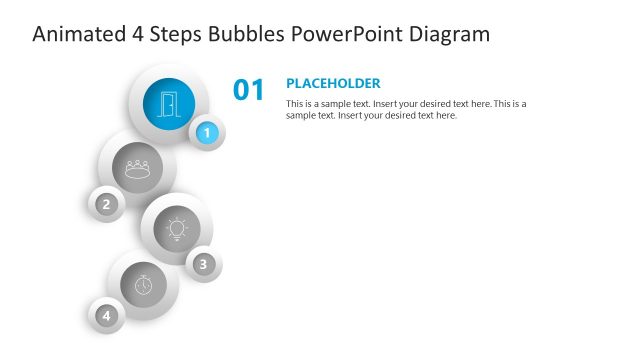
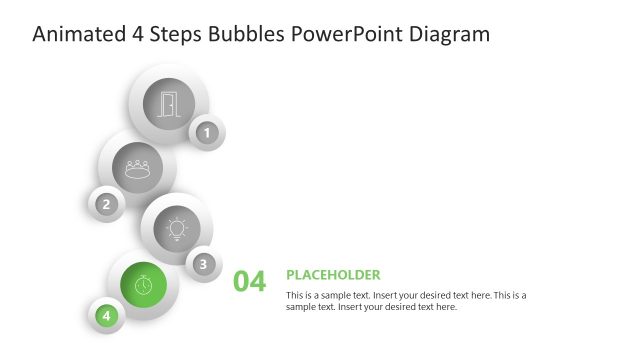
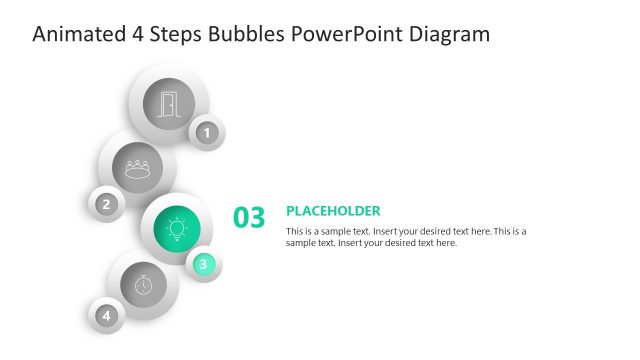
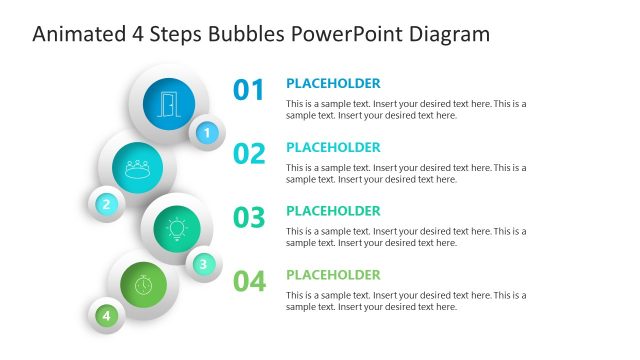
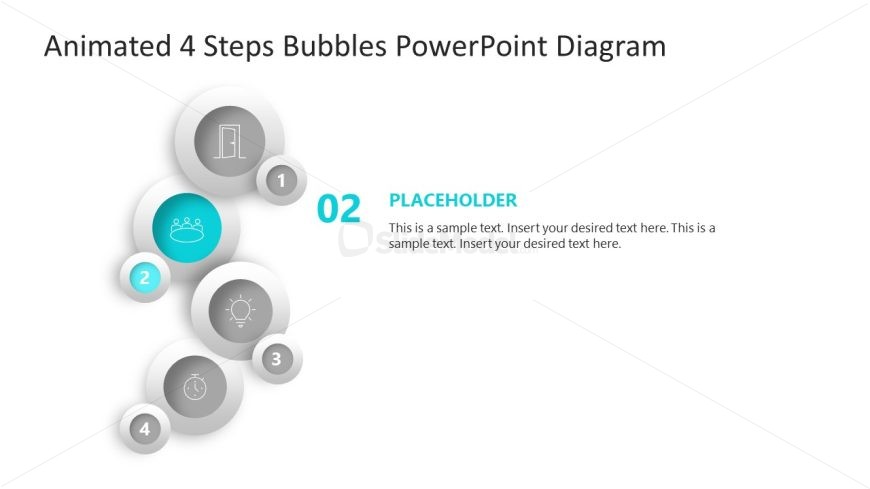
The layout features a vertical arrangement of four circular bubbles on the left side. Each bubble contains an icon and a number, with the second bubble highlighted in teal. To the right, there is a large text placeholder, aligned vertically, for a title and additional text. The bubbles are in varying shades of gray, with the highlighted bubble standing out. The visual hierarchy emphasizes the highlighted bubble, while the overall composition maintains a clean and organized look. Background is white, enhancing the contrast of the bubbles.
How to Use It
This layout serves as a sequential process diagram, ideal for illustrating four steps or phases in a presentation. It fits well in a sequence after introducing a topic or problem, providing clarity on the steps involved. Common scenarios include project management, marketing campaigns, or workflow presentations. The structure allows for easy customization of content while maintaining a clear visual flow.
Text Placeholders & Capacity
Keep your copy within these limits so it fits without resizing. Body slots can hold roughly 30-40 words each.
| Placeholder | Count | Max characters (approx.) |
|---|---|---|
| Slide title | 1 | 30 |
| Item heading | 4 | 10 |
| Item body | 1 | 200 |
Slide Keywords
Download unlimited PowerPoint templates, charts and graphics for your presentations with our annual plan.
DOWNLOADReturn to Animated 4 Steps Bubbles PowerPoint Diagram.