Slide 4 of 5 from Animated 4 Steps Bubbles PowerPoint Diagram
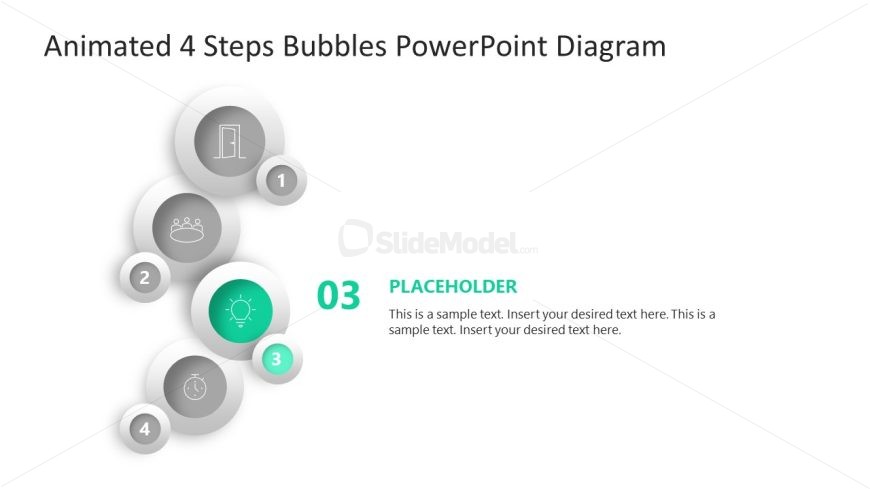
Step 3 Presentation Slide with Focus Effect
4 Steps Bubble Diagram for Presentations
- Diagram
- Comparison Split
- Process Slide
- 16:9
- 100% Editable
What’s on This Slide
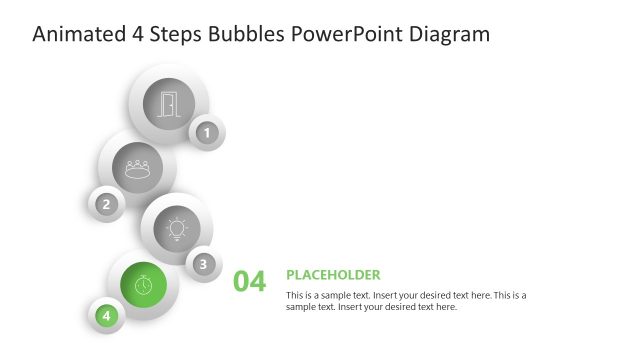
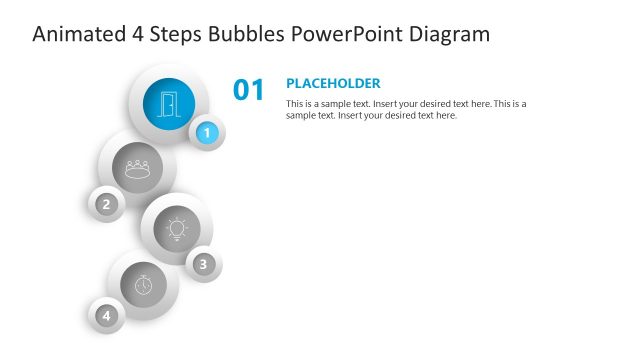
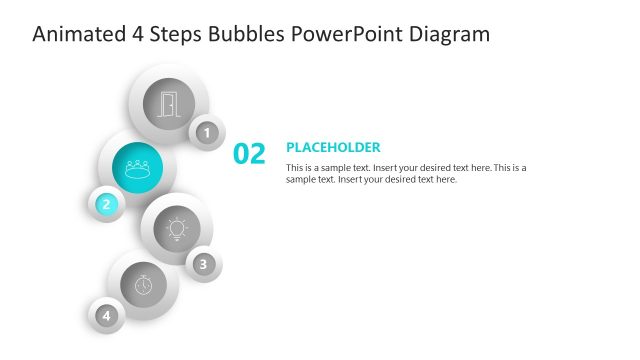
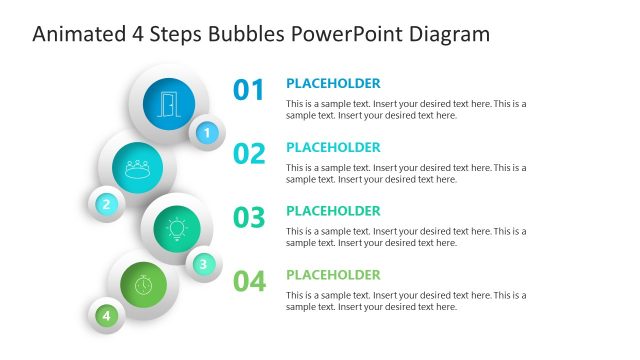
The layout features a vertical arrangement of four circular nodes, each representing a step. The first three nodes are gray with icons, while the third node is highlighted in teal, indicating the current focus. The node labels are positioned inside the circles, with the number '03' prominently displayed. To the right, a large text placeholder is present, aligned vertically. It contains sample text indicating where to insert content. The background is white, creating a clean contrast with the colored elements.
How to Use It
This layout serves as a sequential process diagram, ideal for illustrating four distinct phases or steps in a presentation. It fits well after introductory slides, providing clarity on a process or workflow. Suitable scenarios include project updates, marketing strategies, or operational workflows. The design allows for easy modification of text and icons to fit various business contexts, enhancing understanding of complex information.
Text Placeholders & Capacity
Keep your copy within these limits so it fits without resizing. Body slots can accommodate roughly 30-40 words each.
| Placeholder | Count | Max characters (approx.) |
|---|---|---|
| Item heading | 4 | 2 |
| Body paragraph | 1 | 200 |
Slide Keywords
Download unlimited PowerPoint templates, charts and graphics for your presentations with our annual plan.
DOWNLOADReturn to Animated 4 Steps Bubbles PowerPoint Diagram.