Slide 1 of 10 from 8-Step Layered Process Diagram PowerPoint Template
Title Slide – 8-Step Layered Process Diagram Template
8-Step Layered Process Diagram Overview
- Diagram
- Layered Stack
- Process Slide
- 16:9
- 100% Editable
What’s on This Slide
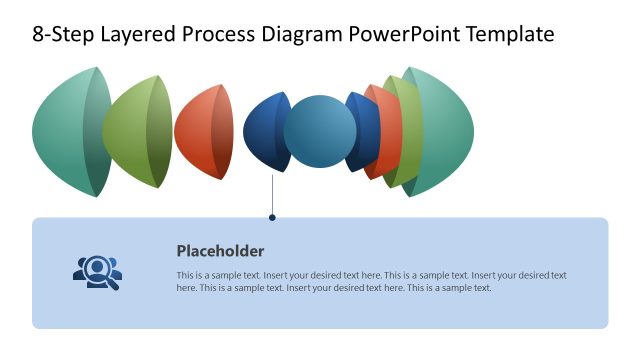
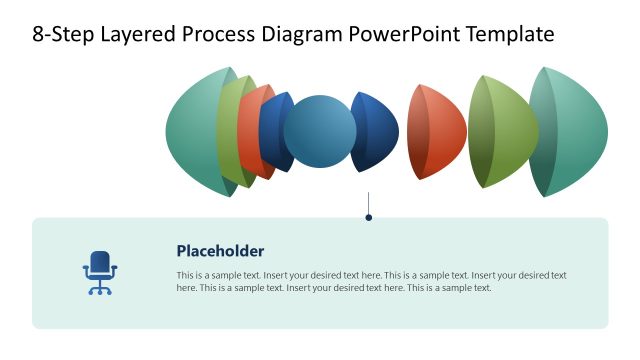
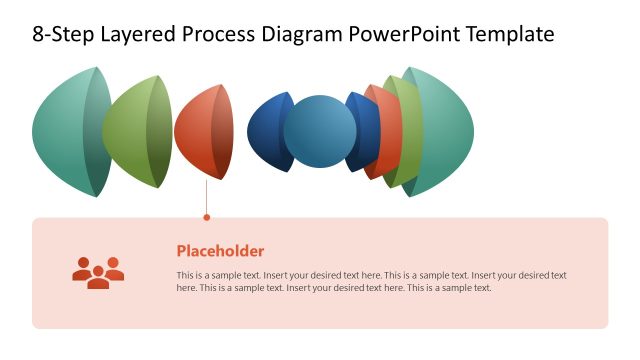
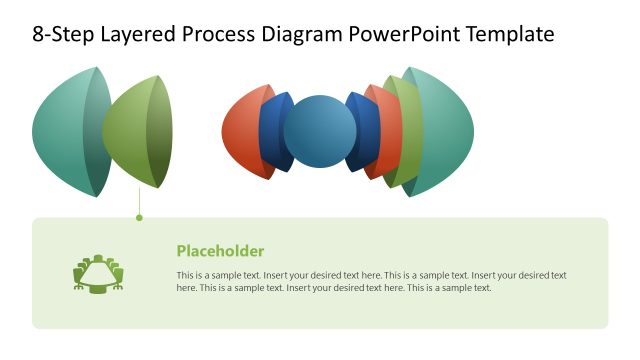
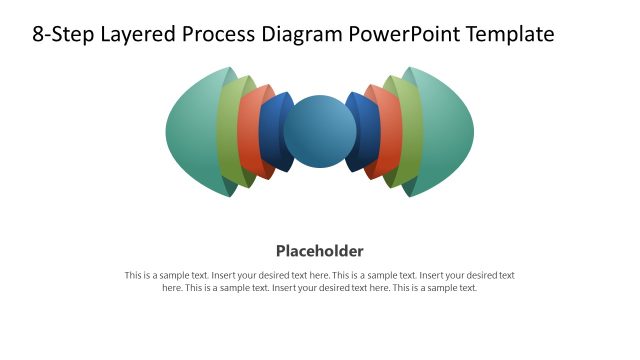
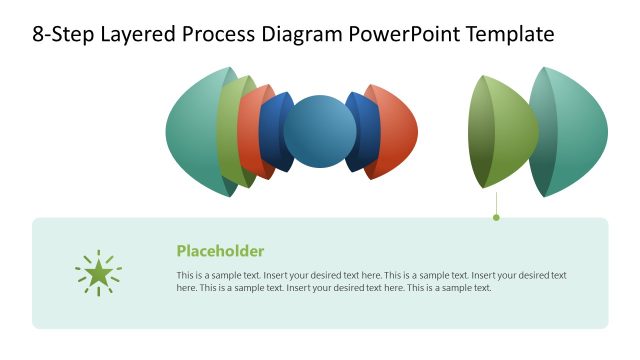
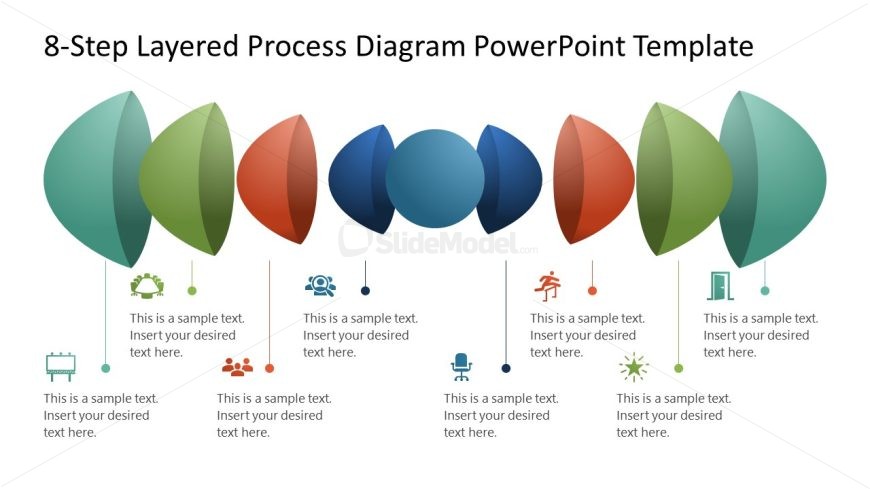
The layout features eight layered shapes arranged horizontally across the center. Each shape is a different color, with alternating green, blue, red, and orange hues. Below each shape, there are text placeholders aligned centrally, indicating where to insert desired text. The shapes vary in size, with the central shape being the largest. Icons representing various concepts are placed above the text placeholders, each corresponding to the layered shapes. The overall composition is balanced, with a clear visual hierarchy emphasizing the central elements.
How to Use It
This layout serves as a structured process diagram, ideal for illustrating an eight-step process. It fits well in presentations focusing on business processes, project planning, or workflow design. The arrangement allows for clear communication of sequential steps, making it suitable for training sessions, strategy meetings, or project updates. It can be used to visually represent complex information in a simplified manner, aiding audience understanding and engagement.
Text Placeholders & Capacity
Keep your copy within these limits so it fits without resizing. Each text slot can hold about 5-6 words comfortably.
| Placeholder | Count | Max characters (approx.) |
|---|---|---|
| Item body | 8 | 30 |
Slide Keywords
Download unlimited PowerPoint templates, charts and graphics for your presentations with our annual plan.
DOWNLOADReturn to 8-Step Layered Process Diagram PowerPoint Template.