Slide 8 of 10 from 8-Step Layered Process Diagram PowerPoint Template
PowerPoint Slide for Step 6 – Layered Process Diagram
8-Step Layered Process Diagram Overview
- Diagram
- Layered Stack
- Process Slide
- 16:9
- 100% Editable
The Layered Process Diagram slide from the 8-Step Layered Process Diagram PowerPoint Template offers a clear visual layout ideal for project management and process optimization. This slide uses editable shapes arranged in a layered stack to illustrate multi-step workflows effectively, making it suitable for corporate presentations and strategic planning. Its clean design with ample white space enhances focus, supporting clear communication within business presentation templates and slide decks.
What’s on This Slide
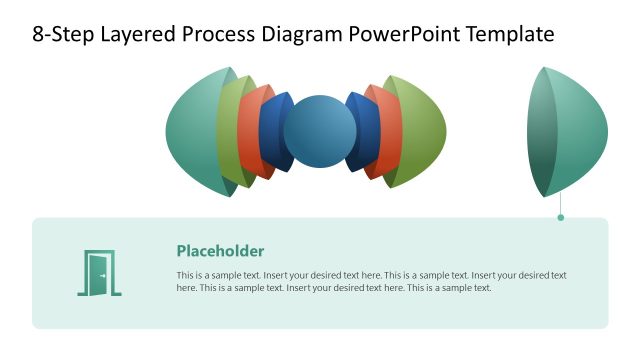
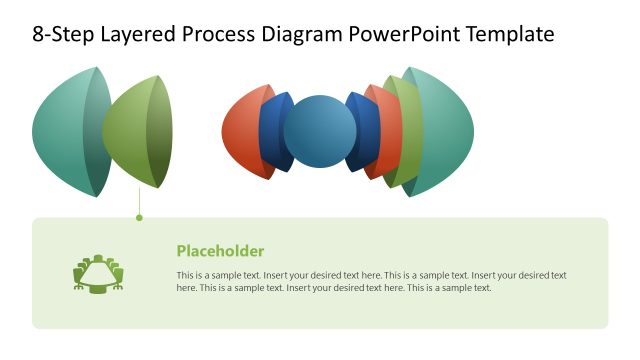
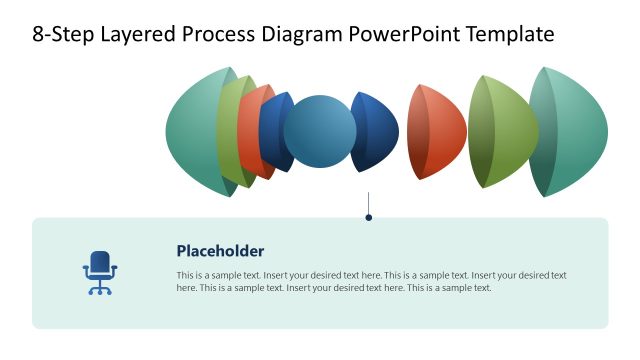
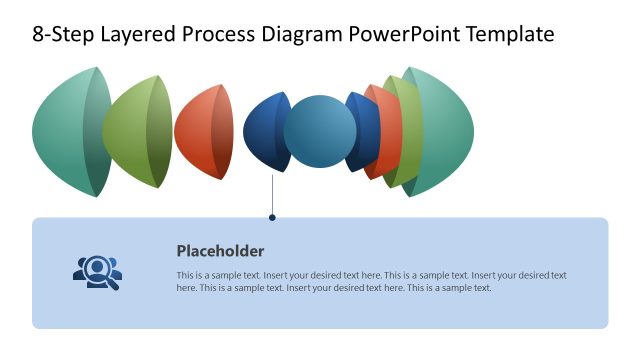
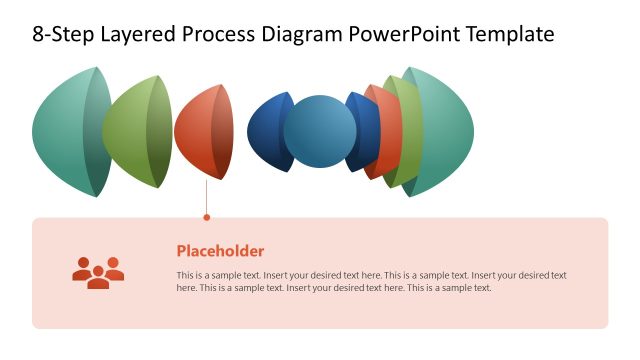
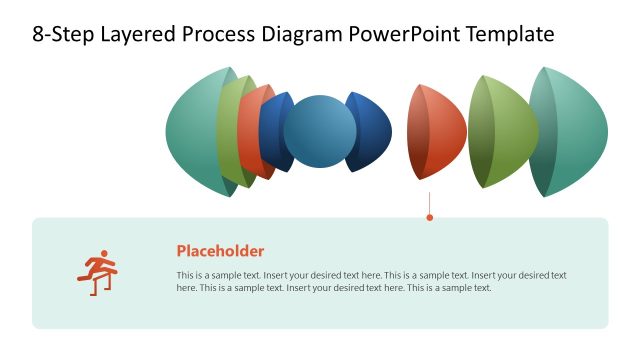
The slide features a central layered diagram composed of eight semi-circular shapes in varying colors, arranged horizontally. The shapes are grouped closely, with a slight overlap, creating a layered effect. Below the diagram, there is a large text placeholder aligned to the left, with a light green background and a star icon. The placeholder contains sample text, indicating where content can be inserted. The overall layout is clean, with ample white space around the elements, enhancing visual clarity and focus.
How to Use It
This layout serves as a visual representation of a multi-step process, ideal for illustrating workflows or stages in a project. It fits well in a presentation sequence after introducing a problem and before outlining solutions. This structure is suitable for business scenarios such as project management, process optimization, or strategic planning, where clear visual communication of steps is essential.
Text Placeholders & Capacity
Keep your copy within these limits so it fits without resizing. Node slots can hold substantial text, roughly 30-40 words each.
| Placeholder | Count | Max characters (approx.) |
|---|---|---|
| Item body | 8 | 200 |
| Body paragraph | 1 | 400 |
Slide Keywords
Download unlimited PowerPoint templates, charts and graphics for your presentations with our annual plan.
DOWNLOADReturn to 8-Step Layered Process Diagram PowerPoint Template.