Slide 5 of 10 from 8-Step Layered Process Diagram PowerPoint Template
Step 3 Slide – Layered Process Diagram
8-Step Layered Process Diagram Overview
- Diagram
- Layered Stack
- Process Slide
- 16:9
- 100% Editable
What’s on This Slide
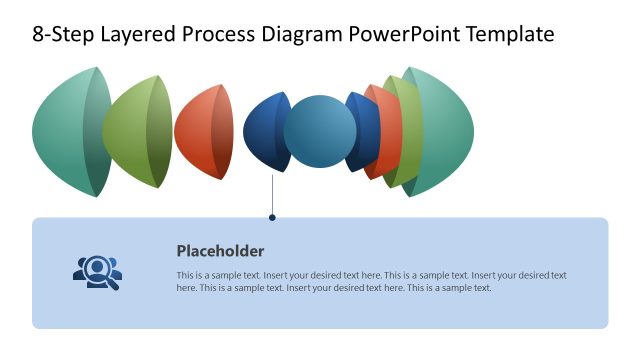
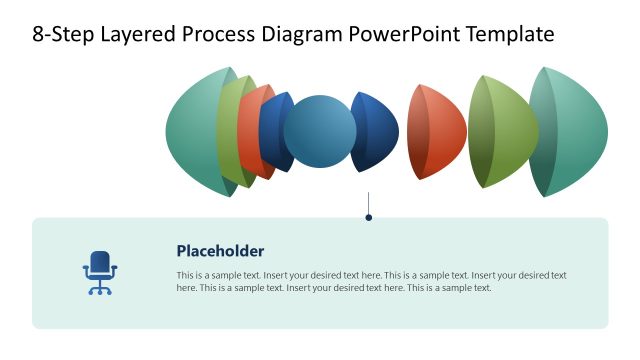
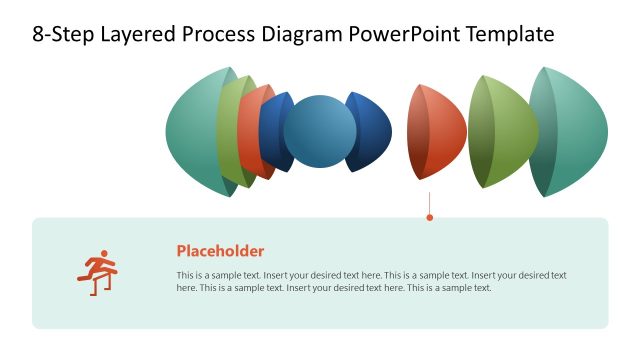
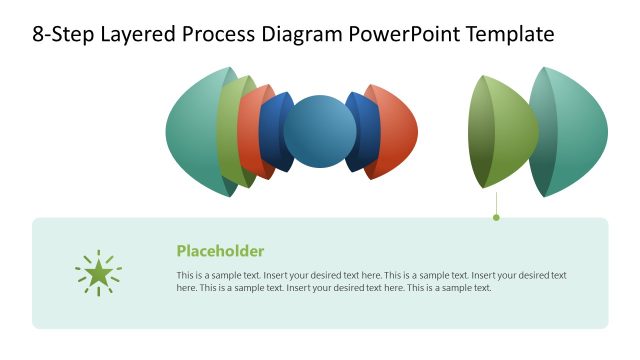
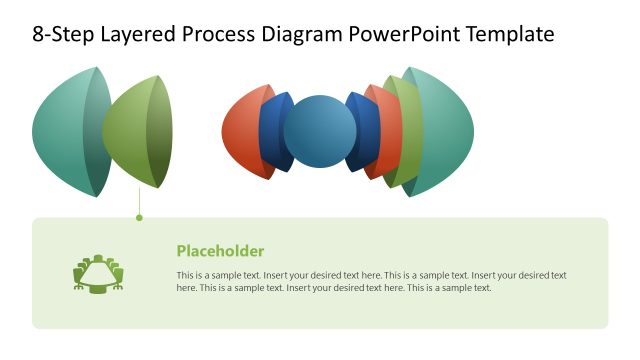
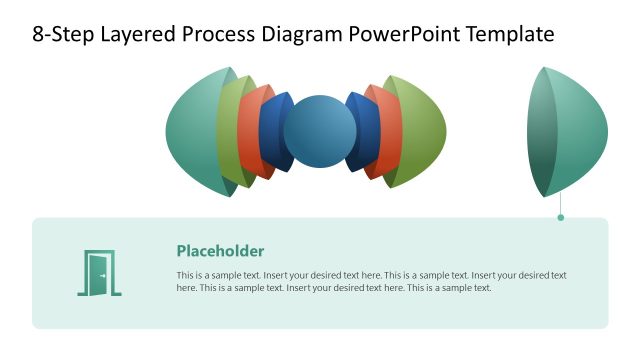
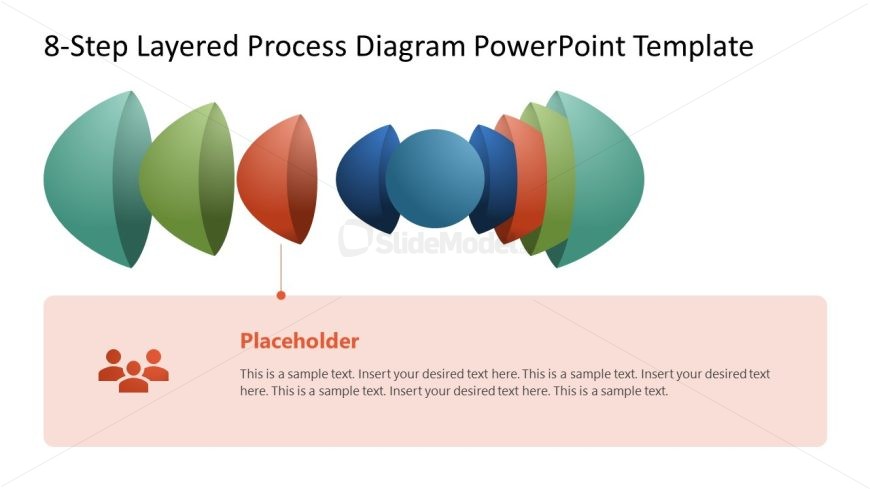
The slide features a layered process diagram with eight distinct, rounded shapes arranged horizontally across the top. These shapes vary in color and size, creating a visual hierarchy. Below the diagram, a large rectangular placeholder is centered, containing sample text aligned left. The text placeholder is visually distinct, with a light background color that contrasts with the shapes above. The overall composition emphasizes the diagram while providing space for descriptive text, ensuring clarity and organization in the layout.
How to Use It
This layout serves to illustrate a multi-step process, making it suitable for presentations that outline workflows or methodologies. It fits well in a sequence following a problem statement or introduction, guiding the audience through each step. Real-world applications include business process presentations, project management overviews, and training sessions where structured methodologies are discussed. The clear visual separation of steps aids in audience comprehension and retention.
Text Placeholders & Capacity
Keep your copy within these limits so it fits without resizing. Body slots can accommodate roughly 30-40 words each.
| Placeholder | Count | Max characters (approx.) |
|---|---|---|
| Slide title | 1 | 40 |
| Body paragraph | 1 | 200 |
Slide Keywords
Download unlimited PowerPoint templates, charts and graphics for your presentations with our annual plan.
DOWNLOADReturn to 8-Step Layered Process Diagram PowerPoint Template.