Slide 10 of 10 from 8-Step Layered Process Diagram PowerPoint Template
Step 8 PowerPoint Slide – Layered Process Diagram Template
8-Step Layered Process Diagram Overview
- Diagram
- Layered Stack
- Process Slide
- 16:9
- 100% Editable
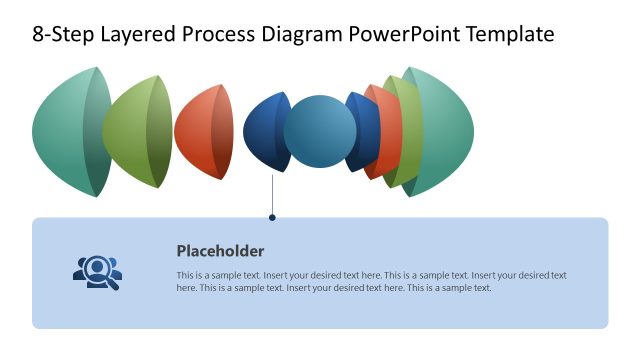
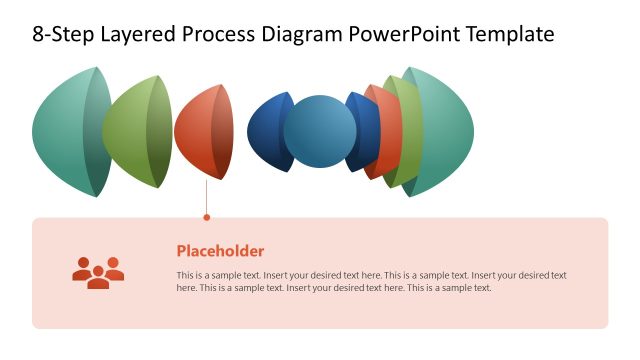
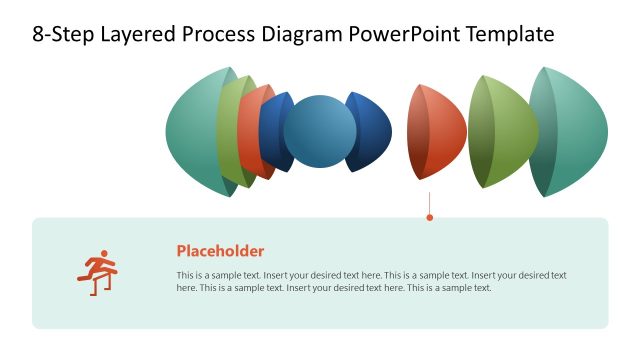
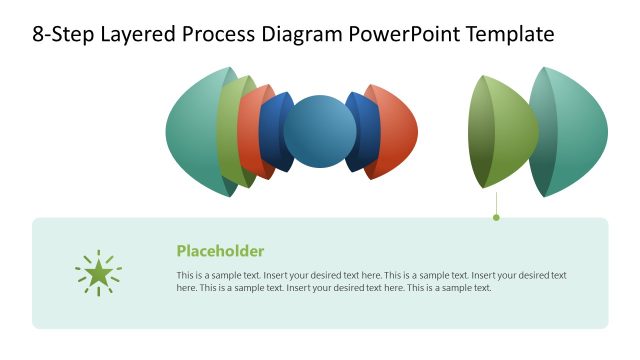
The 8-Step Layered Process Diagram slide from the 8-Step Layered Process Diagram PowerPoint Template offers a clear visualization of sequential workflows using editable shapes and layered semi-circular graphics. This slide layout supports business presentations and pitch deck templates by effectively illustrating multi-step processes and project steps overview with vector icons and customizable text placeholders.
What’s on This Slide
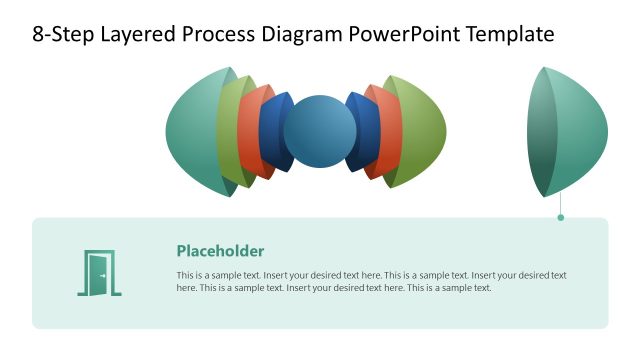
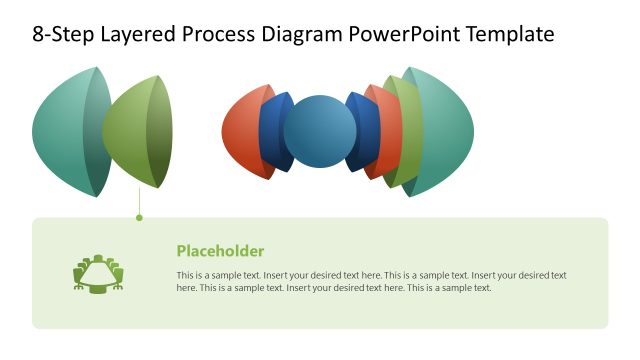
The slide features a central layered diagram composed of eight semi-circular shapes arranged horizontally. These shapes vary in color and size, creating a visual hierarchy. Below the diagram, there is a large rectangular text placeholder aligned to the left, containing sample text. The title is positioned at the top center, providing context for the diagram. The overall layout emphasizes the layered structure, with the diagram serving as the focal point, while the text placeholder supports additional information.
How to Use It
This layout is designed to illustrate a multi-step process, making it suitable for presentations that outline procedures or workflows. It fits well in a sequence following a problem statement or introduction, guiding the audience through the steps involved. This structure is applicable in business contexts such as project management, product development, or training sessions, where a clear depiction of sequential actions is necessary.
Text Placeholders & Capacity
Keep your copy within these limits so it fits without resizing. The body text slot can accommodate approximately 30-40 words comfortably.
| Placeholder | Count | Max characters (approx.) |
|---|---|---|
| Slide title | 1 | 30 |
| Item body | 1 | 250 |
Slide Keywords
Download unlimited PowerPoint templates, charts and graphics for your presentations with our annual plan.
DOWNLOADReturn to 8-Step Layered Process Diagram PowerPoint Template.