Slide 6 of 10 from 8-Step Layered Process Diagram PowerPoint Template
Step 4 PowerPoint Slide – Process Diagram
8-Step Layered Process Diagram Overview
- Diagram
- Layered Stack
- Process Slide
- 16:9
- 100% Editable
What’s on This Slide
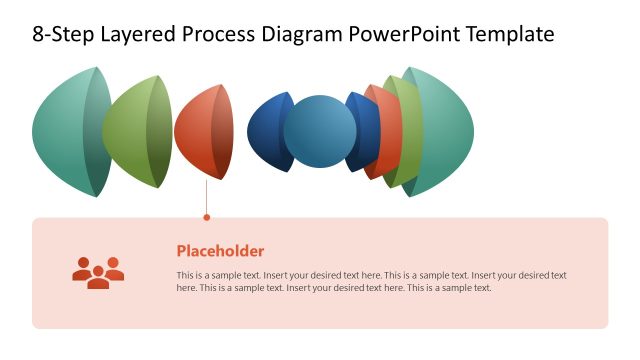
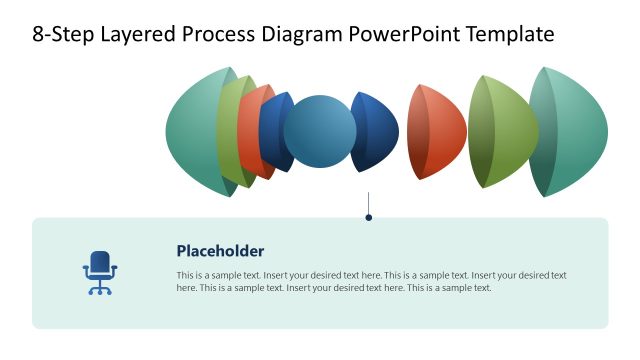
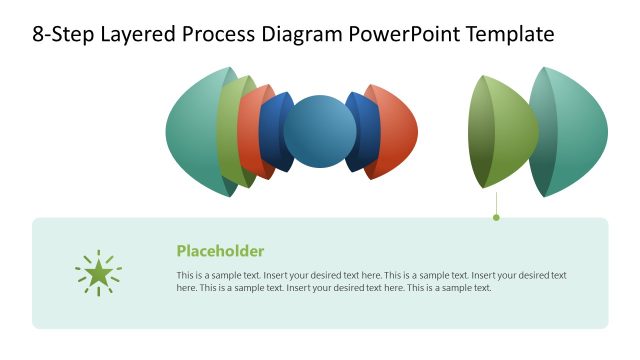
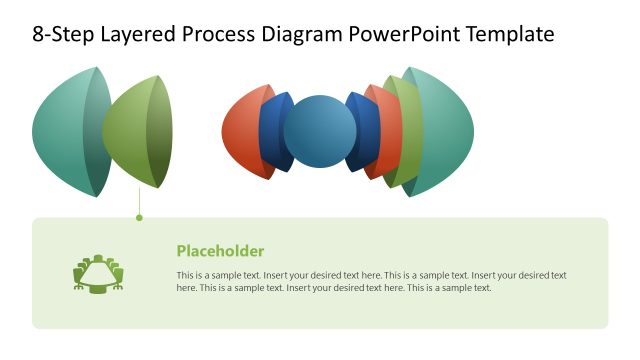
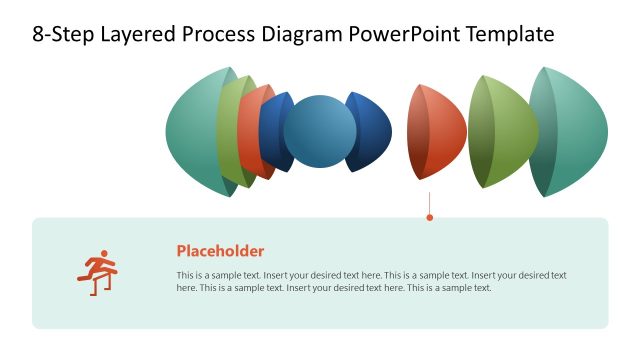
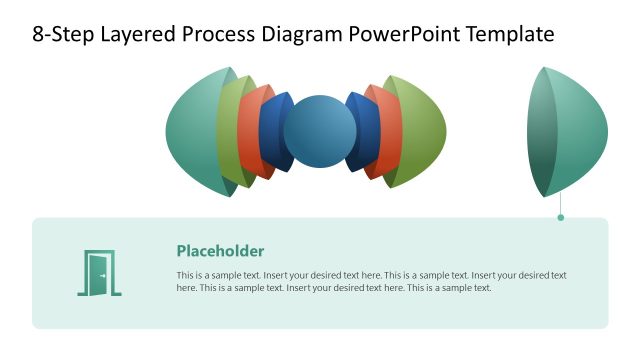
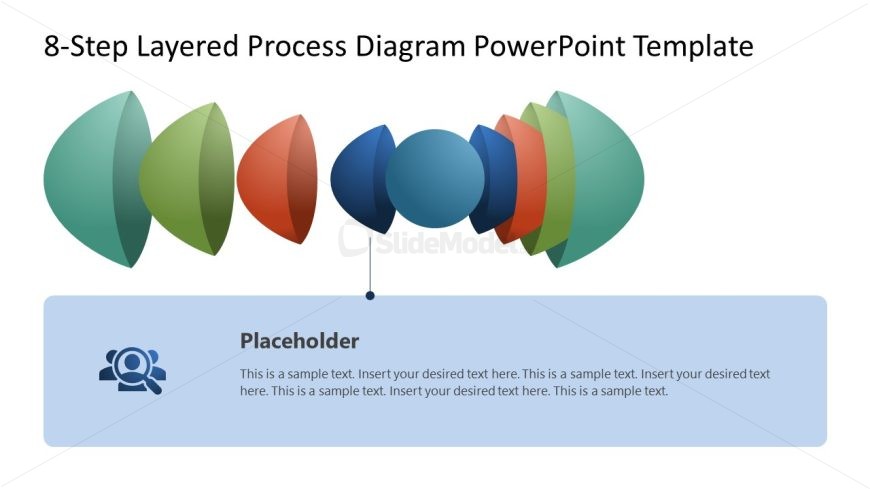
The slide features a layered process diagram with eight distinct shapes arranged horizontally. The shapes are semi-circular and vary in color, positioned from left to right, creating a visual flow. Below the diagram, there is a large rectangular placeholder for text, aligned centrally. The placeholder includes an icon representing people, indicating its purpose for text input. The background is light, enhancing the visibility of the colorful shapes above. The overall composition emphasizes the layered structure, with a clear visual hierarchy.
How to Use It
This layout serves to illustrate a multi-step process, making it suitable for business presentations that require a clear depiction of sequential actions. It fits well after problem identification slides, guiding the audience through proposed solutions. This structure is useful in scenarios like project planning, process design discussions, or training sessions where step-by-step guidance is essential. The design allows for easy customization of each layer to represent specific tasks or phases within a broader process.
Text Placeholders & Capacity
Keep your copy within these limits so it fits without resizing. Text slots can accommodate detailed descriptions, roughly 40-50 words each.
| Placeholder | Count | Max characters (approx.) |
|---|---|---|
| Item body | 1 | 250 |
Slide Keywords
Download unlimited PowerPoint templates, charts and graphics for your presentations with our annual plan.
DOWNLOADReturn to 8-Step Layered Process Diagram PowerPoint Template.