Slide 7 of 10 from 8-Step Layered Process Diagram PowerPoint Template
Step 5 Presentation Slide – Layered Process Diagram
8-Step Layered Process Diagram Overview
- Diagram
- Layered Stack
- Process Slide
- 16:9
- 100% Editable
The 8-Step Layered Process Diagram slide from the 8-Step Layered Process Diagram PowerPoint Template offers a clear visualization tool for complex workflows and project stages. This slide layout integrates editable shapes arranged in a circular pattern, ideal for business presentations that require detailed process explanation. It supports the creation of a professional slide deck by combining visual clarity with space for descriptive text, making it a practical choice for corporate presentations and pitch decks.
What’s on This Slide
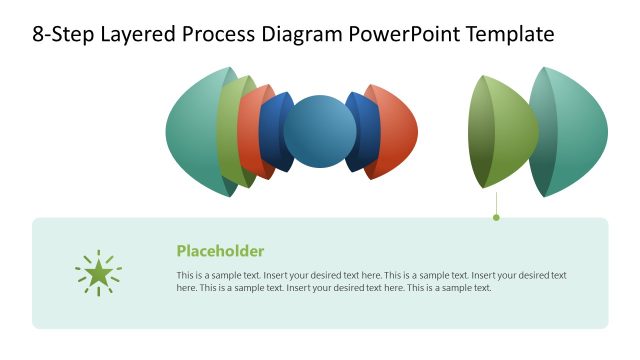
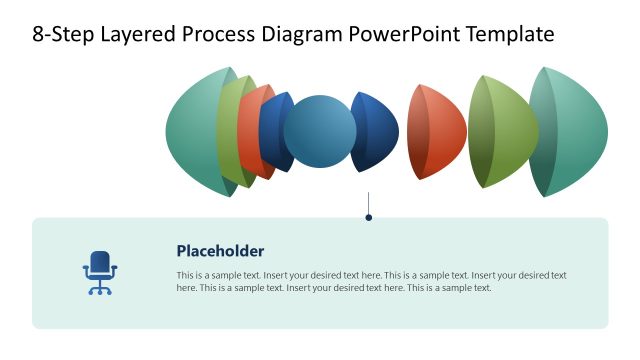
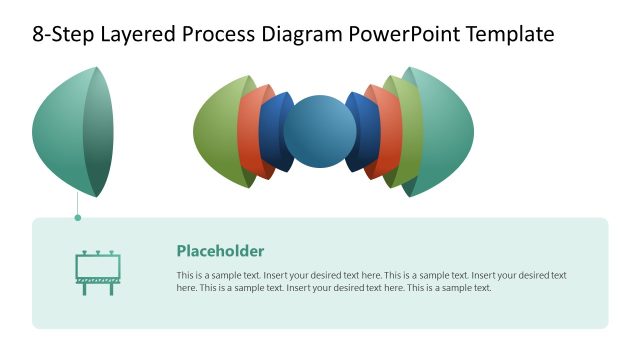
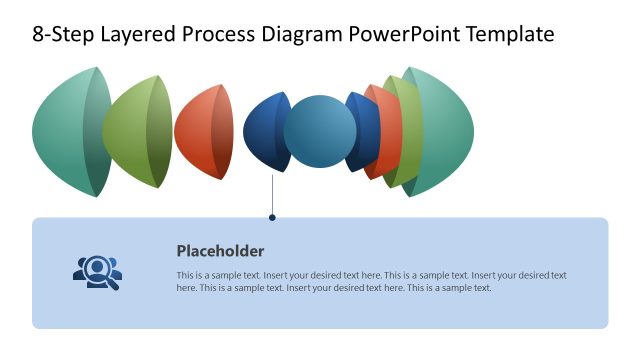
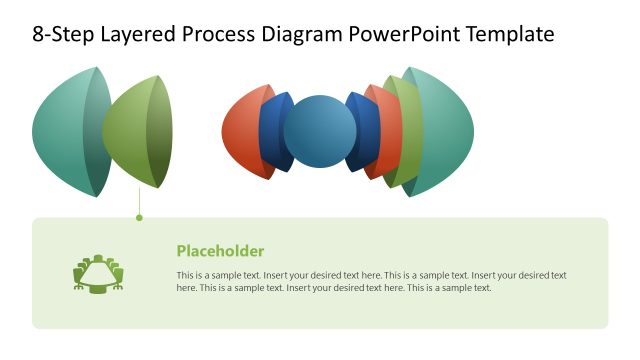
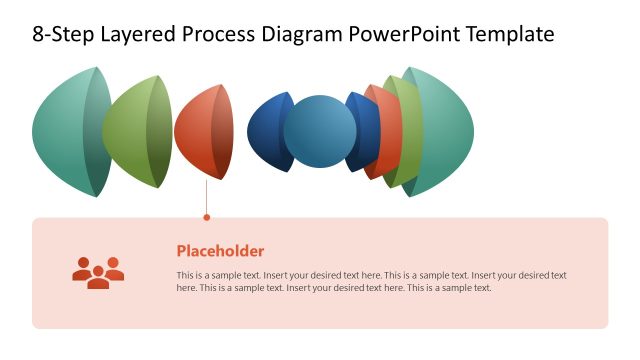
The layout features a central layered diagram with eight distinct shapes arranged in a circular pattern. The shapes vary in color, with a mix of greens, blues, and reds, creating a visually engaging flow. Below the diagram, there is a text placeholder aligned to the left, designed for body text. The placeholder is rectangular and contains sample text, indicating where content can be inserted. The overall composition is balanced, with the diagram taking prominence at the top and the text area providing space for detailed explanations.
How to Use It
This layout serves as a visual representation of a layered process, suitable for illustrating complex workflows or stages. It fits well in a presentation sequence following introductory slides that outline the problem or context. This structure is useful in business scenarios such as project management, process optimization, or product development, where clear step-by-step guidance is required to convey detailed information effectively.
Text Placeholders & Capacity
Keep your copy within these limits so it fits without resizing. Body slots can hold approximately 40-50 words each.
| Placeholder | Count | Max characters (approx.) |
|---|---|---|
| Body paragraph | 1 | 250 |
Slide Keywords
Download unlimited PowerPoint templates, charts and graphics for your presentations with our annual plan.
DOWNLOADReturn to 8-Step Layered Process Diagram PowerPoint Template.