Slide 1 of 8 from 7 Steps Material Design Spoke Diagram PowerPoint Template
7 Steps Circular PowerPoint Diagram
7 Steps Spoke Diagram for Presentations
- Diagram
- Segmented Wheel
- Process Slide
- 16:9
- 100% Editable
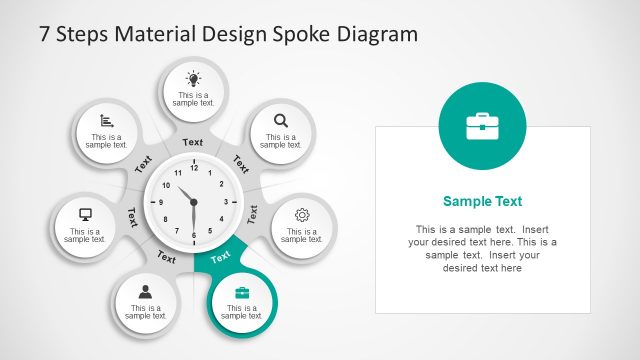
The 7 Steps Spoke Diagram slide from the 7 Steps Material Design Spoke Diagram PowerPoint Template offers a clear visual framework for presenting sequential processes in business presentations. This slide layout uses editable shapes and vector icons arranged in a circular design to highlight each step distinctly, making it suitable for marketing strategies, project overviews, or process presentations within a corporate slide deck.
What’s on This Slide
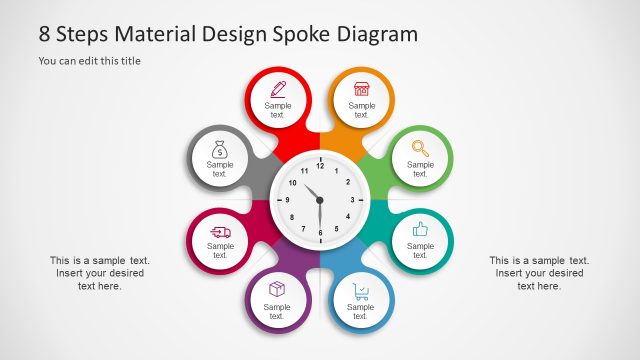
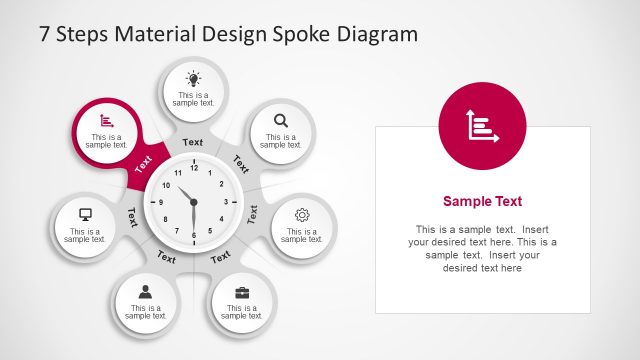
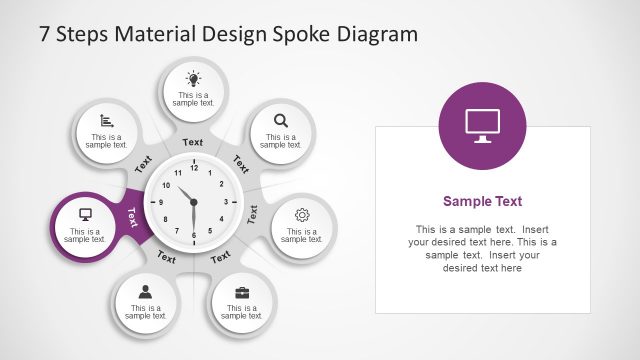
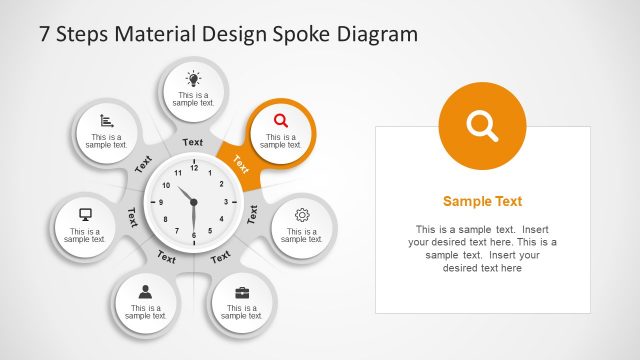
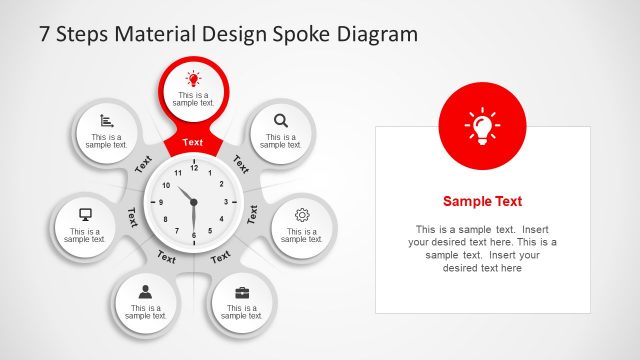
The layout features a central circular shape with a clock design, surrounded by seven equally sized circular nodes positioned around it. Each node is colored differently, with icons placed inside them representing various concepts. Text placeholders are present within each node, aligned centrally, and there is a title placeholder at the top center of the slide. The background is light, enhancing the visibility of the colorful nodes. The overall composition is circular, emphasizing a cyclical or stepwise process.
How to Use It
This layout serves as a visual representation of a process or steps in a business context. It is suitable for presentations that outline sequential actions, stages, or components of a project. It fits well after problem-framing slides and can effectively introduce solutions or strategies. This structure is ideal for business development, marketing strategies, or product feature presentations, where clarity and engagement are essential.
Text Placeholders & Capacity
Keep your copy within these limits so it fits without resizing. Node text slots can hold about 5-6 words each.
| Placeholder | Count | Max characters (approx.) |
|---|---|---|
| Slide title | 1 | 40 |
| Item body | 7 | 30 |
| Body paragraph | 3 | 50 |
Slide Keywords
Download unlimited PowerPoint templates, charts and graphics for your presentations with our annual plan.
DOWNLOADReturn to 7 Steps Material Design Spoke Diagram PowerPoint Template.