Slide 3 of 8 from 7 Steps Material Design Spoke Diagram PowerPoint Template
PPT Central Clock with Search Stage
7 Steps Spoke Diagram for Presentations
- Diagram
- Circular Cycle
- Process Slide
- 16:9
- 100% Editable
The 7 Steps Spoke Diagram slide from the 7 Steps Material Design Spoke Diagram PowerPoint Template offers a clear visual tool for illustrating processes or marketing strategies. This circular cycle layout uses editable shapes and vector icons to highlight key points and sequential steps, making it suitable for business presentations and pitch decks that require effective process illustration.
What’s on This Slide
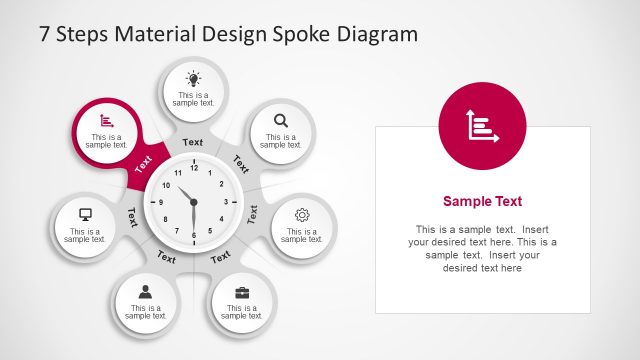
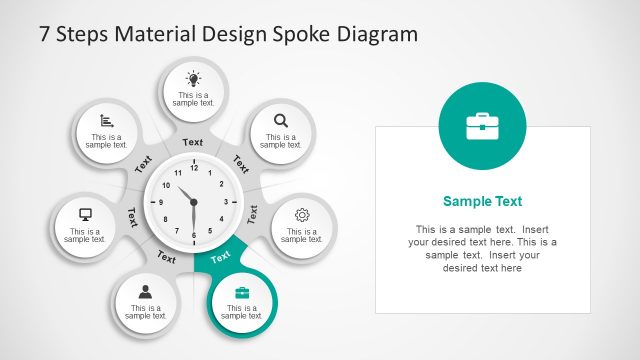
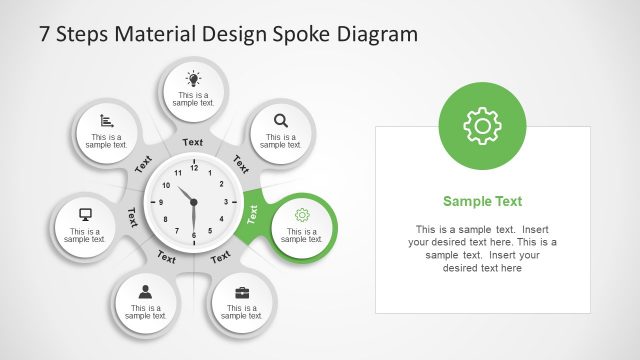
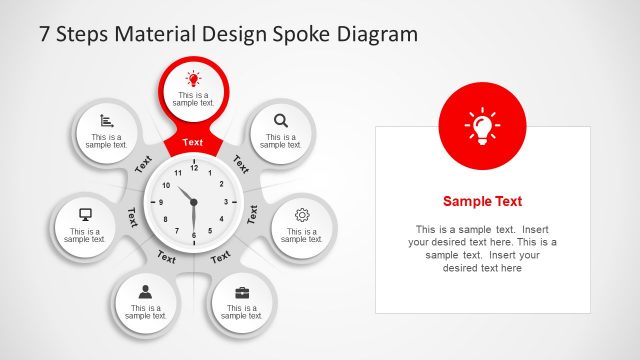
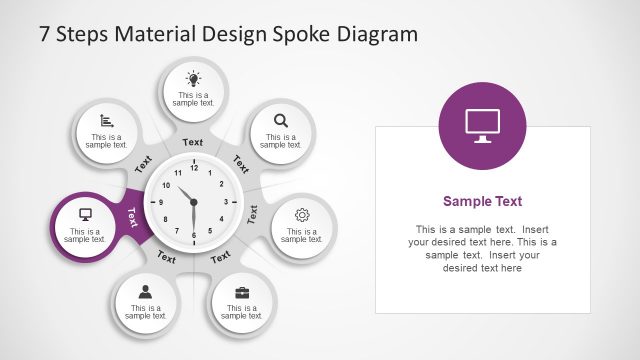
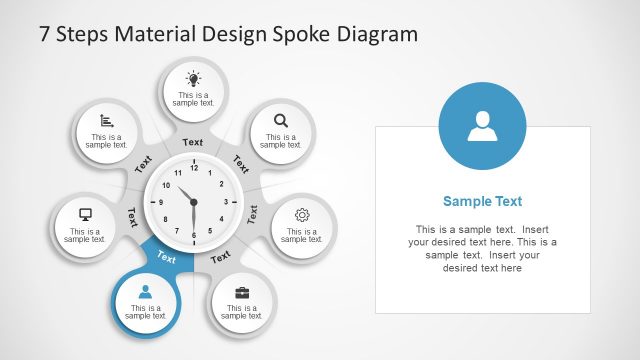
The layout features a central circular clock-like shape surrounded by six circular nodes. Each node contains a text placeholder aligned centrally, with a larger highlighted node indicating a key point. The nodes are arranged in a circular pattern, radiating outward from the center. To the right, a rectangular area includes a separate text placeholder for additional information. The background is light with a subtle gradient, enhancing the visual hierarchy. The overall composition emphasizes the central clock while maintaining balance with surrounding elements.
How to Use It
This layout serves as a spoke diagram to illustrate processes or steps in a business context. It fits well in presentations that require a visual representation of sequential or cyclical concepts. Ideal for showcasing product features, marketing strategies, or project phases, it can effectively communicate complex ideas in a simplified format. This diagram is suitable for both team discussions and client presentations, helping to clarify roles or stages in development.
Text Placeholders & Capacity
Keep your copy within these limits so it fits without resizing. Node slots can hold concise text, roughly 5-6 words each.
| Placeholder | Count | Max characters (approx.) |
|---|---|---|
| Item body | 6 | 30 |
| Item body | 1 | 60 |
| Slide title | 1 | 50 |
| Body paragraph | 1 | 150 |
Slide Keywords
Download unlimited PowerPoint templates, charts and graphics for your presentations with our annual plan.
DOWNLOADReturn to 7 Steps Material Design Spoke Diagram PowerPoint Template.