Slide 5 of 8 from 7 Steps Material Design Spoke Diagram PowerPoint Template
PowerPoint Diagram of Material Design
7 Steps Spoke Diagram for Presentations
- Diagram
- Circular Cycle
- Process Slide
- 16:9
- 100% Editable
What’s on This Slide
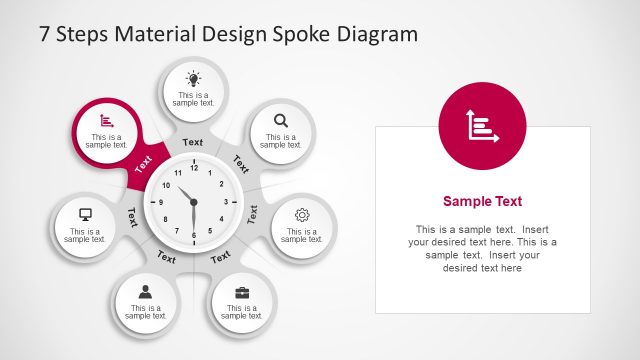
The layout features a central circular node with a clock design, surrounded by six equally sized circular nodes. Each node contains a text placeholder aligned centrally, with icons representing various concepts. The central node is larger and visually distinct. A rectangular text box is positioned to the right, containing additional text placeholders for detailed explanations. The background is light, enhancing visibility. The overall composition is circular, with elements evenly spaced, creating a balanced visual hierarchy. Color accents are used in the nodes for differentiation.
How to Use It
This layout serves as a spoke diagram, ideal for illustrating processes or steps in a business context. It fits well in presentations discussing product features or marketing strategies. The circular arrangement allows for easy understanding of interconnected concepts. It is particularly useful for training sessions, workshops, or strategic planning meetings where step-by-step guidance is needed. This structure can also be adapted for various topics, making it versatile for different business scenarios.
Text Placeholders & Capacity
Keep your copy within these limits so it fits without resizing. Node slots can accommodate brief phrases, roughly 3-5 words each.
| Placeholder | Count | Max characters (approx.) |
|---|---|---|
| Slide title | 1 | 30 |
| Item body | 6 | 20 |
| Body paragraph | 1 | 200 |
Slide Keywords
Download unlimited PowerPoint templates, charts and graphics for your presentations with our annual plan.
DOWNLOADReturn to 7 Steps Material Design Spoke Diagram PowerPoint Template.