Slide 7 of 8 from 7 Steps Material Design Spoke Diagram PowerPoint Template
Useful Infographics Presentation for Diagram
7 Steps Material Design Spoke Diagram Overview
- Diagram
- Circular Cycle
- Process Slide
- 16:9
- 100% Editable
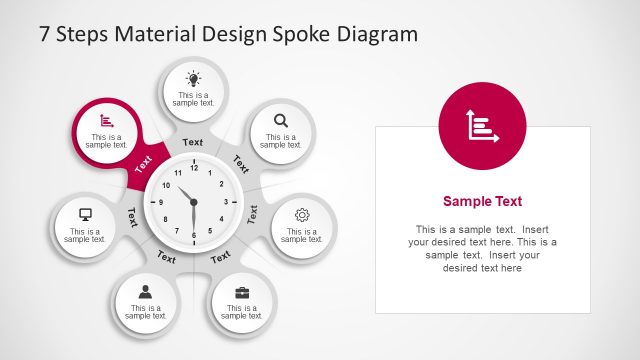
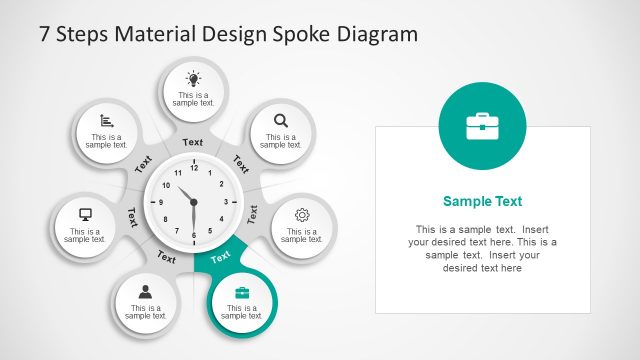
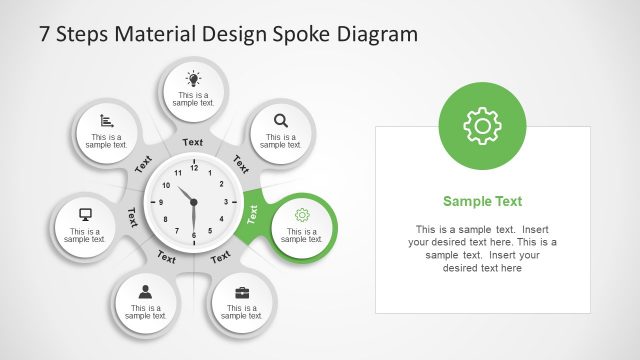
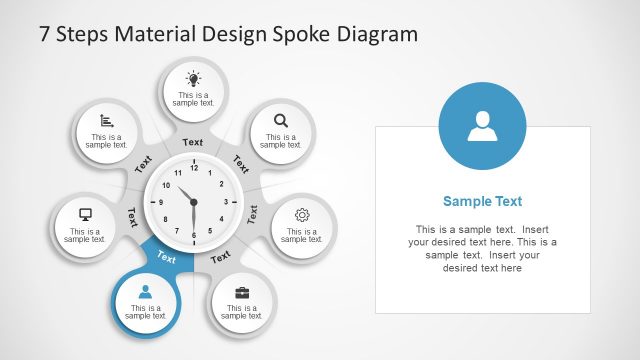
The 7 Steps Material Design Spoke Diagram slide from the 7 Steps Material Design Spoke Diagram PowerPoint Template visually represents cyclical processes using editable shapes and vector icons. Ideal for business presentations, this slide layout supports clear communication of development stages or marketing strategies within a professional slide deck.
What’s on This Slide
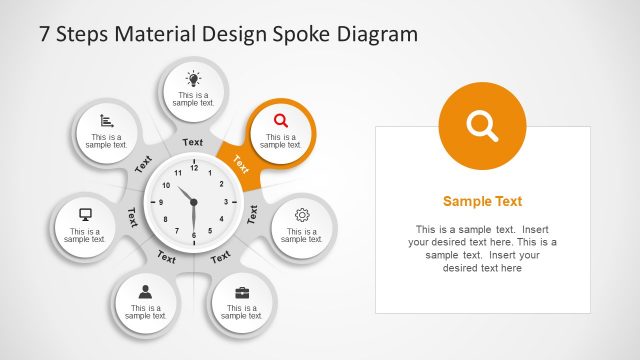
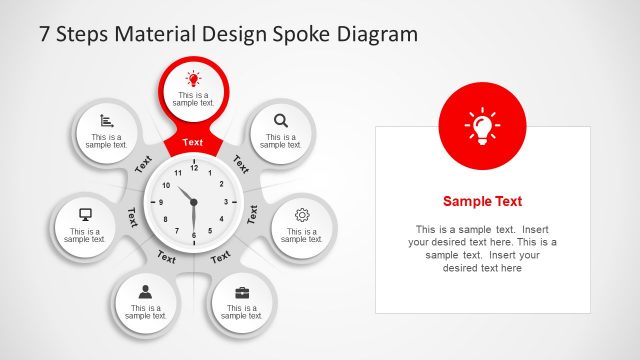
The layout features a central circular node with a clock face design, surrounded by six equally sized circular nodes. Each outer node contains a text placeholder aligned centrally, with icons positioned above them. The central node is larger and includes a clock graphic. To the right, there is a rectangular text box with a title and body text placeholders. The overall color scheme includes a prominent purple for the central node and various shades for the surrounding nodes. The background is light and neutral, enhancing the visibility of the elements.
How to Use It
This layout serves as a spoke diagram, illustrating a process or concept with seven distinct steps. It fits well in presentations that require a visual representation of a cyclical process or framework. Common scenarios include business development presentations, product feature explanations, or marketing strategies. The central node can highlight a key theme, while the surrounding nodes can detail specific components or actions related to that theme.
Text Placeholders & Capacity
Keep your copy within these limits so it fits without resizing. Node body slots can hold up to 50 characters each, while the body paragraph slot is more spacious.
| Placeholder | Count | Max characters (approx.) |
|---|---|---|
| Slide title | 1 | 30 |
| Item body | 6 | 50 |
| Body paragraph | 1 | 150 |
Slide Keywords
Download unlimited PowerPoint templates, charts and graphics for your presentations with our annual plan.
DOWNLOADReturn to 7 Steps Material Design Spoke Diagram PowerPoint Template.