Slide 1 of 9 from 8 Steps Material Design Spoke Diagram PowerPoint Template
Editable PowerPoint Spoke Diagram
8 Steps Spoke Diagram PowerPoint Template
- Diagram
- Process Flow
- Process Slide
- 16:9
- 100% Editable
The 8 Steps Spoke Diagram slide from the 8 Steps Material Design Spoke Diagram PowerPoint Template offers a clear visual process flow ideal for business presentations and training outlines. This slide template features editable shapes arranged in a circular spoke design, enabling users to illustrate sequential project steps effectively. Its vibrant color scheme and icon-centered nodes support engaging corporate presentations and pitch decks, making it a practical choice among presentation templates for explaining methodologies or workflows.
What’s on This Slide
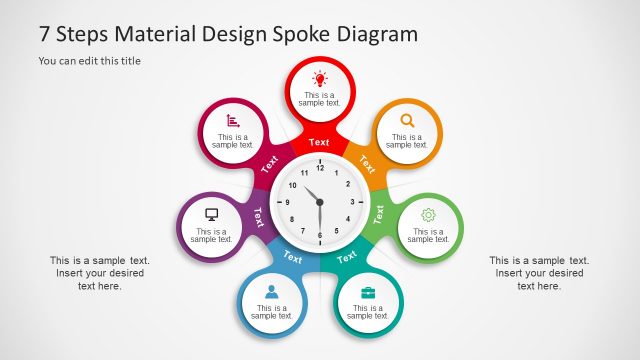
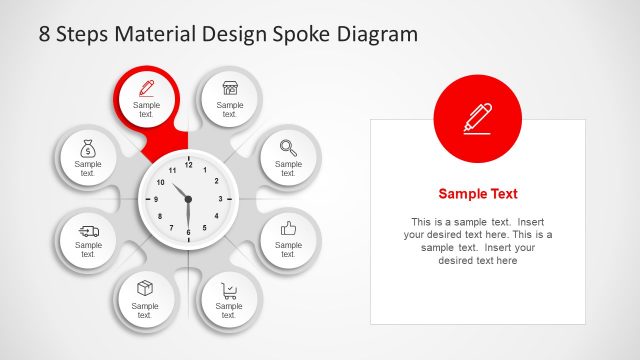
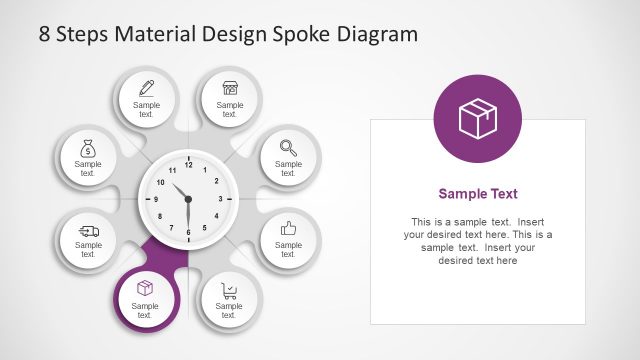
The slide features a circular spoke diagram with eight nodes arranged around a central clock face. Each node is a circular shape with an icon in the center, representing different steps. The nodes are colored in various shades, including red, orange, green, and purple, creating a vibrant layout. Text placeholders are positioned inside each node for sample text, while additional text placeholders are located at the bottom left and right for further information. The title is prominently displayed at the top, with a subtitle below it, forming a clear visual hierarchy.
How to Use It
This layout serves as a process flow diagram, ideal for illustrating steps in a procedure or project. It fits well in presentations that require a visual representation of sequential actions or stages. This structure is useful in business contexts such as project management, product development, or training sessions, where clarity in the process is essential. It can also be adapted for educational purposes to explain concepts or methodologies in a structured manner.
Text Placeholders & Capacity
Keep your copy within these limits so it fits without resizing. Node slots can hold roughly 10-15 words each.
| Placeholder | Count | Max characters (approx.) |
|---|---|---|
| Slide title | 1 | 30 |
| Item body | 8 | 50 |
| Body paragraph | 2 | 80 |
Slide Keywords
Download unlimited PowerPoint templates, charts and graphics for your presentations with our annual plan.
DOWNLOADReturn to 8 Steps Material Design Spoke Diagram PowerPoint Template.