Slide 6 of 8 from 7 Steps Arrows Bars PowerPoint Diagram
7 Steps Waterfall Diagram 5 Segment
Arrow Options Diagram for PowerPoint
- Diagram
- Arrow Sequence
- Process Slide
- 16:9
- 100% Editable
What’s on This Slide
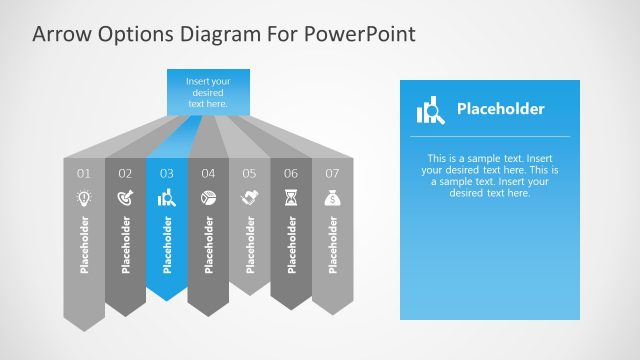
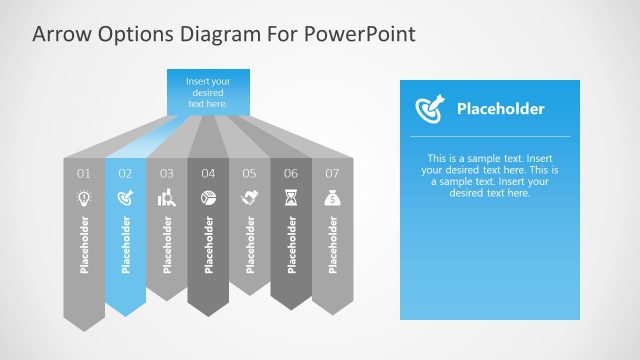
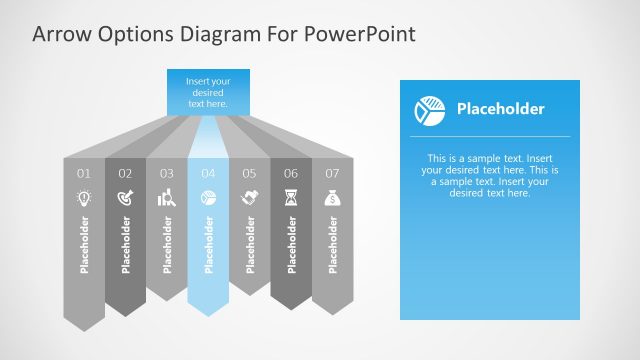
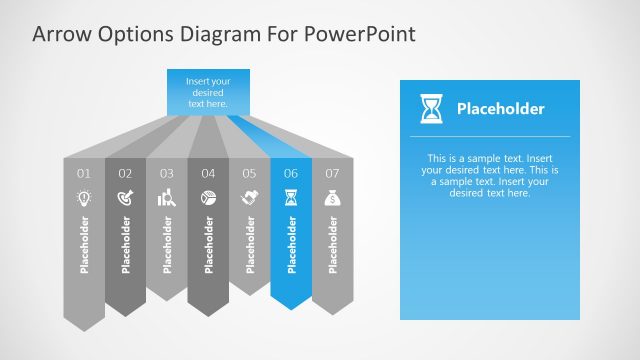
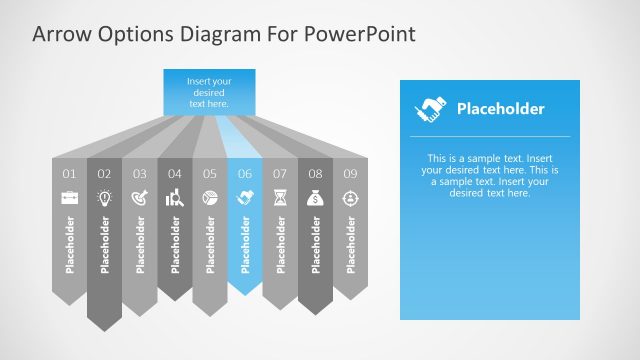
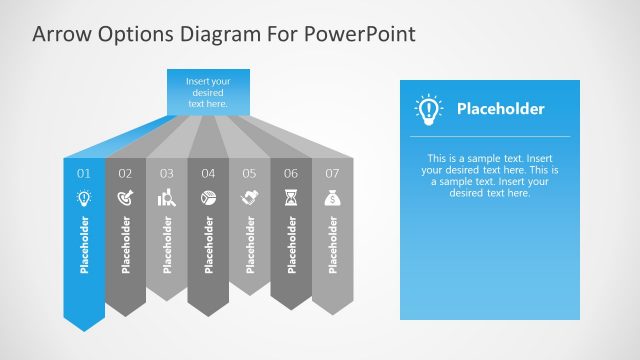
The layout features a central title at the top with a blue background. Below, seven vertical arrow shapes are arranged in a staggered manner, each containing a placeholder for text. The arrows are colored in shades of gray, with the fifth arrow highlighted in blue. Each arrow has an icon at the top, representing different concepts. To the right, there is a rectangular box with a blue header and a placeholder for additional text. The overall composition is structured to guide the viewer's attention from the arrows to the text box.
How to Use It
This layout serves as a process flow diagram, illustrating steps or options in a sequence. It fits well in presentations discussing project phases, strategic planning, or decision-making processes. The layout is effective for business scenarios where clear visual representation of steps is necessary, such as project updates or action plans. It can also be used to highlight next steps in a project or to summarize key points in a meeting.
Text Placeholders & Capacity
Keep your copy within these limits so it fits without resizing. Node labels can hold about 2-3 words each, while the body paragraph can accommodate a longer text.
| Placeholder | Count | Max characters (approx.) |
|---|---|---|
| Slide title | 1 | 40 |
| Item heading | 7 | 20 |
| Item body | 7 | 50 |
| Body paragraph | 1 | 150 |
Slide Keywords
Download unlimited PowerPoint templates, charts and graphics for your presentations with our annual plan.
DOWNLOADReturn to 7 Steps Arrows Bars PowerPoint Diagram.