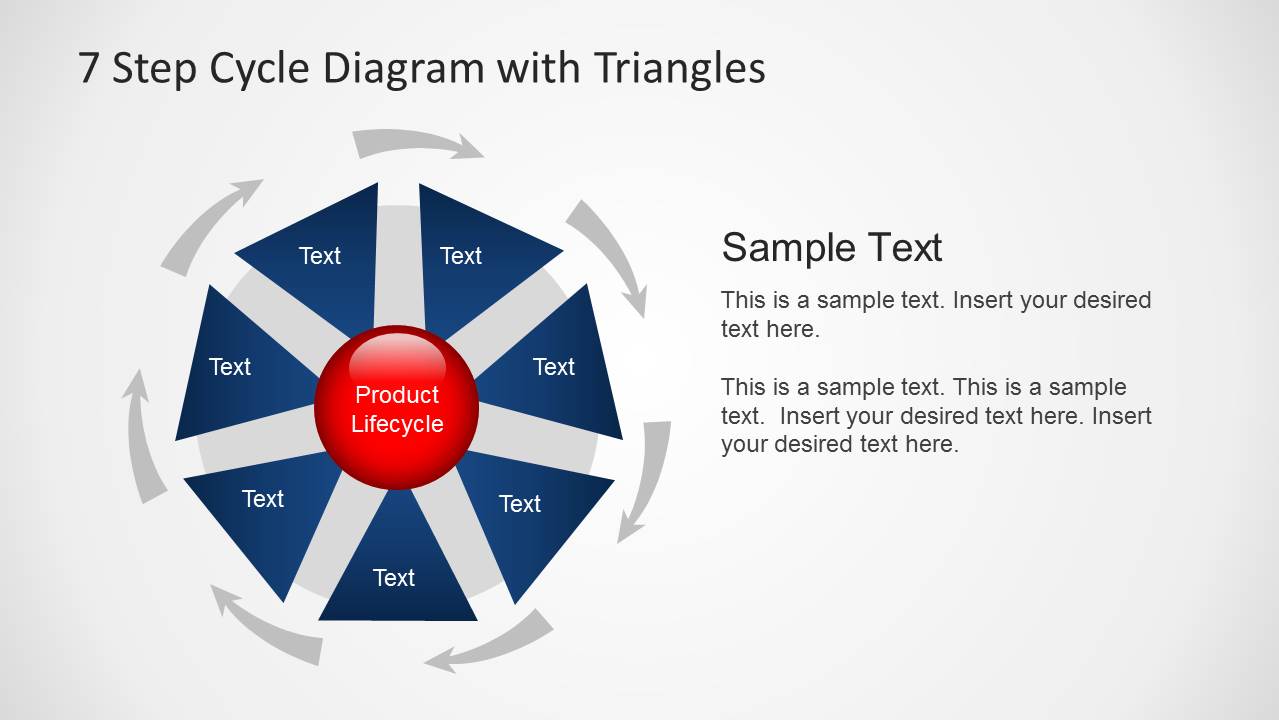
7 Step Cycle Diagram Template with Triangles for PowerPoint is a professionally designed template for making presentations related to business, marketing, finance, etc.
With the help of this PowerPoint Diagram Template you can create attractive circular and core diagrams by adding your own content. The template also has enough scope for making custom diagrams by rearranging and recoloring the sample diagrams.
The template is ideal for making elaborate 7 Step Diagrams in PowerPoint, including slides depicting a complete diagram and different parts of it in a sequence.
What’s inside this template
Example presentation scenarios
- A product manager can use the full cycle diagram to introduce a product lifecycle and then use the highlighted segment slides to explain each stage in sequence.
- A marketing leader can present a campaign planning cycle by replacing the triangle labels with strategy, execution, measurement, and optimization steps.
- An operations manager can map a recurring workflow review by using the gray-highlight slides to focus discussion on one process stage at a time.
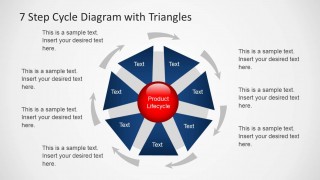
- A consultant can use the callout layout to explain dependencies around a 7-step model while keeping the circular process visible at the center.
Features
- 100% editable presentation template
- Compatible with Microsoft PowerPoint and Google Slides
- Scalable vector shapes, icons and illustrations
- AI-Ready for Microsoft Copilot and Claude
- Instant access and download
Frequently asked questions
Q: How should a presenter explain the 7-step cycle without making the slide feel repetitive?
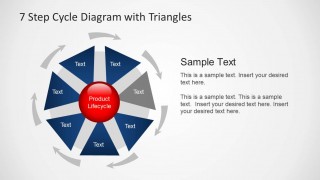
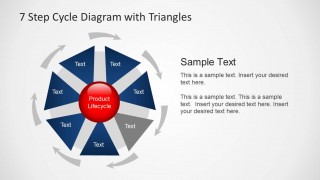
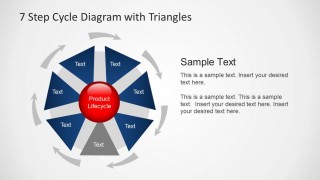
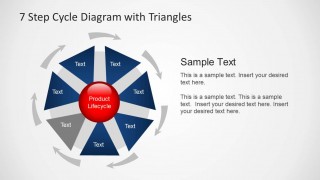
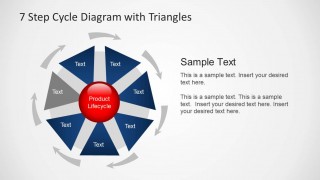
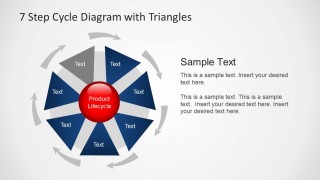
A: Start with the full cycle slide to establish the recurring model, then move through the gray-highlight slides as talking points. Keep each triangle label short and use the right-side text area for implications, owners, or decisions. This lets the audience track both the current step and its place in the loop.
Q: Who is this template best suited for in a business presentation?
A: This template fits presenters who need to explain a repeatable process rather than a one-time plan. Product managers, marketers, finance analysts, operations leaders, and consultants can use the 7 triangular stages to show lifecycle logic, review cycles, governance loops, or planning rhythms where every step feeds the next.
Q: Why does the triangle cycle design help communicate a lifecycle?
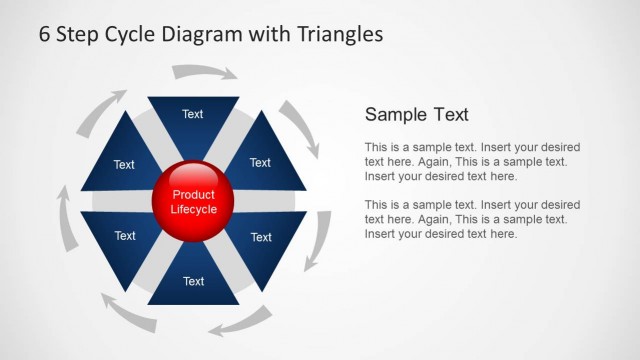
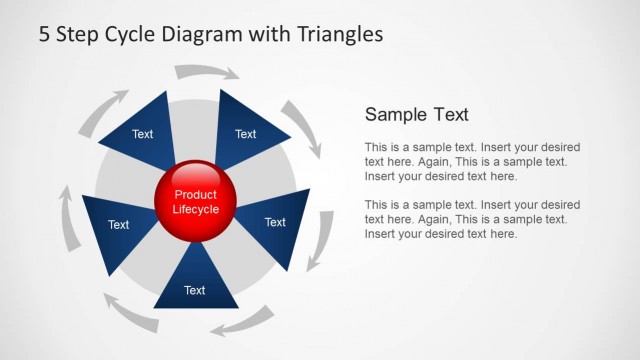
A: The triangular wedges point inward toward the red center, which makes the lifecycle or core subject the visual anchor. The outer gray arrows show motion around the circle, while the highlighted step slides direct attention to one stage at a time. This combination supports both overview and detailed explanation.


7 Step Cycle Diagram Template with Triangles for PowerPoint
9-slide PowerPoint diagram template for 7-step cycle processes with triangle segments and callouts
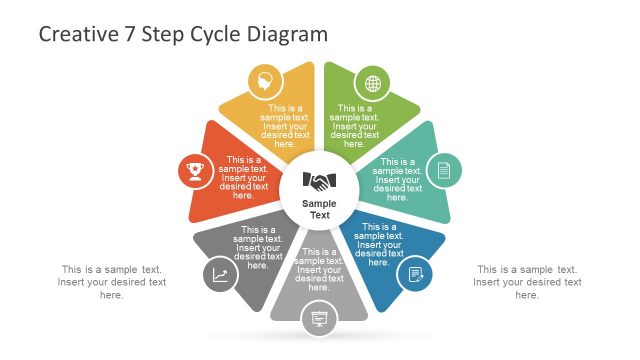
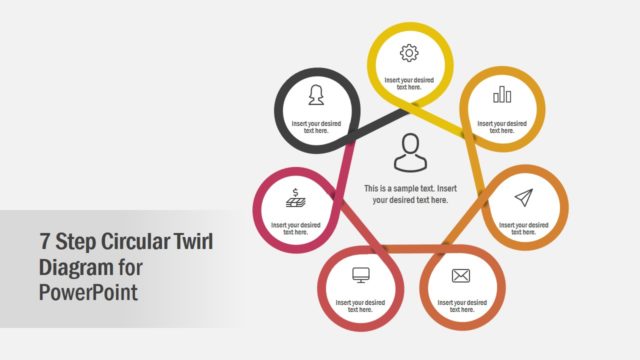
This is a 9-slide PowerPoint diagram template built around a circular 7-step cycle. It includes a full triangle-segment cycle, seven single-step highlight views, and a callout layout for surrounding explanations. It is suited to business, marketing, finance, operations, and product lifecycle presentations.


 Loading...
 Microsoft PowerPoint
  Microsoft Copilot
  Claude for PowerPoint
 Other formats supported
Subscribe today and get immediate
access to download our PowerPoint templates.