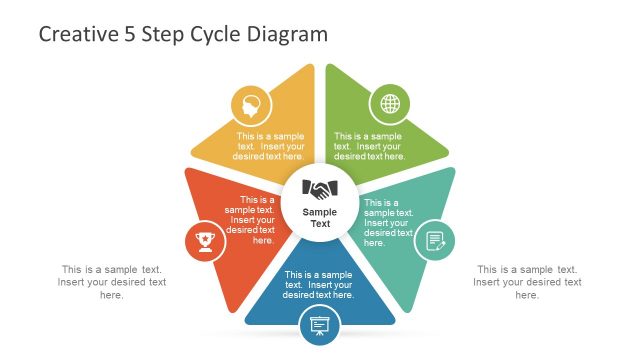
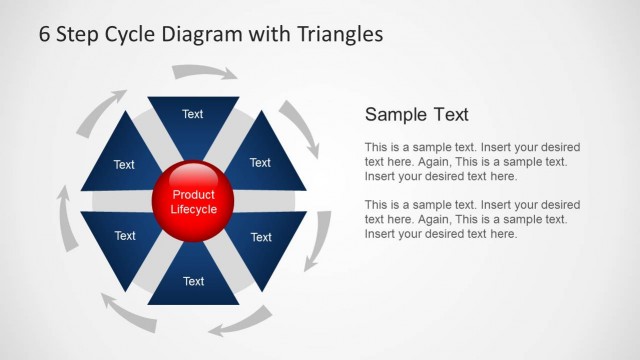
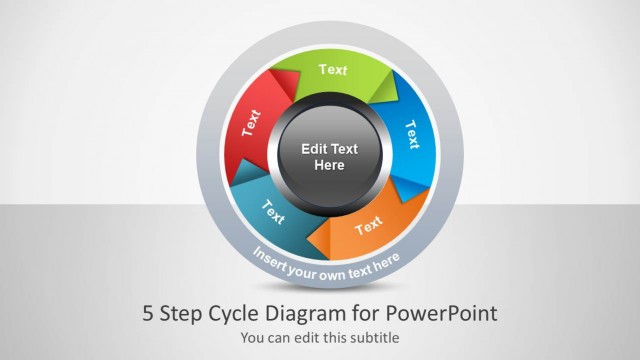
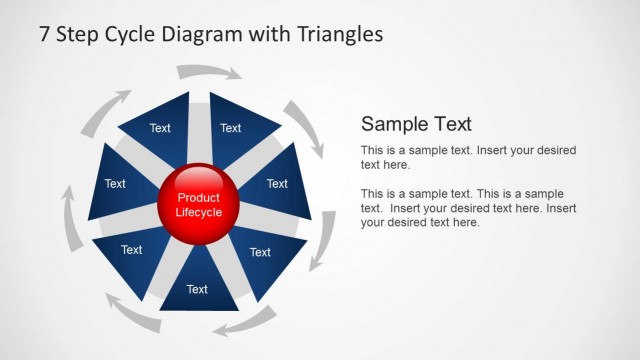
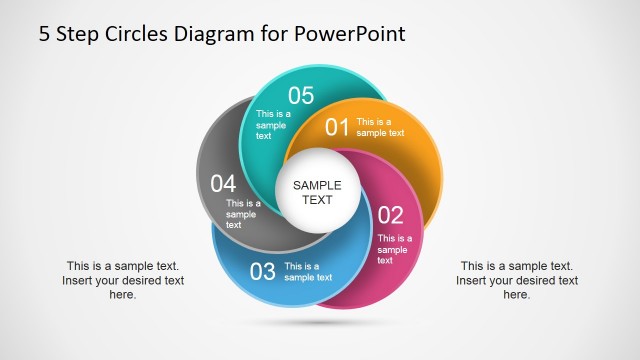
Create five steps diagrams in PowerPoint with editable slide designs using the 5 Step Cycle Diagram Template with Triangles for PowerPoint.
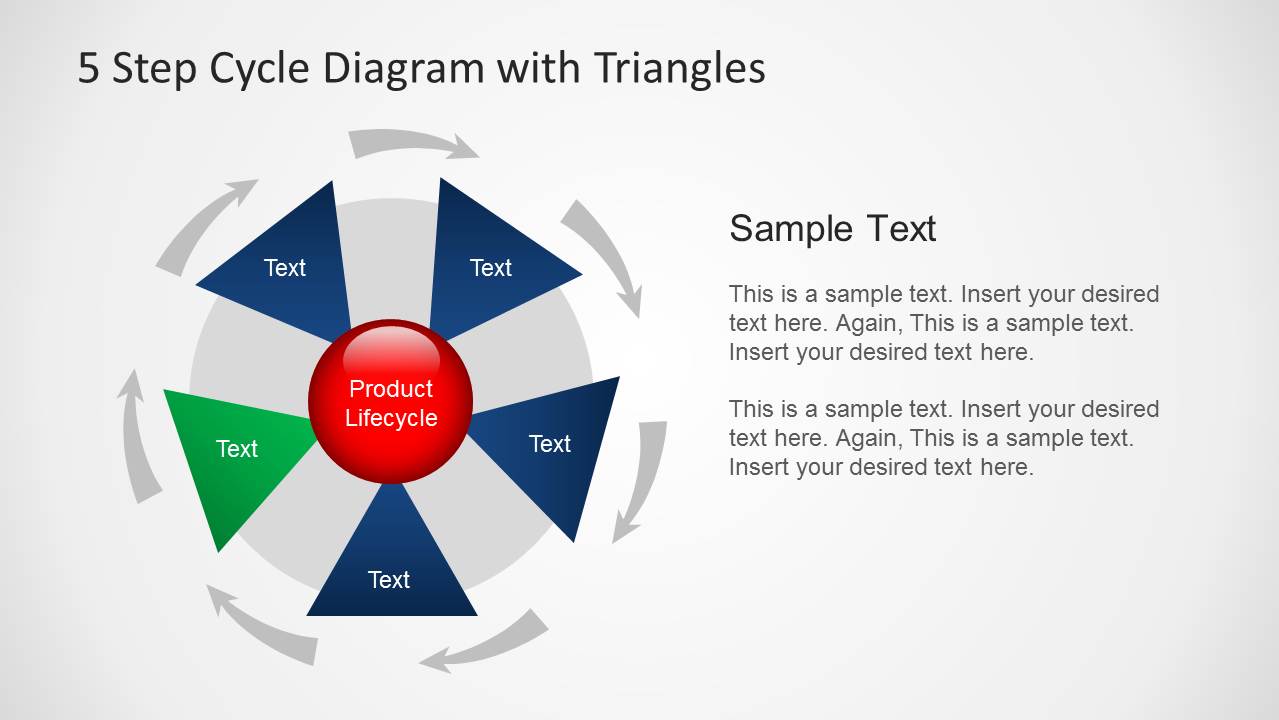
This template is perfect for making professional five step diagrams, where you can depict important aspects of your topic in the form of attractive circular diagrams.
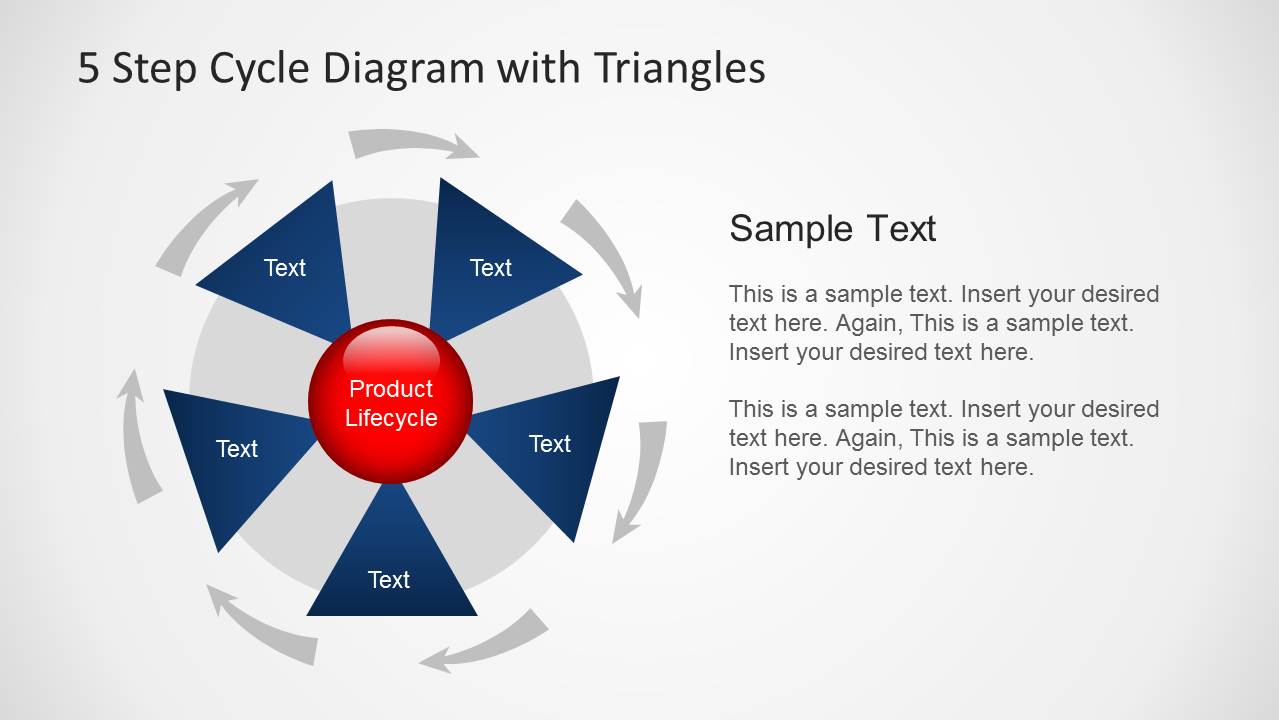
The diagrams in this template are fully customizable and can be edited using PowerPoint. With the sample cycle diagrams you can create anything from a product lifecycle to a project timeline, process diagram or even a generic model depicting different parts of a mind map, process, project schedule, etc.
What’s inside this template
Example presentation scenarios
- A product manager can use the central product lifecycle cycle to explain the five recurring activities that move an offering from one stage to the next.
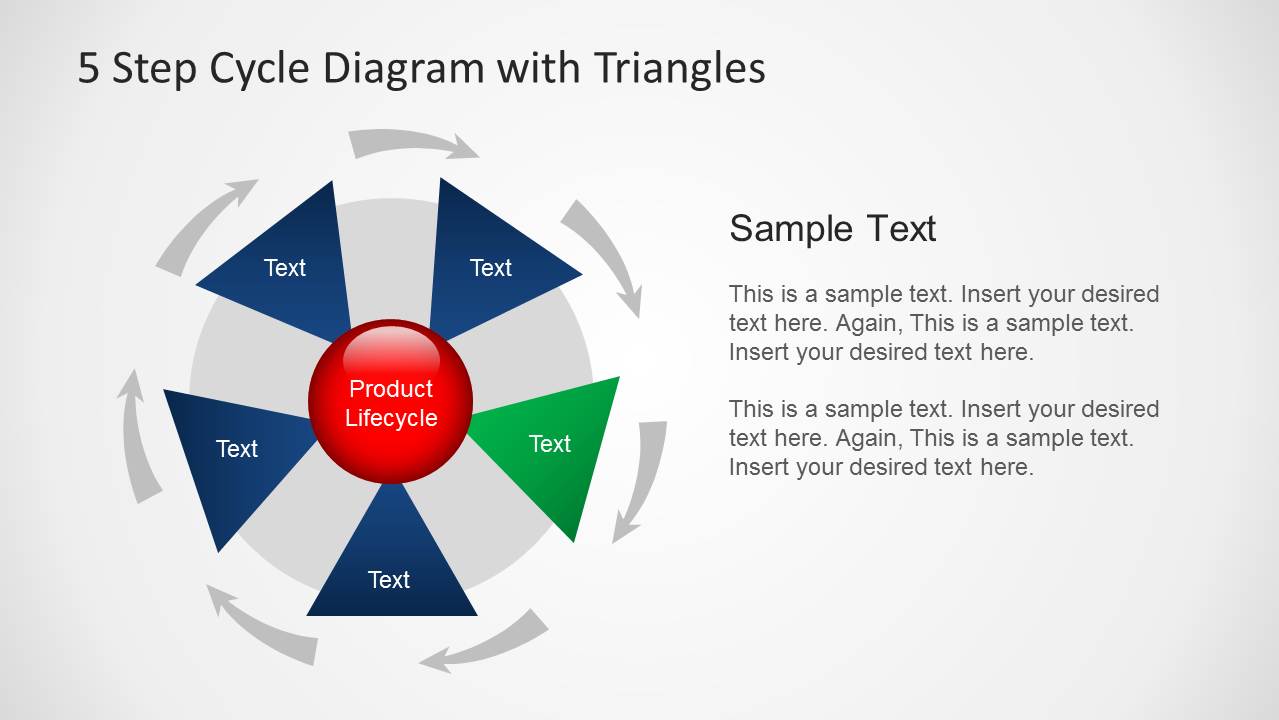
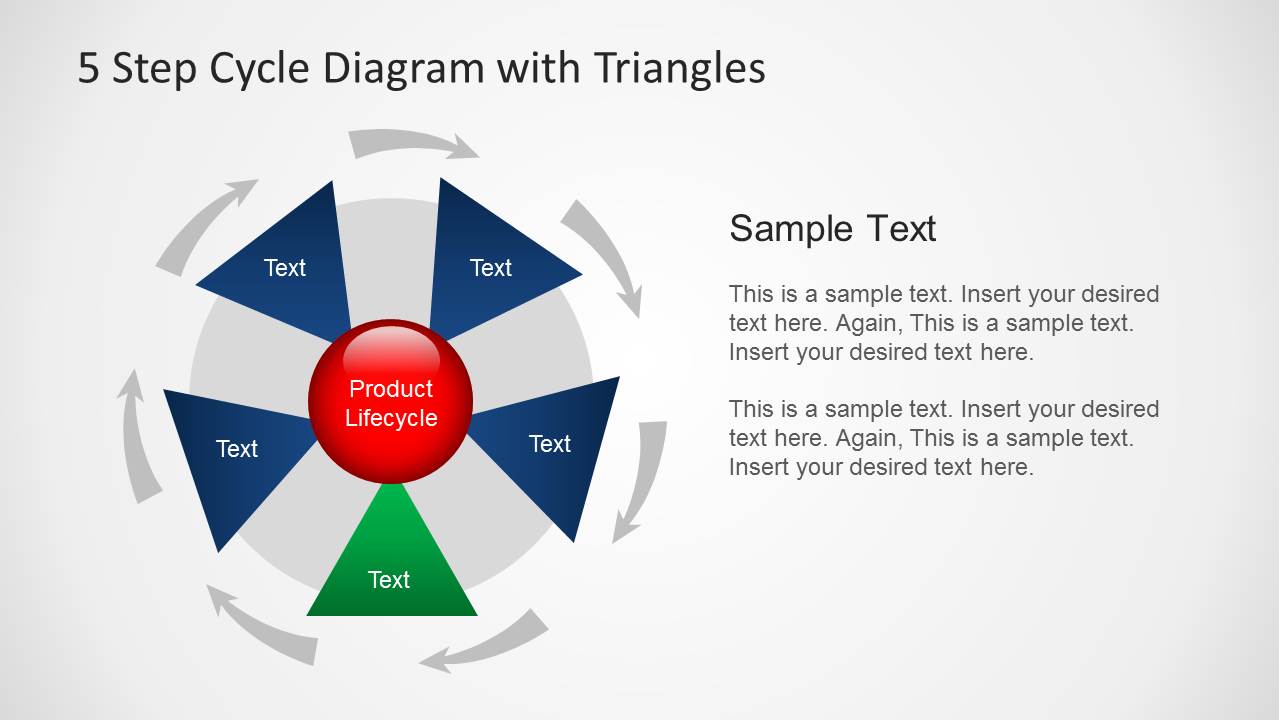
- An operations leader can use the green-highlight step slides to walk an audience through a repeatable workflow one phase at a time.
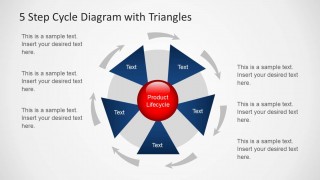
- A project manager can use the five surrounding callouts on slide 7 to summarize responsibilities, checkpoints, or outputs for each process step.
- A training facilitator can use the triangle cycle and circular arrows to teach learners that the process repeats rather than ending after the fifth step.
Features
- 100% editable presentation template
- Compatible with Microsoft PowerPoint and Google Slides
- Scalable vector shapes, icons and illustrations
- AI-Ready for Microsoft Copilot and Claude
- Instant access and download
Frequently asked questions
Q: How should a presenter explain the five-step cycle without making it feel repetitive?
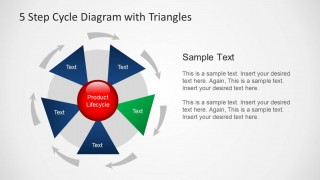
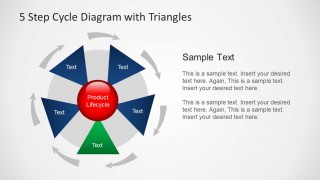
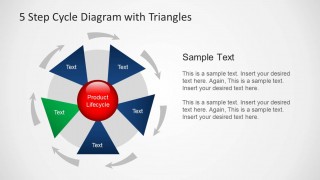
A: Start with the full cycle to establish the central idea, then use the green-highlight slides to discuss each step as a distinct decision or action. Keep the red center label as the constant topic and let each triangle carry one short verb phrase. This helps the audience understand both the sequence and the recurring nature of the model.
Q: Who is this cycle diagram template best suited for?
A: It fits presenters who need to explain an ongoing process rather than a one-time linear plan. Product managers, operations leads, consultants, and trainers can use the five triangle segments for lifecycle stages, workflow phases, service loops, quality cycles, or project routines where each completed step feeds the next round.
Q: Why does the design use triangles around a circle instead of a standard numbered list?
A: The triangle segments point toward the center while the gray arrows move around the outside, creating a clear visual metaphor: each step contributes to one core outcome and the process continues in a loop. This structure reduces the chance that the audience reads the model as a simple checklist with an endpoint.



5 Step Cycle Diagram Template with Triangles for PowerPoint
7-slide presentation template for five-step cycle process and product lifecycle diagram visuals
This is a 7-slide PowerPoint diagram template for explaining a repeating five-step process. The sheet shows a circular triangle cycle, single-step highlight variations, a central product lifecycle node, and a perimeter callout layout. It is suited to product, project, operations, and training presenters who need editable process visuals.

 Loading...
 Microsoft PowerPoint
  Microsoft Copilot
  Claude for PowerPoint
 Other formats supported
Subscribe today and get immediate
access to download our PowerPoint templates.