Present the six-step talent acquisition process with our 6-Step Pinwheel Infographic PowerPoint Template in recruitment planning presentations. This PPT layout is ideal for highlighting a specific talent or product during a filtering process. The 6-step pinwheel diagram helps quality assurance leads visualize the continuous improvement cycles to the stakeholders. Supply chain consultants use the pinwheel diagram to illustrate ongoing inventory management from the vendor to the warehouse and ultimately to the customer. We allow users to modify slide components to meet the presenter’s needs. Also, the layout is compatible with Google Slides. Business consultants display the six stages of the change management process in the company culture. During SaaS product development, product developers use the pinwheel infographic to showcase the product launch strategy in six steps.
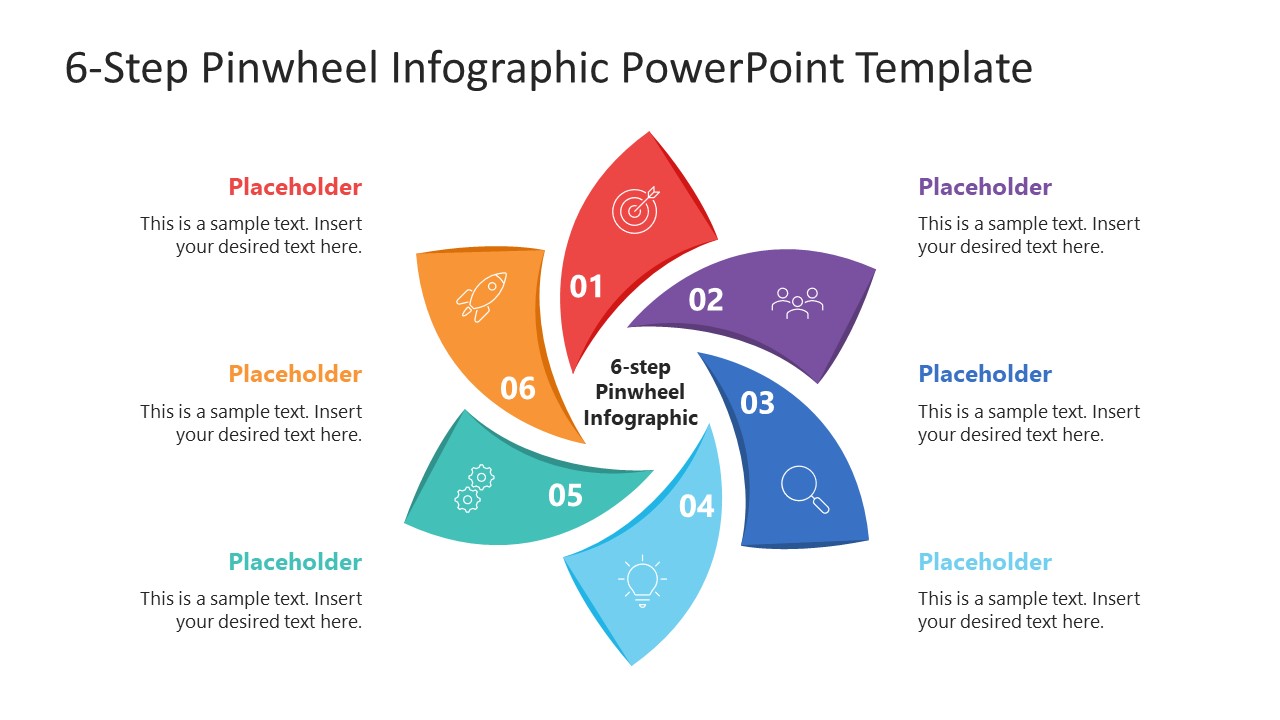
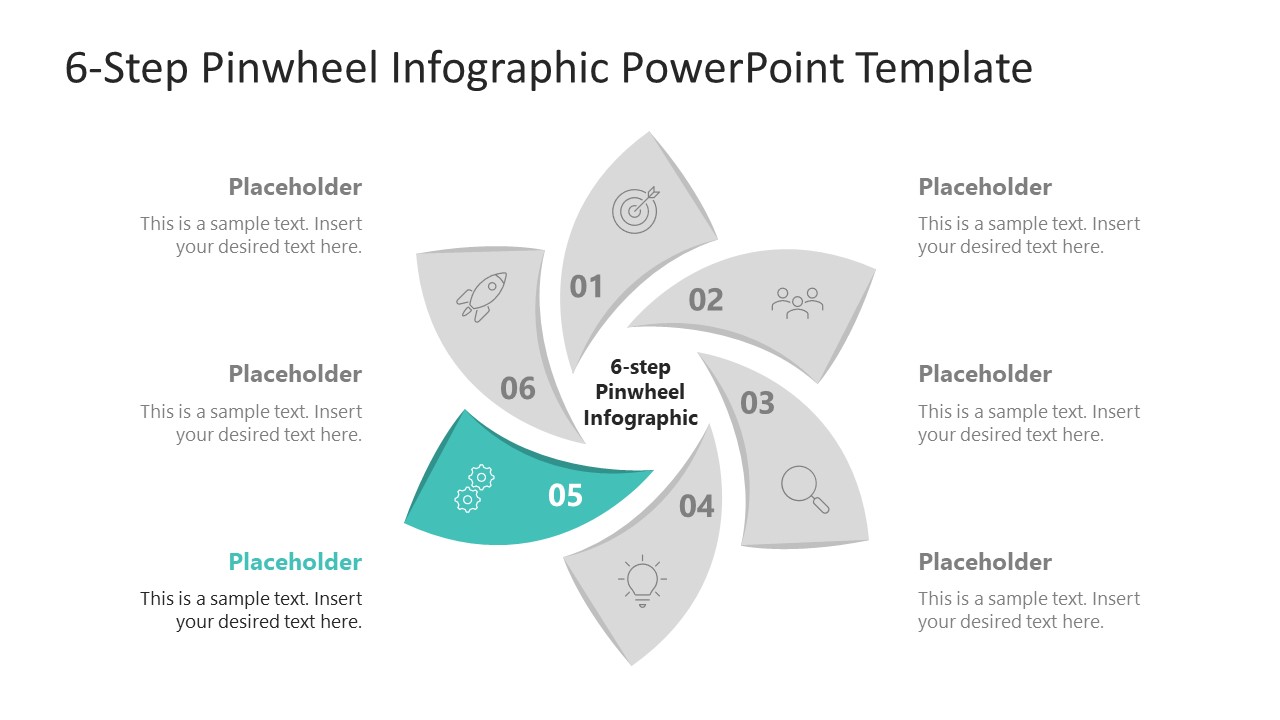
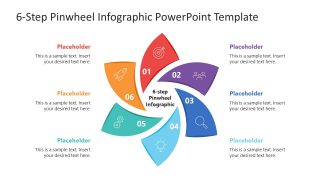
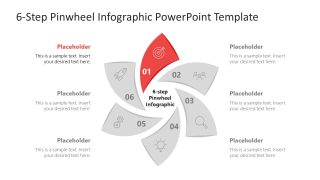
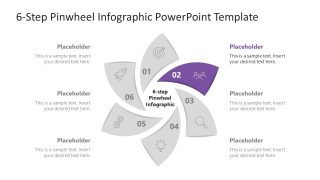
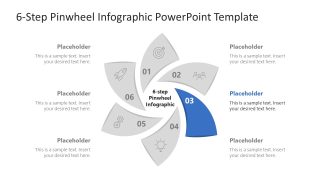
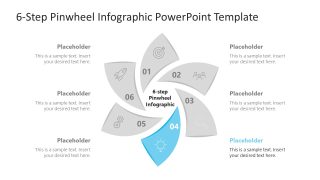
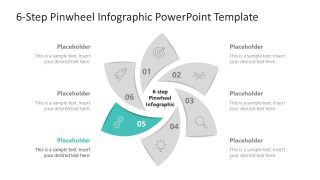
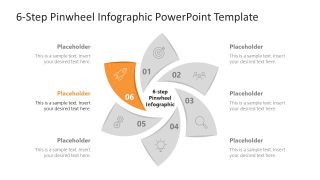
The 6-Step Pinwheel Infographic PowerPoint Template features a modern petals diagram that creates a rotating signal. Business consultants can mark each petal with a number near the center and use an icon near the outer edge to visually display the points. Outside the pinwheel diagram components, each petal includes a corresponding text section where project managers can add information about project milestones for sprint presentations. Furthermore, it can be tough to explain all the points at once. For this purpose, the template contains slides with focus effects. This allows operations managers to highlight each step of the workflow in detail to the new business teams. Only one segment shows the color highlight, while the grey segments make it more prominent for the audience. Download the pinwheel infographic diagram PPT template for your strategy presentations and outline the stages in cyclic business processes with clarity and focus.
What’s inside this template
Example presentation scenarios
- A recruitment manager can present a talent acquisition funnel by using the full-color six-step pinwheel as the process overview and the step-focus slides to explain each hiring stage.
- A product manager can explain a launch plan by assigning discovery, planning, build, testing, release, and review tasks to the numbered petals and using the icons as memory cues.
- An operations consultant can map an inventory or supply chain cycle with the circular wheel, then use the grayed focus slides to discuss one handoff at a time.
- A quality assurance lead can show a continuous improvement cycle by placing milestones in the callout areas and using the highlighted segment slides to guide stakeholder discussion.
Features
- 100% editable presentation template
- Compatible with Microsoft PowerPoint and Google Slides
- 16:9 aspect ratio slides
- Scalable vector shapes, icons and illustrations
- AI-Ready for Microsoft Copilot and Claude
- Instant access and download
Frequently asked questions
Q: How should a presenter explain a six-step process with this pinwheel without overwhelming the audience?
A: Start with Slide 1 to establish the full cycle and label each petal with a short stage name. Then move through Slides 2 to 7, where one colored segment is active and the rest are gray. This pacing lets the audience understand the system first, then focus on one decision, action, or responsibility at a time.
Q: Who is this template best suited for, and what type of message does it communicate well?
A: This template works best for consultants, HR teams, operations managers, and product presenters explaining a repeatable six-part process. The pinwheel format fits talent acquisition, continuous improvement, launch planning, change management, or supply chain flows where the steps connect as an ongoing cycle rather than a one-time linear sequence.
Q: Why does the pinwheel metaphor help compared with a simple numbered list?
A: The rotating pinwheel metaphor signals motion, repetition, and interdependence. Each petal has equal visual weight, so no stage looks secondary, while the focus slides create contrast by coloring one step and muting the others. That design helps presenters show both the complete cycle and the immediate point of discussion.



6-Step Pinwheel Infographic PowerPoint Template
7-slide presentation template for six-step pinwheel diagrams, process stages, and workflow callouts
This 7-slide diagram template presents a six-step pinwheel infographic for cyclical workflows and staged processes. It includes a full-color six-petal wheel, individual focus slides for steps 01 through 06, icons, numbered segments, and surrounding text callouts for presenters using Microsoft PowerPoint or Google Slides.
- Category
- Diagrams
- Rating

 Loading...
- Aspect ratio
- 16:9
- Item ID
- 23672-01
- Colors
 Microsoft PowerPoint
  Microsoft Copilot
  Claude for PowerPoint
 Other formats supported
Subscribe today and get immediate
access to download our PowerPoint templates.