Slide 2 of 7 from 6-Step Pinwheel Infographic PowerPoint Template
Step 1 Slide – 6-Step Pinwheel Infographic Diagram Template
6-Step Pinwheel Infographic Slide
- Diagram
- Circular Cycle
- Process Slide
- 16:9
- 100% Editable
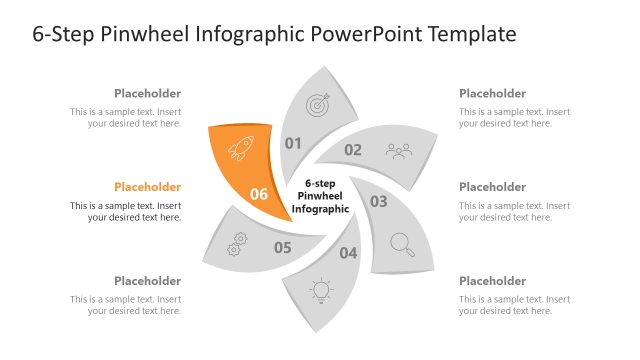
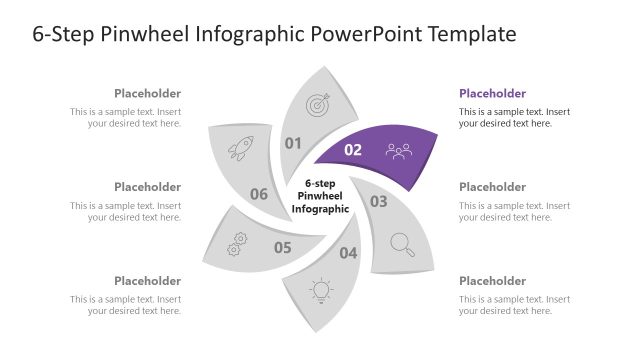
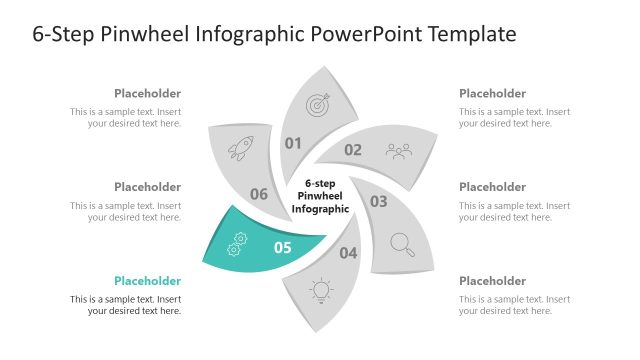
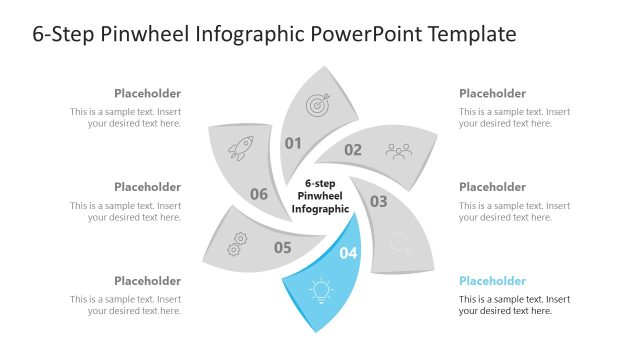
The 6-Step Pinwheel Infographic slide from the 6-Step Pinwheel Infographic PowerPoint Template offers a clear circular diagram ideal for illustrating processes in business presentations. This slide template features editable shapes and vector icons arranged in a clockwise cycle, making it suitable for project management and product development workflows. Its balanced design supports effective communication of step-by-step processes within professional slide decks.
What’s on This Slide
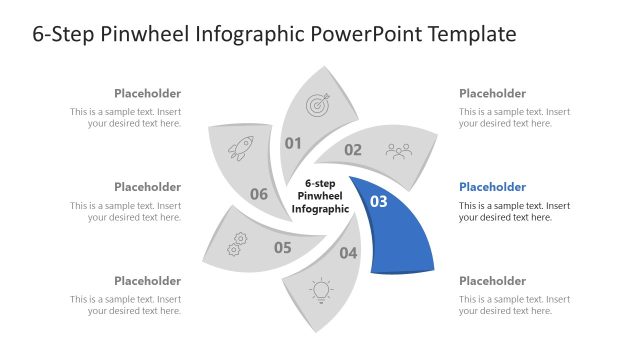
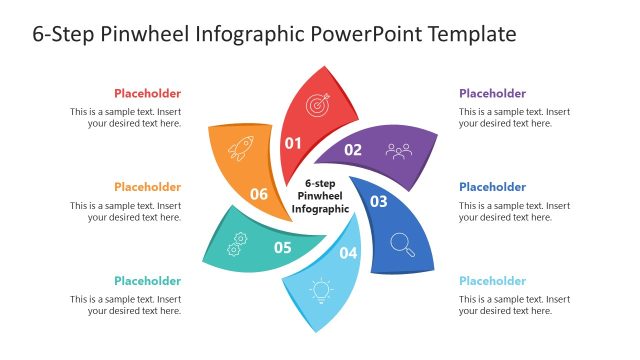
The layout features a circular pinwheel diagram with six segments arranged in a clockwise direction. Each segment is a petal shape, with one segment highlighted in red to indicate the current focus, labeled '01'. Surrounding the diagram are text placeholders positioned at the top and bottom, aligned centrally. Each segment contains an icon representing different steps, with a uniform visual hierarchy. The background is light, allowing the colored segments to stand out. The overall composition is balanced, emphasizing the central message of the infographic.
How to Use It
This layout serves as a visual representation of a six-step process or workflow, ideal for presenting cyclical tasks or stages. It fits well in a presentation sequence after introducing a problem or concept, guiding the audience through a structured approach. This design is suitable for business scenarios such as project management, product development, or any process requiring clear step-by-step communication. It can be used individually to highlight specific stages in a broader context.
Text Placeholders & Capacity
Keep your copy within these limits so it fits without resizing. Node body slots can hold roughly 10-12 words each.
| Placeholder | Count | Max characters (approx.) |
|---|---|---|
| Slide title | 1 | 30 |
| Item heading | 6 | 10 |
| Item body | 6 | 50 |
Slide Keywords
Download unlimited PowerPoint templates, charts and graphics for your presentations with our annual plan.
DOWNLOAD