Slide 1 of 7 from 6-Step Pinwheel Infographic PowerPoint Template
Editable 6-Step Pinwheel Infographic PowerPoint Slide
6-Step Pinwheel Infographic Template
- Diagram
- Circular Cycle
- Process Slide
- 16:9
- 100% Editable
The 6-Step Pinwheel Infographic slide from the 6-Step Pinwheel Infographic PowerPoint Template offers a circular process diagram ideal for project management updates and marketing strategies. This slide layout uses editable shapes and vector icons arranged in a colorful pinwheel design to clearly illustrate sequential steps in a business presentation or training process. It is compatible with both PowerPoint templates and Google Slides templates, providing a versatile option for creating engaging slide decks.
What’s on This Slide
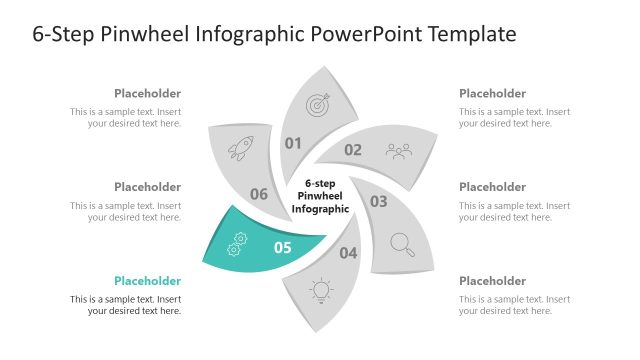
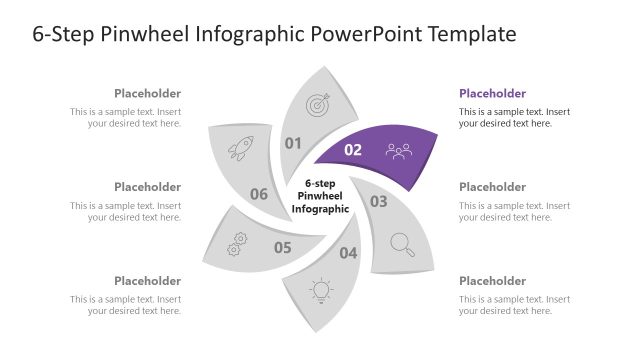
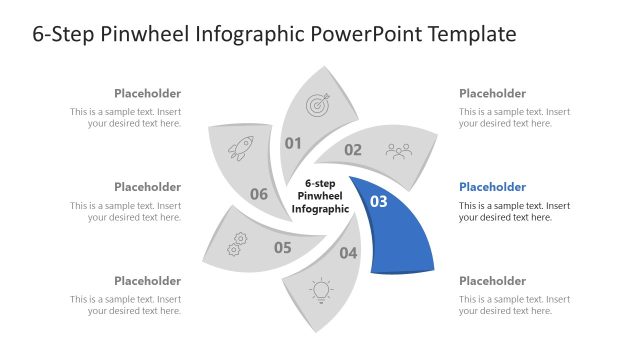
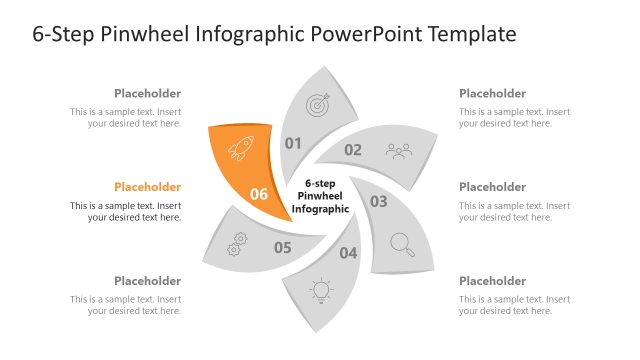
The layout features a circular pinwheel design with six colored segments, each labeled from 01 to 06. Each segment contains a placeholder for text, positioned centrally within the segment. The segments are arranged in a clockwise direction, with a central label stating '6-step Pinwheel Infographic.' Surrounding the segments are additional text placeholders aligned vertically on the left and right sides. The background is white, enhancing the visibility of the colorful segments. Icons representing different concepts are included within each segment, contributing to the visual hierarchy.
How to Use It
This layout serves as a cyclical process diagram, ideal for illustrating workflows or stages in a project. It fits well in presentations that require a visual representation of sequential steps or phases. Business scenarios include project management updates, marketing strategies, or training processes. This slide can effectively communicate complex information in a simplified, engaging format, making it suitable for both team meetings and client presentations.
Text Placeholders & Capacity
Keep your copy within these limits so it fits without resizing. Node body slots can hold up to 60 characters each, allowing for detailed descriptions.
| Placeholder | Count | Max characters (approx.) |
|---|---|---|
| Item heading | 6 | 2 |
| Item body | 6 | 60 |
| Slide title | 1 | 40 |
| Body paragraph | 2 | 80 |
Slide Keywords
Download unlimited PowerPoint templates, charts and graphics for your presentations with our annual plan.
DOWNLOAD