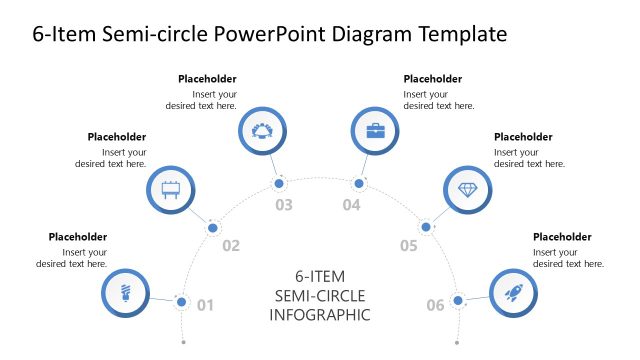
Organizing a multi-stage workflow into a single, cohesive view is often the hardest part of deck preparation. This 6-Item Semi-circle PowerPoint template provides a clean, arched layout to help you visualize a sequence of events, departmental pillars, or the core components of a business model. By using a semi-circular flow instead of a standard list, this slide layout creates a natural sense of progression, guiding your audience from the initial phase to the final outcome without the visual clutter of a dense table.
The design is built to support various professional scenarios where clarity is a priority:
- Project Milestones: Break down a six-month roadmap into manageable monthly objectives for your next team update.
- Operational Workflows: Map out a 6-step process, such as a customer journey or a product supply chain, to identify key touchpoints.
- Organizational Pillars: Present the six core values or strategic initiatives that define your company’s focus for the upcoming fiscal year.
- Market Analysis: Compare six different competitors or market segments within a unified, balanced framework.
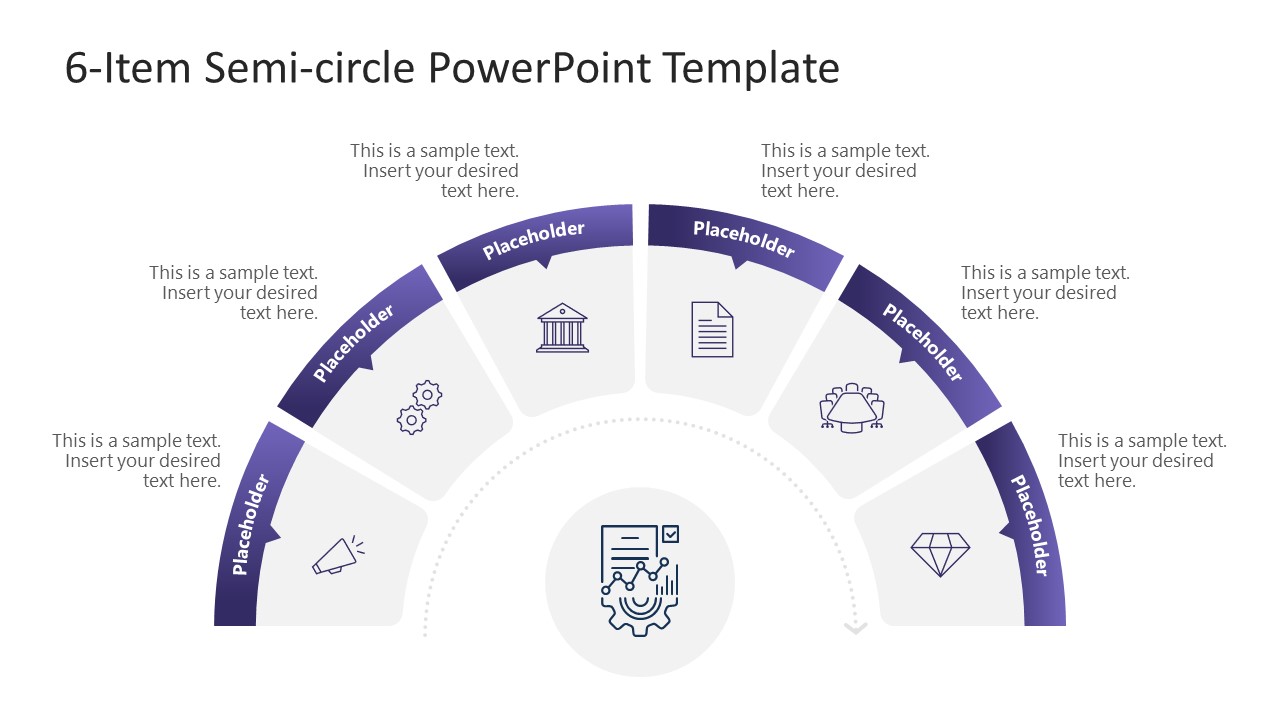
The PPT slide layout features a central focal point anchored by six radiating segments, each equipped with its own title bar and icon placeholder. To help you manage longer presentations, this presentation template includes spotlight transition slides that highlight one segment at a time while graying out the rest. This feature is particularly useful for deep-dive sessions where you need to keep the board focused on one specific detail without losing sight of the overall process.
Because we know you’re often working under tight deadlines, this presentation template is built for ease of use. Every element is a high-quality vector shape, meaning you can stretch or scale the graphics for large boardroom screens without any blurry edges or pixelation. It is fully compatible with any Microsoft PowerPoint version, allowing you to swap colors, change icons, or update fonts to match your company’s branding in just a few clicks. The 16:9 widescreen format ensures the design fits perfectly into modern presentation displays, giving you a polished, professional look in minutes.
Streamline your next status update. Download the 6-Item Semi-Circle PPT Template to bring a clear, structured flow to your project meetings.
What’s inside this template
Example presentation scenarios
- A project manager can present a six-month roadmap by placing each month or milestone into the semi-circle overview and using the spotlight slides to explain each phase.
- An operations leader can map a six-step workflow with the arc diagram, using the icon placeholders and short text blocks to show handoffs or touchpoints.
- A strategy consultant can explain six strategic pillars to executives by opening with the full diagram and then moving through the muted spotlight layouts one pillar at a time.
- A marketing analyst can compare six market segments or competitors by assigning each one to a segment and using the outer text placeholders for concise differentiators.
Features
- 100% editable presentation template
- Compatible with Microsoft PowerPoint
- 16:9 aspect ratio slides
- Scalable vector shapes, icons and illustrations
- AI-Ready for Microsoft Copilot and Claude
- Instant access and download
Frequently asked questions
Q: How should a presenter explain the six items without making the diagram feel crowded?
A: Start with Slide 1 to name the six items and define the central idea. Then use the spotlight slides to discuss one item at a time. Keep each outer text block to a short phrase or one key takeaway, since the curved layout works best as a guided framework rather than a dense reading slide.
Q: Who is this semi-circle diagram best suited for?
A: This template fits presenters who need to organize six equal elements under one theme, such as project managers explaining milestones, consultants showing strategic pillars, or operations teams mapping a process. It is strongest when the message is about structure, sequence, or balance rather than detailed financial analysis.
Q: Why use a semi-circle instead of a standard numbered list?
A: The semi-circle creates a visual path from the left side to the right side, giving the audience a sense of progression while keeping all six items connected to a central concept. The spotlight slides add focus by dimming the inactive segments, so the presenter can move from overview to detail without losing context.


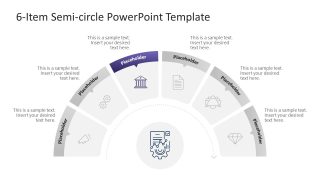
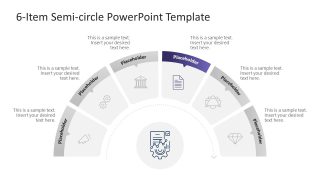
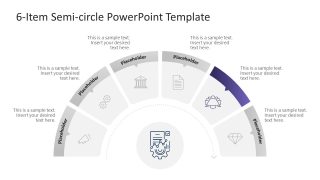
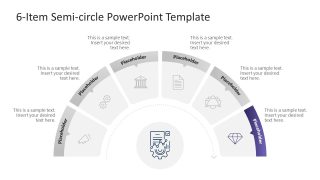
6-Item Semi-circle Diagram PowerPoint Template
7-slide presentation template with a six-step semi-circle diagram and spotlight segment layouts
The 6-Item Semi-circle Diagram PowerPoint Template is a 7-slide diagram template for Microsoft PowerPoint. It shows a six-segment semi-circle process with an overview slide, individual spotlight slides, icon placeholders, short text areas, and a central focal icon for workflows, milestones, pillars, or category comparisons.
- Category
- Diagrams
- Rating

 Loading...
- Aspect ratio
- 16:9
- Item ID
- 23554-01
- Colors
 Microsoft PowerPoint
  Microsoft Copilot
  Claude for PowerPoint
 Other formats supported
Subscribe today and get immediate
access to download our PowerPoint templates.