Slide 2 of 7 from 6-Item Semi-circle Diagram PowerPoint Template
6-Item Semi-circle Diagram Template Design
6-Item Semi-circle Diagram Template Overview
- Diagram
- Semi Circle
- Process Slide
- 16:9
- 100% Editable
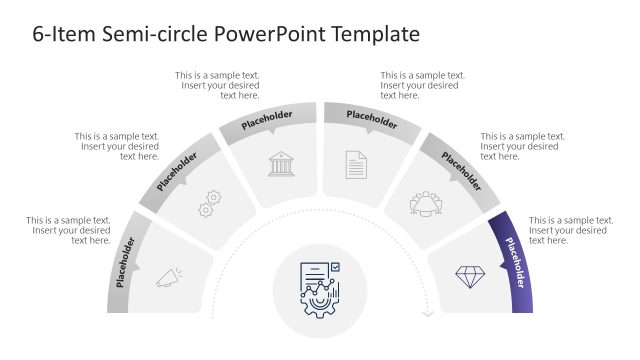
The 6-Item Semi-circle Diagram slide from the 6-Item Semi-circle Diagram PowerPoint Template offers a clear visual layout for illustrating workflows, project milestones, or category comparisons. This slide uses editable shapes and vector icons arranged in a balanced semi-circle, making it suitable for corporate presentations or business presentation slide decks that require structured process visualization.
What’s on This Slide
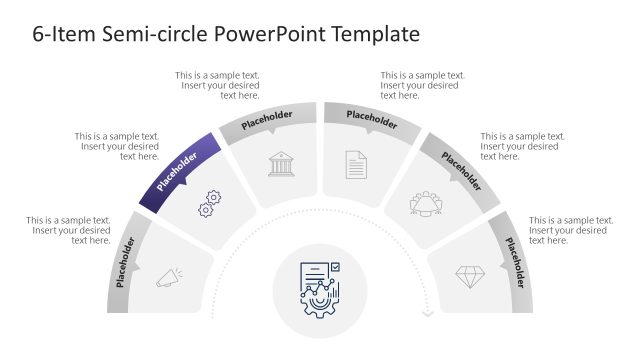
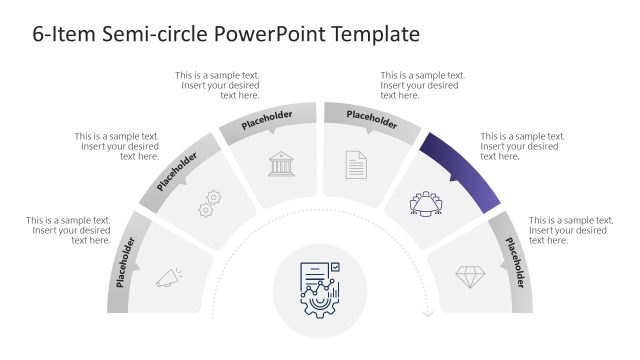
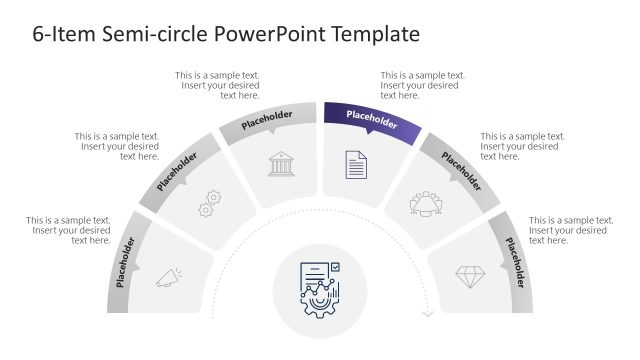
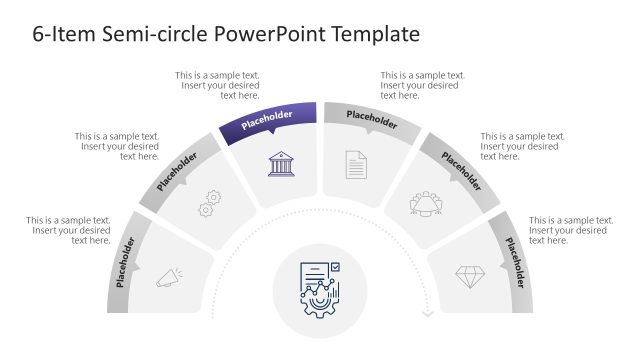
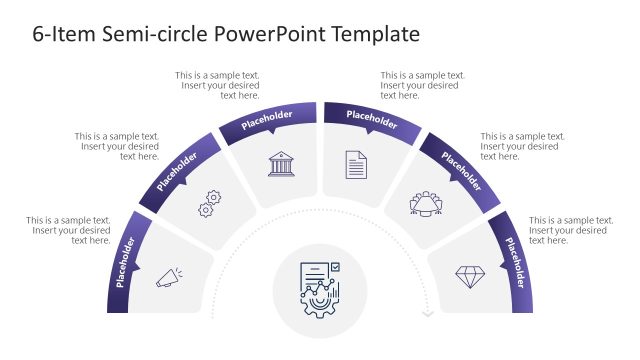
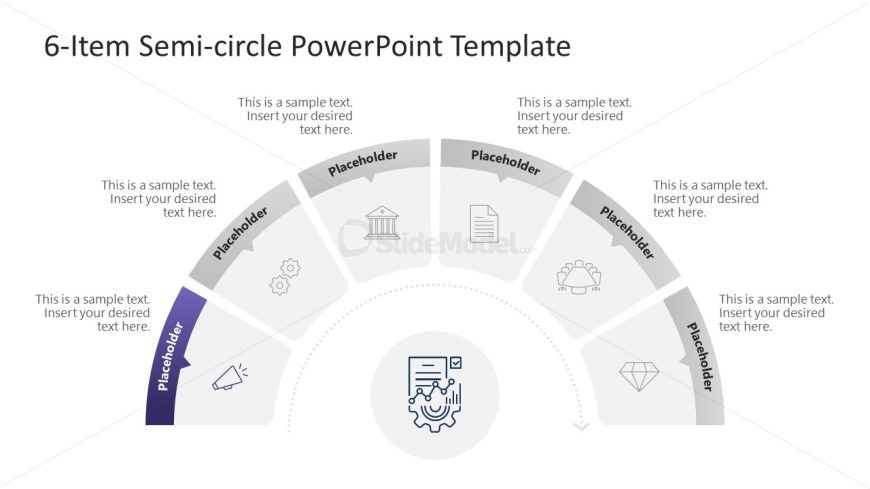
The layout features a semi-circle divided into six segments, each containing a placeholder for text. The segments are arranged in a curved manner, with the leftmost segment highlighted in purple. Central to the design is an icon placeholder, surrounded by a circular boundary. Each segment includes a visual icon above the text area, with the text placeholders aligned centrally within each segment. The overall composition is balanced, with a clean background that emphasizes the semi-circle structure and the central icon.
How to Use It
This layout serves as a visual representation of a six-step process or categories. It fits well in presentations that require illustrating workflows, milestones, or comparisons. Ideal scenarios include project updates, strategic planning sessions, or educational content where clear segmentation is necessary. This slide can be used individually or as part of a larger presentation to maintain consistency in visual storytelling.
Text Placeholders & Capacity
Keep your copy within these limits so it fits without resizing. Node body slots can hold roughly 10 words each, while node labels are tighter at about 4 words each.
| Placeholder | Count | Max characters (approx.) |
|---|---|---|
| Item body | 6 | 50 |
| Item heading | 6 | 20 |
| Slide title | 1 | 40 |
Slide Keywords
Download unlimited PowerPoint templates, charts and graphics for your presentations with our annual plan.
DOWNLOAD