Slide 1 of 7 from 6-Item Semi-circle Diagram PowerPoint Template
6-Item Semi-circle Diagram Presentation Slide Template
6-Item Semi-circle Diagram for Presentations
- Diagram
- Semi Circle
- Process Slide
- 16:9
- 100% Editable
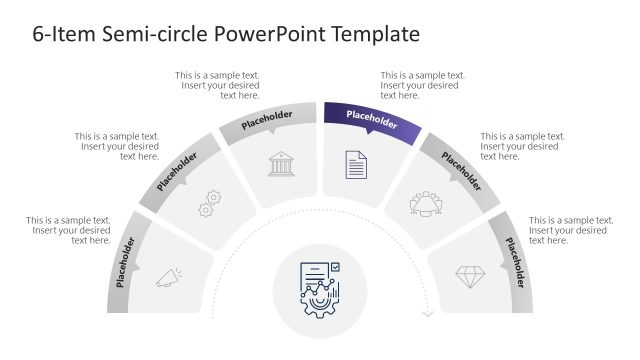
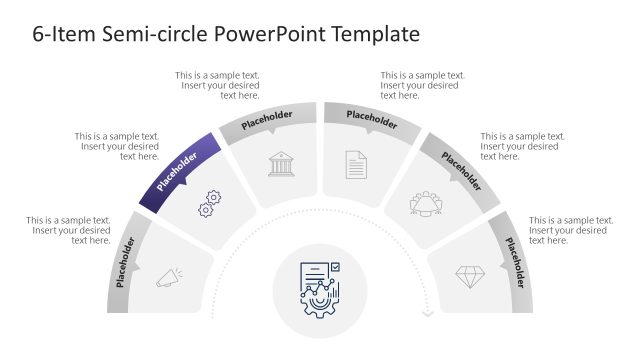
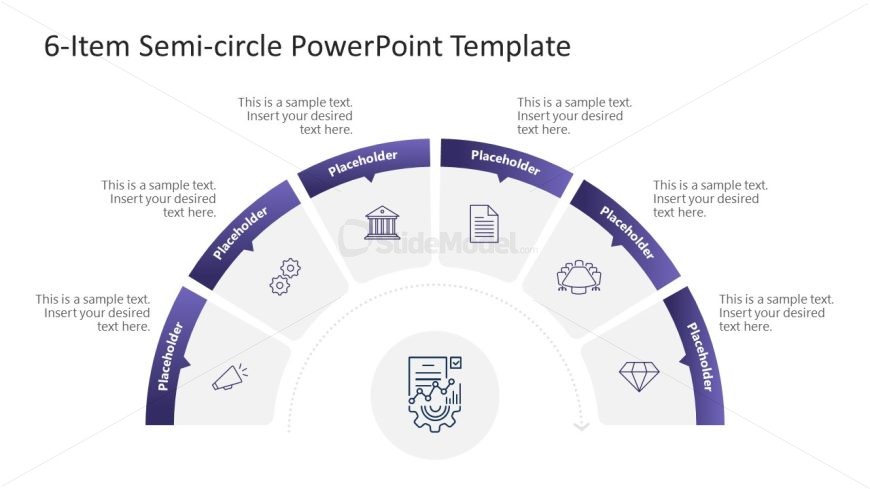
The 6-Item Semi-circle Diagram slide from the 6-Item Semi-circle Diagram PowerPoint Template offers a clean, editable slide layout ideal for illustrating process overviews or project milestones. This slide template uses vector icons and a balanced semi-circle design to highlight six key stages or features, making it suitable for business presentations and corporate slide decks that require clear, visual communication.
What’s on This Slide
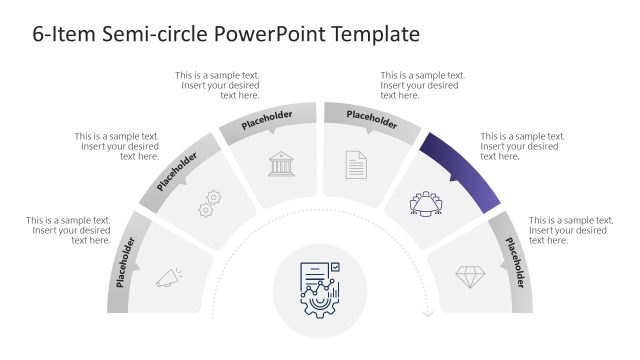
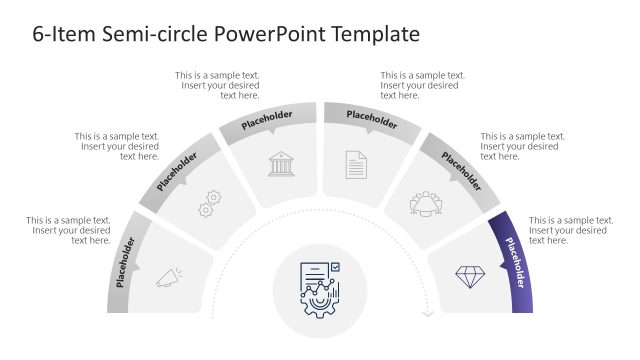
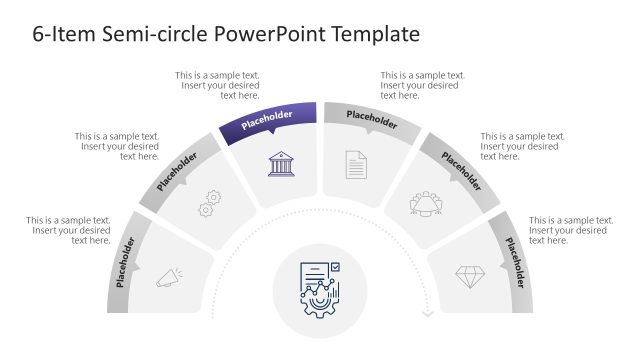
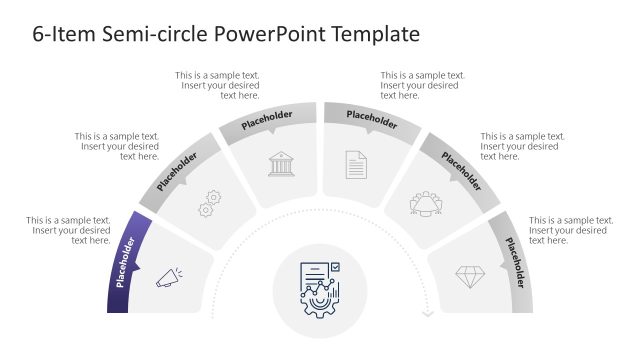
The layout features a semi-circle divided into six segments, each containing a placeholder for text. The segments are arranged in a curved formation, with a central circular icon placeholder at the bottom. Each segment has an associated icon above the text placeholder, which is aligned centrally within each segment. The overall design employs a clean, minimalistic style with a light background and purple accents. The visual hierarchy emphasizes the central icon, while the segments are evenly spaced, creating a balanced composition.
How to Use It
This layout serves as a process overview or a step-by-step guide, ideal for presenting six key points or stages. It fits well in a presentation sequence following an introduction or problem statement, providing a clear visual representation of a process or concept. Suitable scenarios include project milestones, product features, or strategic initiatives. The layout allows for concise text descriptions paired with relevant icons, enhancing audience engagement and understanding.
Text Placeholders & Capacity
Keep your copy within these limits so it fits without resizing. Node body slots can hold about 8 words each, while node labels are tighter.
| Placeholder | Count | Max characters (approx.) |
|---|---|---|
| Item body | 6 | 40 |
| Item heading | 6 | 20 |
| Slide title | 1 | 50 |
Slide Keywords
Download unlimited PowerPoint templates, charts and graphics for your presentations with our annual plan.
DOWNLOAD