Slide 4 of 7 from 6-Item Semi-circle Diagram PowerPoint Template
6-Item Semi-circle Diagram PPT Layout
6-Item Semi-circle Diagram Template Overview
- Diagram
- Semi Circle
- Process Slide
- 16:9
- 100% Editable
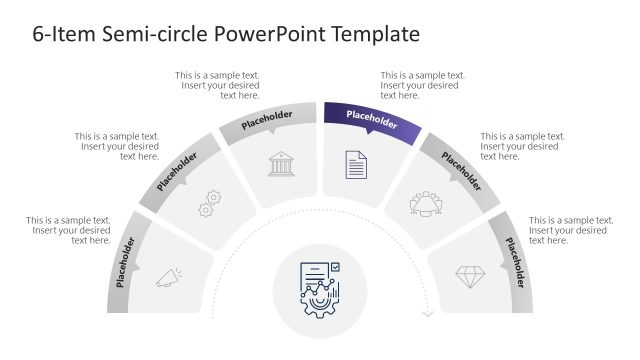
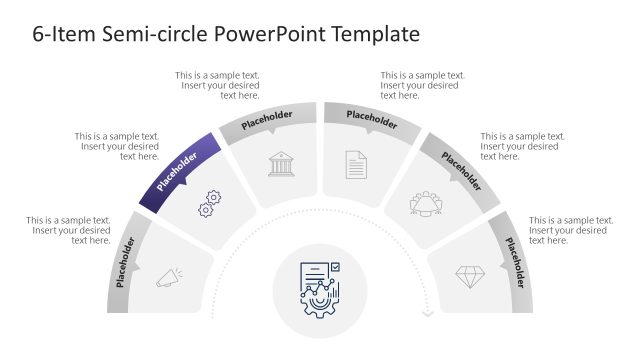
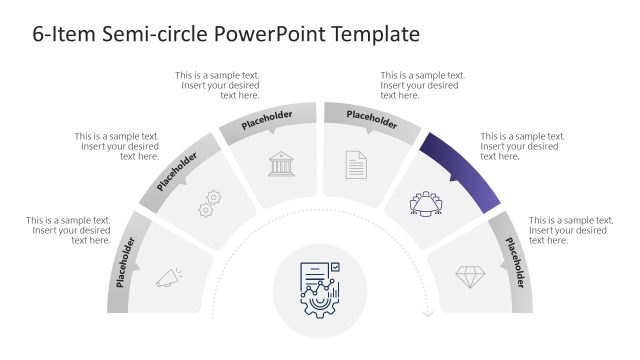
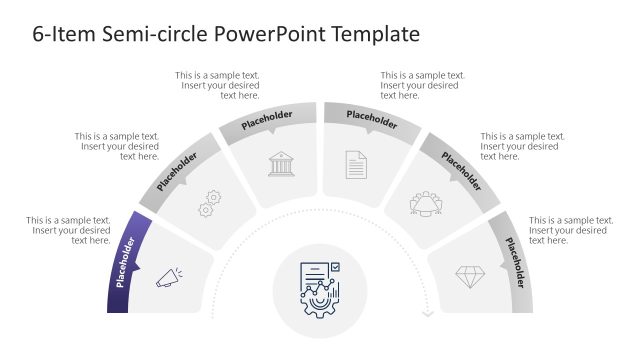
The 6-Item Semi-circle Diagram slide from the 6-Item Semi-circle Diagram PowerPoint Template offers a clear visual process overview using editable shapes and vector icons. This slide layout is designed for business presentations and pitch decks that need to highlight project phases or feature details effectively within a structured semi-circle diagram format.
What’s on This Slide
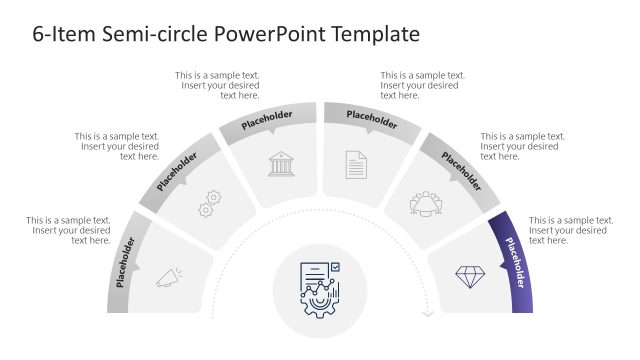
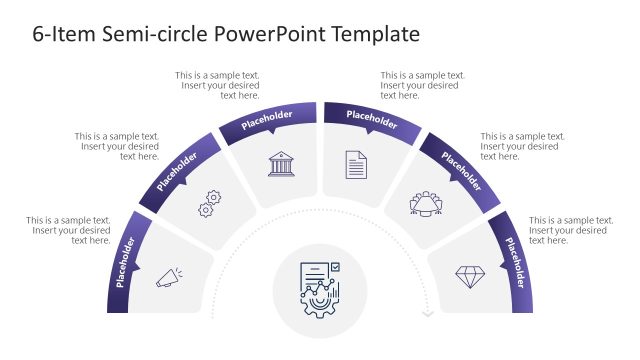
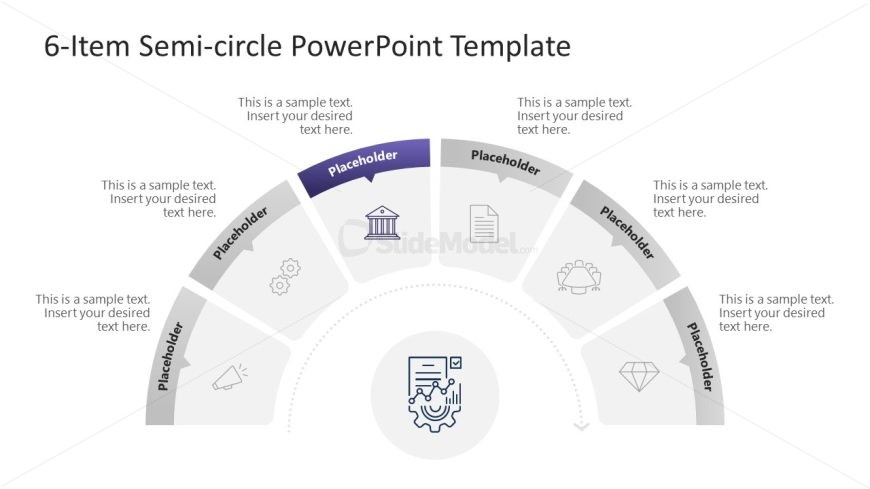
The layout features a semi-circle divided into six segments, each containing a placeholder for text and an icon. The segments are arranged in a curved manner, with the central area housing a larger icon representing the main theme. Each segment is visually distinct, with icons placed above the text placeholders. The text placeholders are aligned centrally within each segment, allowing for clear visibility. The overall color scheme is neutral, with a focus on the central icon, which stands out against the background. The design emphasizes a structured flow from the central icon to the surrounding segments.
How to Use It
This layout serves as a process overview or a step-by-step guide, ideal for presentations that require a visual representation of six distinct elements. It fits well after an introductory slide, providing a clear transition into detailed discussions. Common scenarios include showcasing project phases, product features, or strategic initiatives. This layout can effectively communicate complex information in a digestible format, making it suitable for business meetings, training sessions, or educational contexts.
Text Placeholders & Capacity
Keep your copy within these limits so it fits without resizing. Node body slots can hold roughly 30 characters each, allowing for concise text entries.
| Placeholder | Count | Max characters (approx.) |
|---|---|---|
| Item body | 6 | 30 |
| Chart title | 1 | 50 |
Slide Keywords
Download unlimited PowerPoint templates, charts and graphics for your presentations with our annual plan.
DOWNLOAD