Slide 7 of 7 from 6-Item Semi-circle Diagram PowerPoint Template
Engaging 6-Item Semi-circle Diagram Template
6-Item Semi-circle Diagram PowerPoint Template
- Diagram
- Segmented Wheel
- Process Slide
- 16:9
- 100% Editable
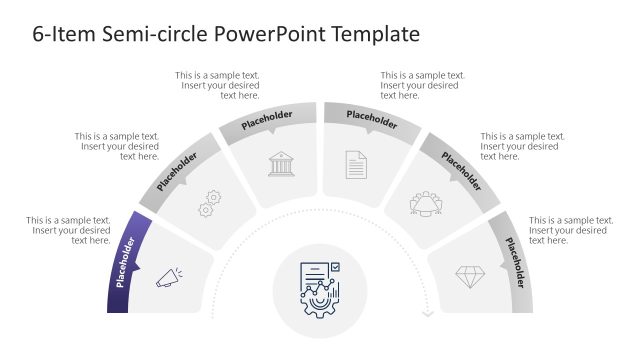
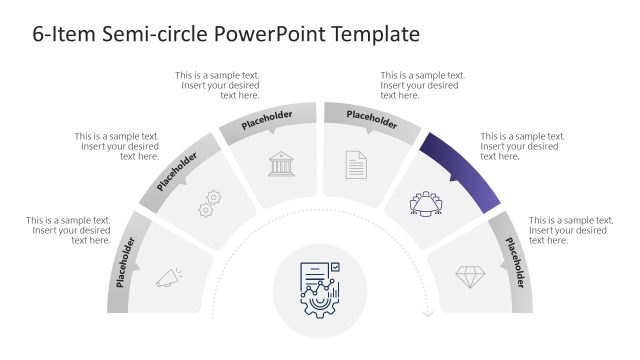
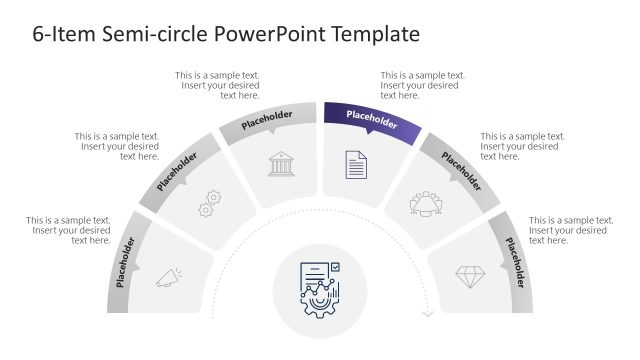
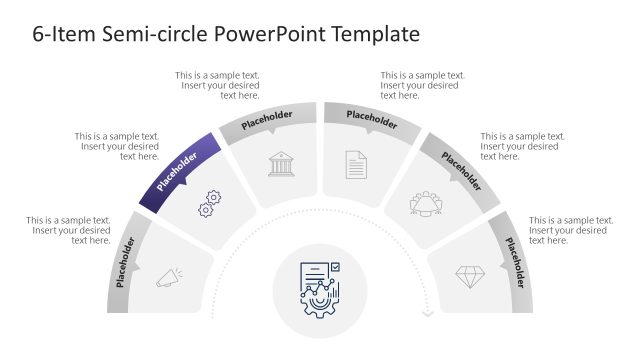
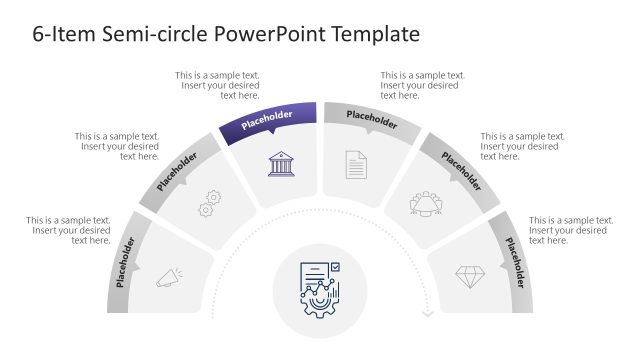
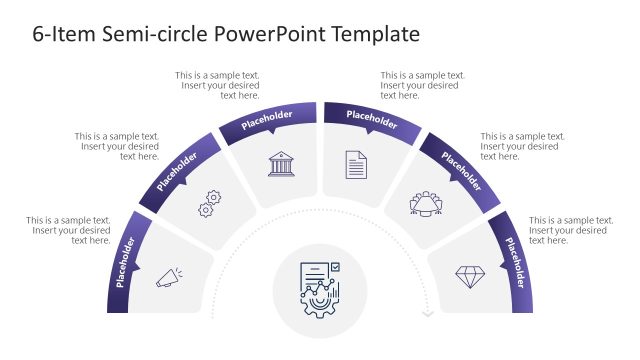
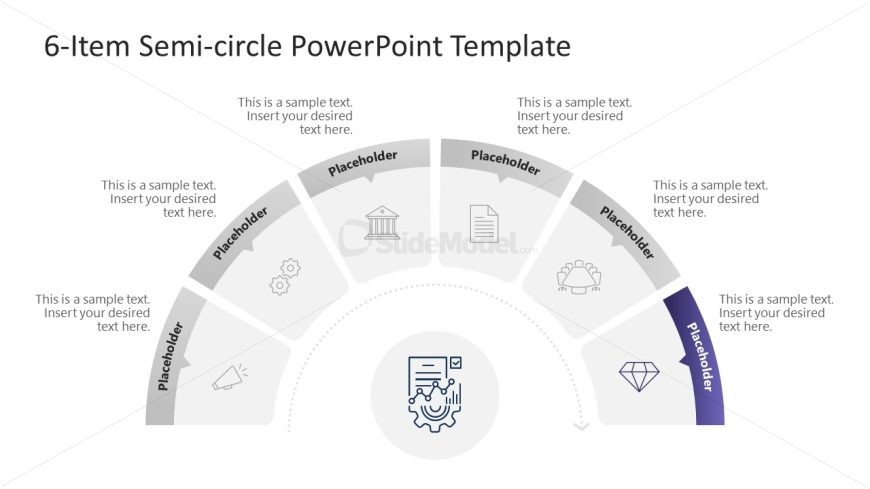
The 6-Item Semi-circle Diagram slide from the 6-Item Semi-circle Diagram PowerPoint Template offers a clear process visualization using editable shapes arranged in a segmented wheel. This slide layout supports business presentations and pitch deck templates by illustrating workflows or category breakdowns with vector icons and centrally aligned text placeholders, enhancing clarity in corporate presentations and slide decks.
What’s on This Slide
The slide features a semi-circle layout divided into six segments, each containing a placeholder for text. The segments are arranged in a curved formation, with the central area occupied by an icon placeholder. Each segment has a corresponding icon above it, representing various concepts. The icons are simple line drawings, and the text placeholders are aligned centrally within each segment. The background is light, enhancing visibility. The visual hierarchy is clear, with the central icon being the focal point, while the segments are evenly spaced around it.
How to Use It
This layout serves as a visual representation of a six-step process or categories, making it suitable for presentations that require a clear breakdown of information. It is effective for showcasing workflows, milestones, or comparisons in business contexts. This slide fits well within a presentation sequence after an overview slide, allowing for detailed exploration of each segment. It can be used in strategy sessions, project updates, or educational contexts to illustrate key points or stages.
Text Placeholders & Capacity
Keep your copy within these limits so it fits without resizing. Each text slot can hold approximately 30 characters comfortably.
| Placeholder | Count | Max characters (approx.) |
|---|---|---|
| Item body | 6 | 30 |
Slide Keywords
Download unlimited PowerPoint templates, charts and graphics for your presentations with our annual plan.
DOWNLOAD