Slide 1 of 2 from 5-Step Horizontal Interlaced Diagram PowerPoint Template
5 Steps Interlaced Diagram Template
5-Step Horizontal Interlaced Diagram Template
- Diagram
- Arrow Sequence
- Process Slide
- 16:9
- 100% Editable
What’s on This Slide
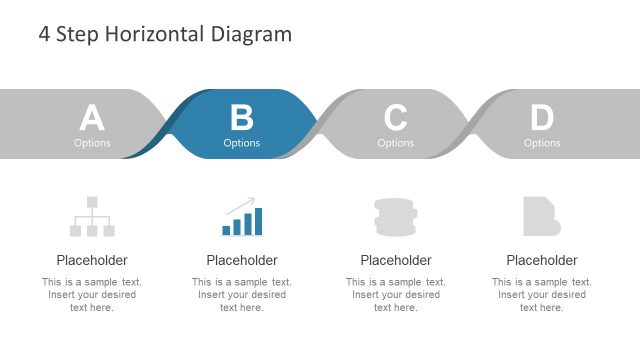
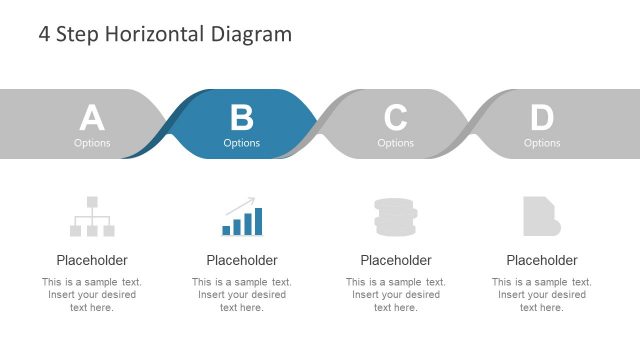
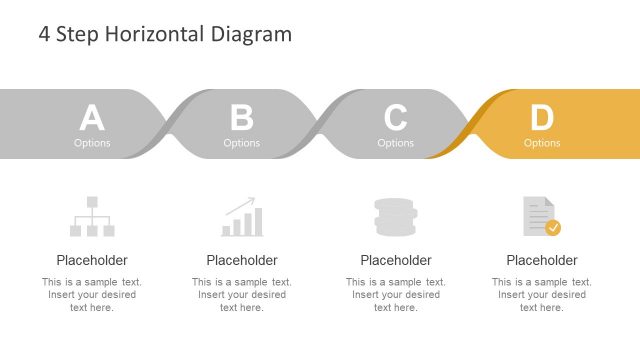
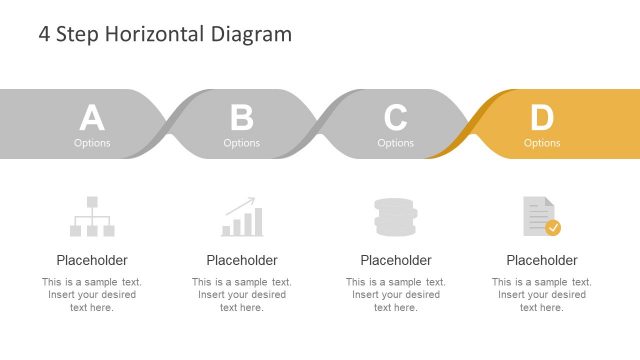
The layout features a horizontal interlaced diagram at the top, consisting of curved ribbons in blue and gold. Four text placeholders are positioned below the diagram, each accompanied by circular icons representing different concepts. The diagram flows from left to right, with alternating colors creating a visual rhythm. The text placeholders are centrally aligned beneath the icons, which are evenly spaced. The background is a gradient of blue, enhancing the visual appeal while maintaining focus on the diagram and placeholders. The overall structure is organized and clear.
How to Use It
This layout serves as a visual representation of a process or series of steps, making it suitable for presentations that outline business milestones or project timelines. It fits well after an introductory slide, transitioning into detailed content. Scenarios include project updates, strategic planning sessions, or product development roadmaps. The interlaced design emphasizes connections between steps, making it effective for illustrating relationships in a business context.
Text Placeholders & Capacity
Keep your copy within these limits so it fits without resizing. Each text slot can hold about 5-6 words comfortably.
| Placeholder | Count | Max characters (approx.) |
|---|---|---|
| Item body | 4 | 30 |
Slide Keywords
Download unlimited PowerPoint templates, charts and graphics for your presentations with our annual plan.
DOWNLOADReturn to 5-Step Horizontal Interlaced Diagram PowerPoint Template.