Slide 5 of 5 from Free 4 Step Horizontal Diagram for PowerPoint
Infographic PowerPoint Diagram 4 Step
4 Step Horizontal Diagram for Presentations
- Diagram
- Process Flow
- Process Slide
- 16:9
- 100% Editable
The 4 Step Horizontal Diagram slide from the Free 4 Step Horizontal Diagram for PowerPoint template offers a clear process flow layout ideal for business presentations. This slide template uses editable shapes and vector icons to visually represent project phases, decision-making steps, or product features in a horizontal sequence. It integrates seamlessly into slide decks, providing a structured overview that enhances audience understanding in corporate presentations or pitch decks.
What’s on This Slide
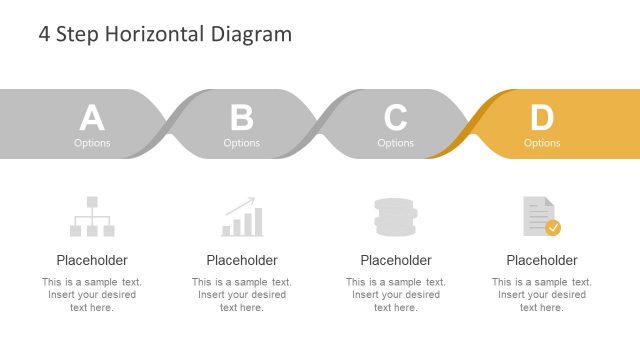
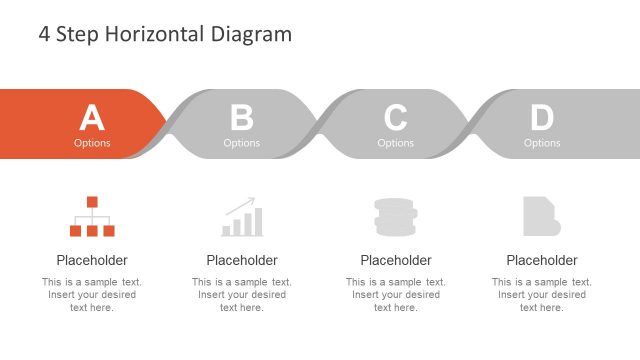
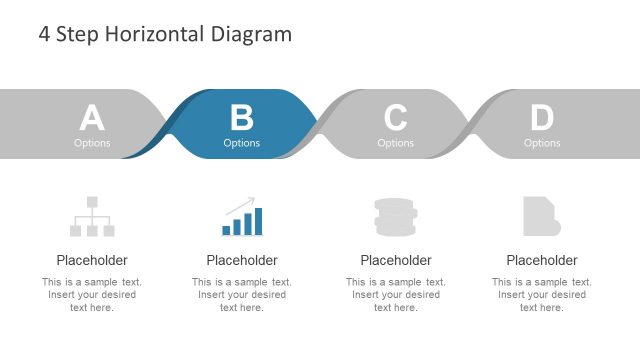
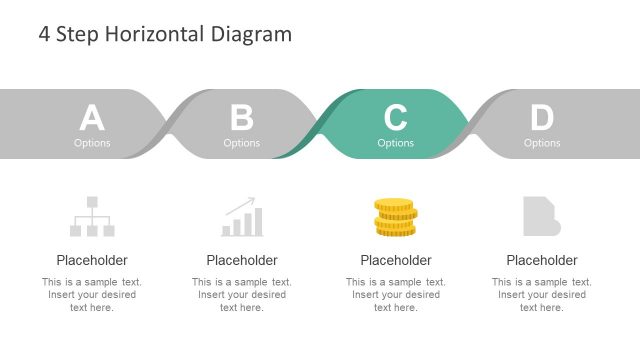
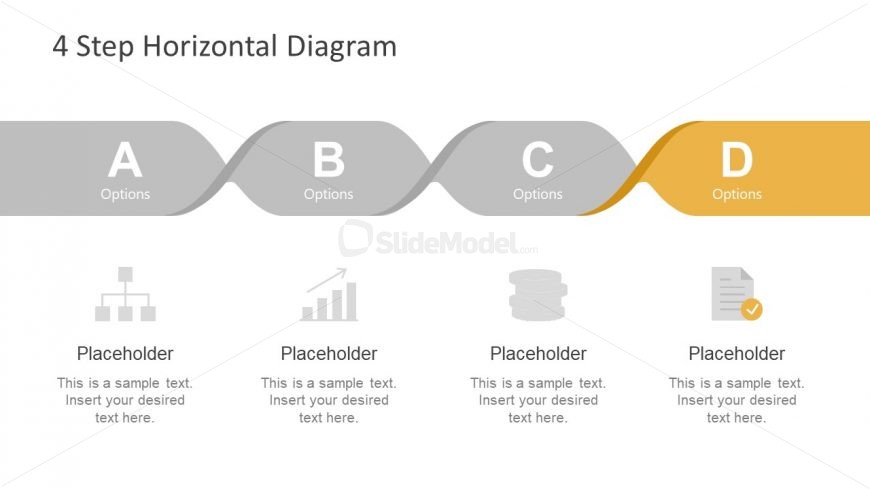
The layout features a horizontal diagram with four labeled steps, A, B, C, and D, arranged in a flowing manner. Each step is represented by a rounded rectangle, with the last step highlighted in yellow. Below each step, there are placeholders for text, aligned centrally. Icons representing different concepts are positioned beneath the corresponding steps, with the first icon being a hierarchical structure, the second a bar graph, the third a stack of coins, and the fourth a document. The overall color scheme is neutral with a pop of yellow for emphasis.
How to Use It
This layout serves as a sequential diagram to illustrate a four-step process or options. It is effective in business presentations for outlining project phases, decision-making processes, or product features. The diagram can fit into various presentation sequences, particularly after problem identification slides and before solution proposals. It is suitable for summarizing key points in a visually engaging format, making it easy for audiences to follow along.
Text Placeholders & Capacity
Keep your copy within these limits so it fits without resizing. Node body slots can hold roughly 10-12 words each.
| Placeholder | Count | Max characters (approx.) |
|---|---|---|
| Slide title | 1 | 30 |
| Item heading | 4 | 10 |
| Item body | 4 | 50 |
Slide Keywords
Download unlimited PowerPoint templates, charts and graphics for your presentations with our annual plan.
DOWNLOAD