Slide 5 of 5 from 4 Step Horizontal Diagram for PowerPoint
PPT Timeline Horizontal Diagram
4 Step Horizontal Diagram for Presentations
- Diagram
- Chevron Sequence
- Process Slide
- 16:9
- 100% Editable
The 4 Step Horizontal Diagram slide from the 4 Step Horizontal Diagram for PowerPoint template offers a clear process visualization using editable shapes and vector icons. This slide template supports business presentations by illustrating workflows or option comparisons in a horizontal flow, making it suitable for corporate presentations and pitch deck templates.
What’s on This Slide
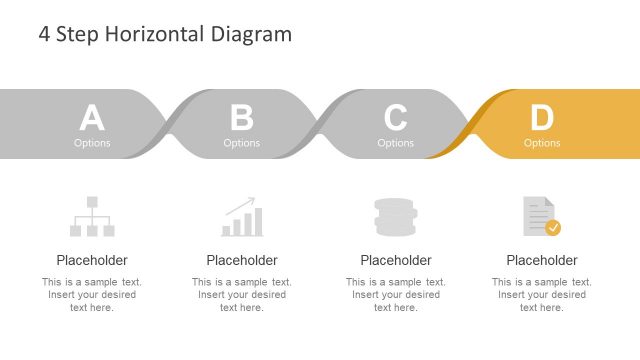
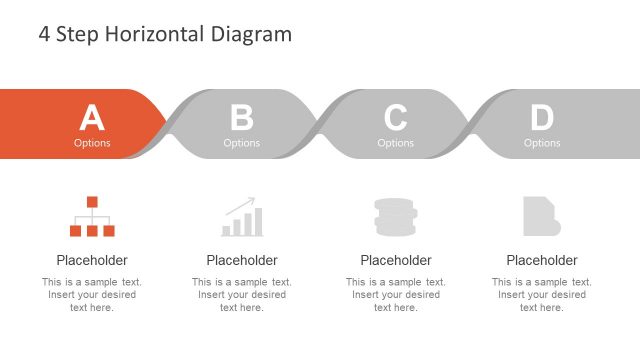
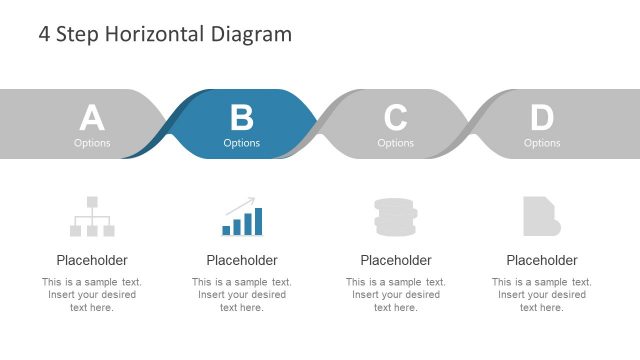
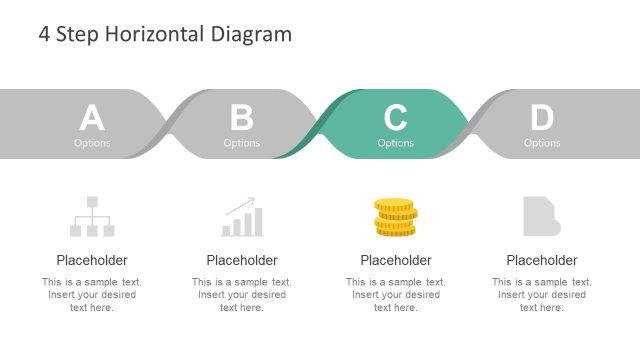
The layout features a horizontal flow diagram with four labeled sections, A, B, C, and D, arranged in a wavy pattern. Each section contains a placeholder for text, aligned centrally beneath the corresponding label. Below the labels, there are icons representing organizational structure, growth, finance, and documentation, respectively. The color scheme transitions from gray to yellow, emphasizing the last section. The visual hierarchy places the title prominently at the top, with clear delineation between sections. Placeholder text is present in each section, indicating where content can be inserted.
How to Use It
This layout serves as a sequential diagram to illustrate processes or options in a four-step format. It fits well in presentations that require a clear depiction of workflows or decision-making paths. Suitable for business contexts, it can be used in project proposals, strategic planning sessions, or educational settings to explain concepts. The diagram's horizontal orientation makes it ideal for summarizing key points in a visually engaging manner, allowing for easy comprehension by the audience.
Text Placeholders & Capacity
Keep your copy within these limits so it fits without resizing. Node body slots can hold about 10-12 words each.
| Placeholder | Count | Max characters (approx.) |
|---|---|---|
| Slide title | 1 | 30 |
| Item heading | 4 | 15 |
| Item body | 4 | 50 |
Slide Keywords
Download unlimited PowerPoint templates, charts and graphics for your presentations with our annual plan.
DOWNLOADReturn to 4 Step Horizontal Diagram for PowerPoint.