Slide 2 of 2 from 5-Step Horizontal Interlaced Diagram PowerPoint Template
5 Steps Horizontal Timeline Diagram PPT
5-Step Horizontal Interlaced Diagram Template
- Diagram
- Horizontal Timeline
- Process Slide
- 16:9
- 100% Editable
What’s on This Slide
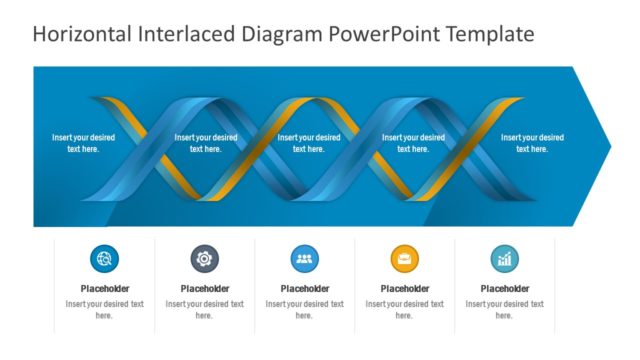
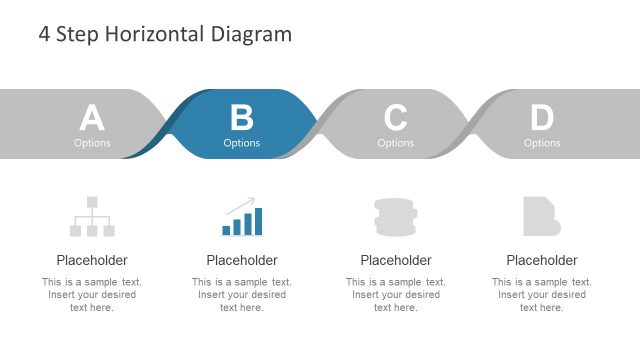
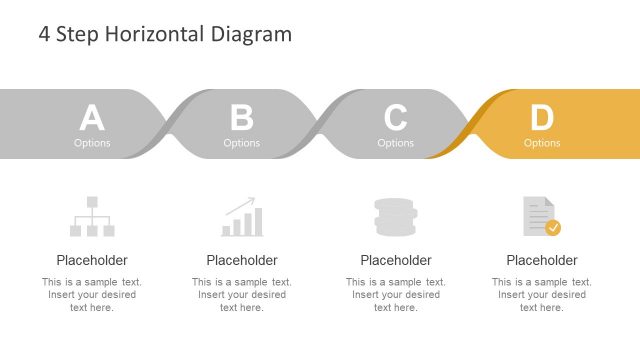
The layout features a horizontal interlaced diagram with two wavy ribbons in blue and yellow. The top section contains four text placeholders aligned horizontally, each positioned above a corresponding icon. Below the ribbons, there are four circular icons representing different categories, each with a placeholder for text. The visual hierarchy emphasizes the wavy ribbons, which are the focal point, while the icons and text placeholders provide supporting information. The background is a dark gradient, enhancing the contrast with the vibrant colors of the ribbons.
How to Use It
This layout serves as a visual representation of a process or timeline with five distinct steps. It is suitable for presentations that outline business milestones or project phases. Positioned after a problem slide, it can effectively transition into a roadmap or action plan. This layout is ideal for business contexts, such as project updates, strategic planning sessions, or milestone presentations, where clarity and visual engagement are essential.
Text Placeholders & Capacity
Keep your copy within these limits so it fits without resizing. Node body slots can hold about 30 characters each, while node labels can hold about 15 characters each.
| Placeholder | Count | Max characters (approx.) |
|---|---|---|
| Item body | 5 | 30 |
| Item heading | 5 | 15 |
Slide Keywords
Download unlimited PowerPoint templates, charts and graphics for your presentations with our annual plan.
DOWNLOADReturn to 5-Step Horizontal Interlaced Diagram PowerPoint Template.