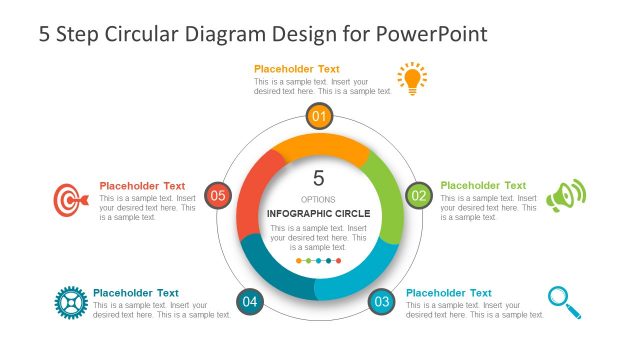
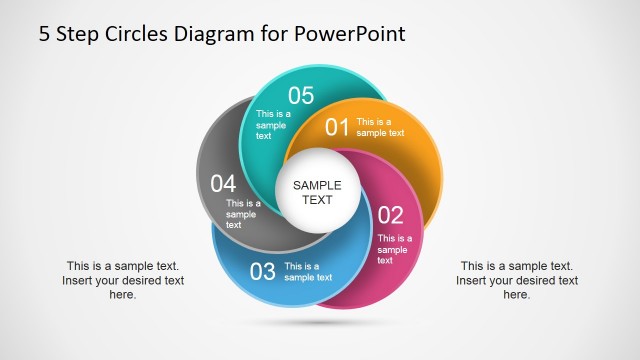
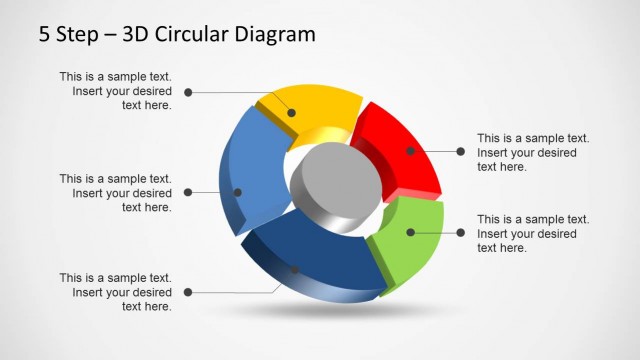
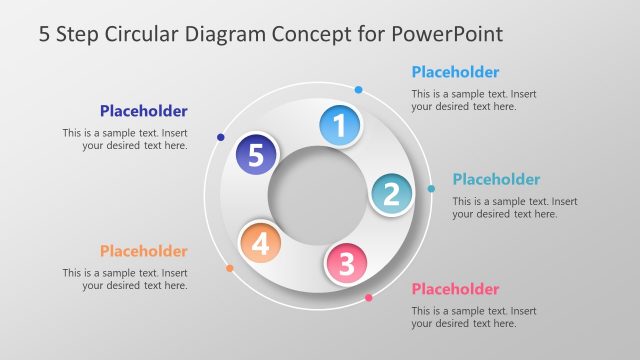
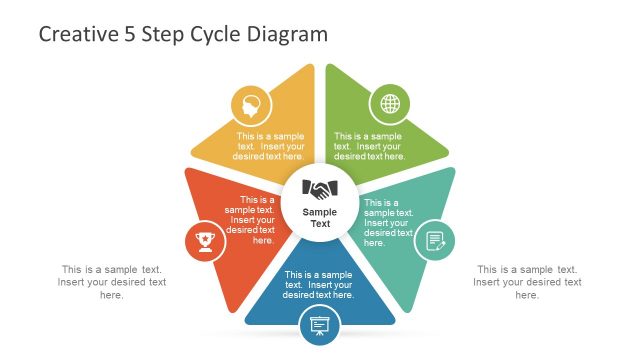
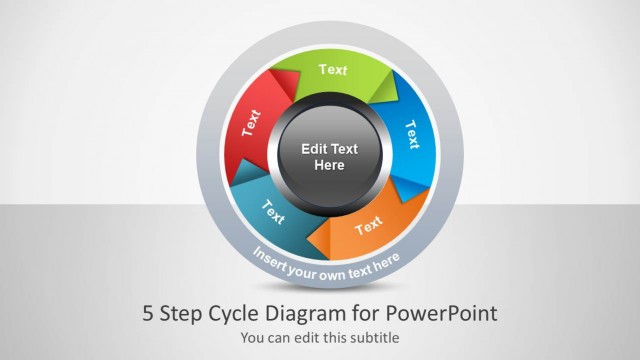
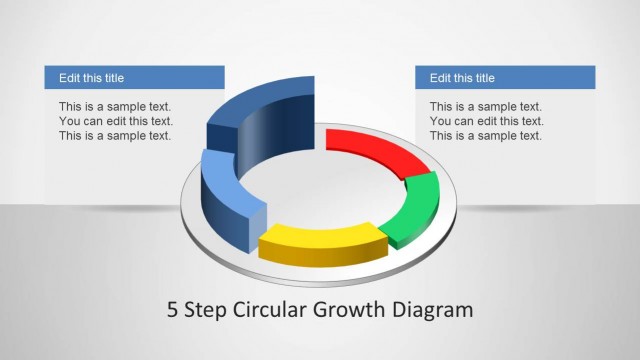
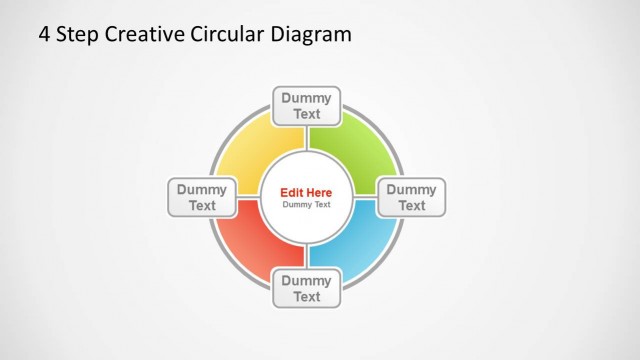
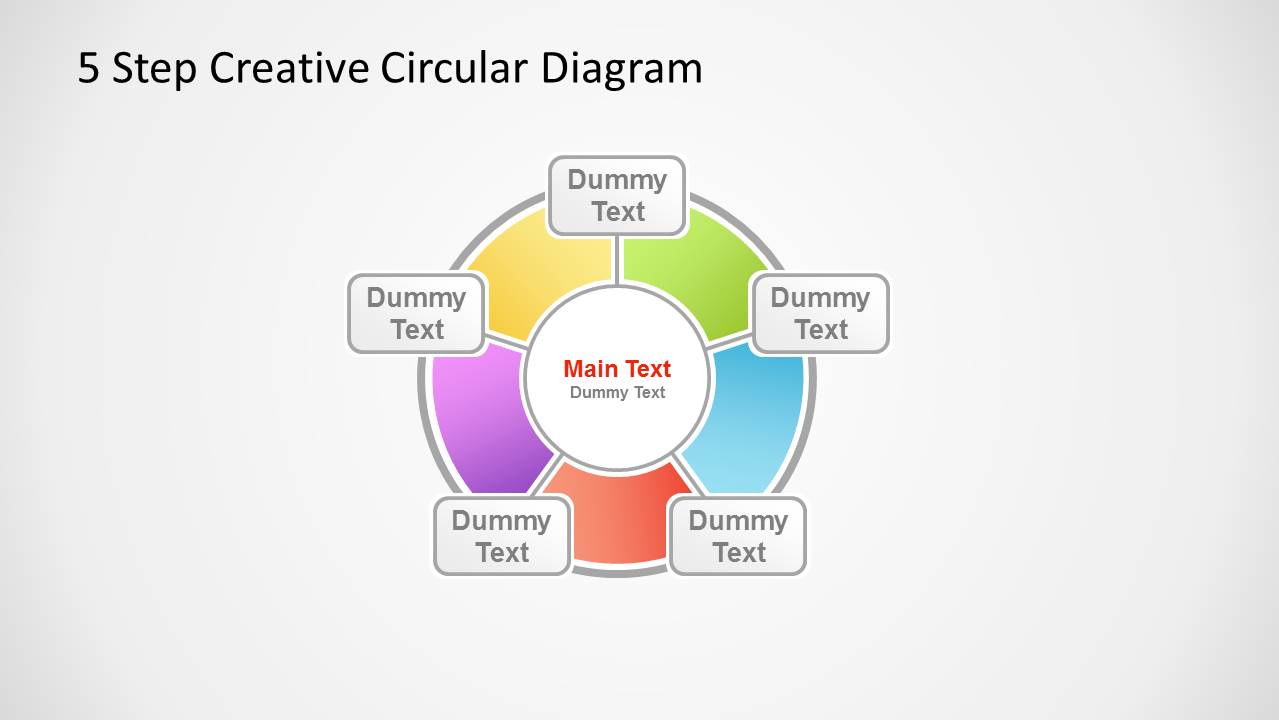
5 Step Creative Circular Diagram for PowerPoint is part of Slidemodel.com arsenal of process diagrams. Based consecutive steps, you can edit colors, texts and layout creating outstanding presentations. Download this presentation for designing in motion dynamics, or recurring processes. Ideal for economics presentations of “circular flow diagrams” or “circular flow models”.
What’s inside this template
Example presentation scenarios
- A consultant can use the full circular diagram to explain a five-step operating model before reviewing each highlighted stage with the segment spotlight slides.
- An economics instructor can present a circular flow model by placing the central concept in the middle and using each labeled outer segment for a recurring movement or actor.
- A project manager can explain an iterative workflow by assigning one step to each colored segment and using the callout slides to discuss ownership, actions, and expected outputs.
- A marketing or product lead can show a feedback loop by using the complete cycle for context and the individual highlighted slides for discovery, design, launch, measurement, and refinement.
Features
- 100% editable presentation template
- Compatible with Microsoft PowerPoint and Google Slides
- Scalable vector shapes, icons and illustrations
- AI-Ready for Microsoft Copilot and Claude
- Instant access and download
Frequently asked questions
Q: How should a presenter structure a message around this five-step circular diagram?
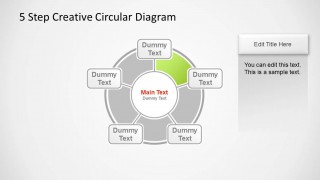
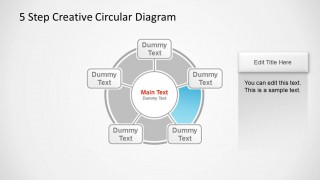
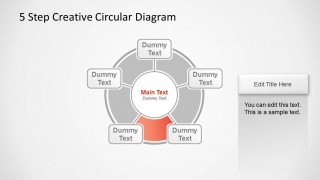
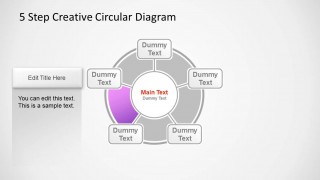
A: Start with Slide 1 to establish the complete cycle and explain why the steps repeat. Then use the five highlighted segment slides as discussion pages, giving each stage a clear verb, owner, and output. Keep the center label for the overall system or goal so the audience always connects each step back to the main idea.
Q: Who is this template best suited for?
A: This template is best for presenters who need to explain a process that returns to its starting point, such as a planning cycle, service loop, circular flow model, or continuous improvement method. It fits consultants, educators, operations leaders, and project managers who want a simple stage-by-stage explanation rather than a dense report.
Q: Why does the circular layout improve the explanation of a process?
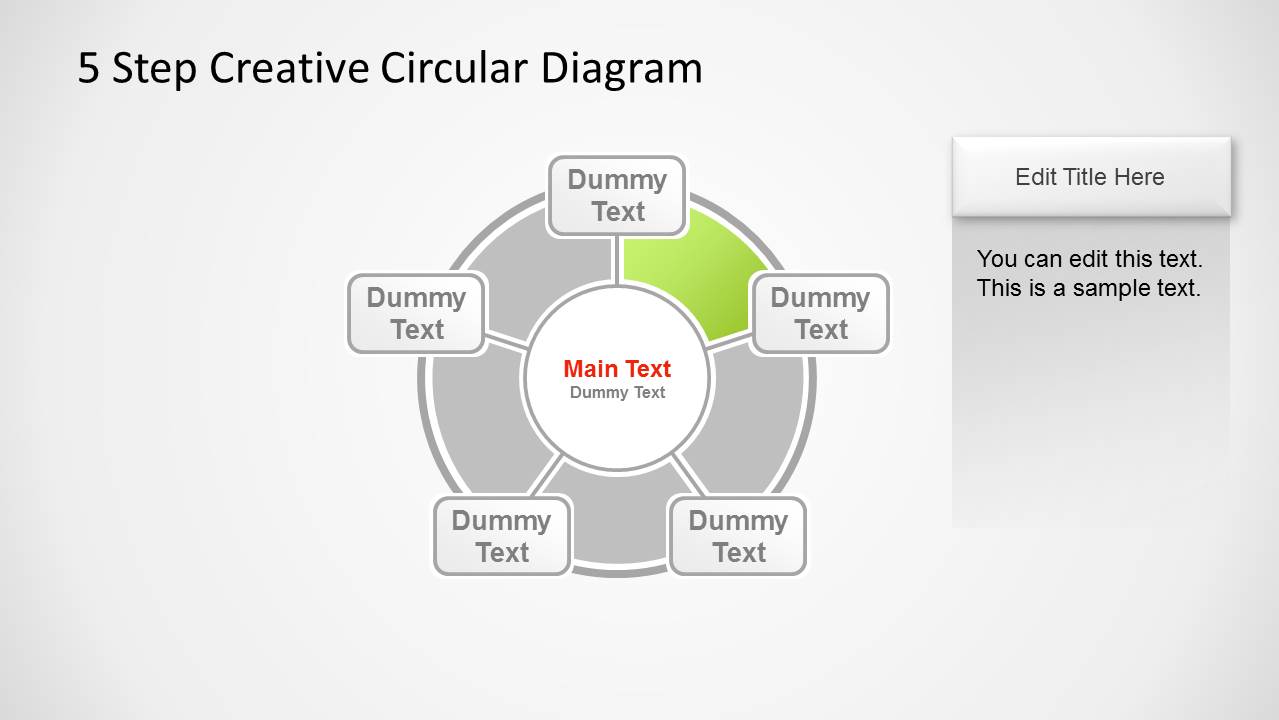
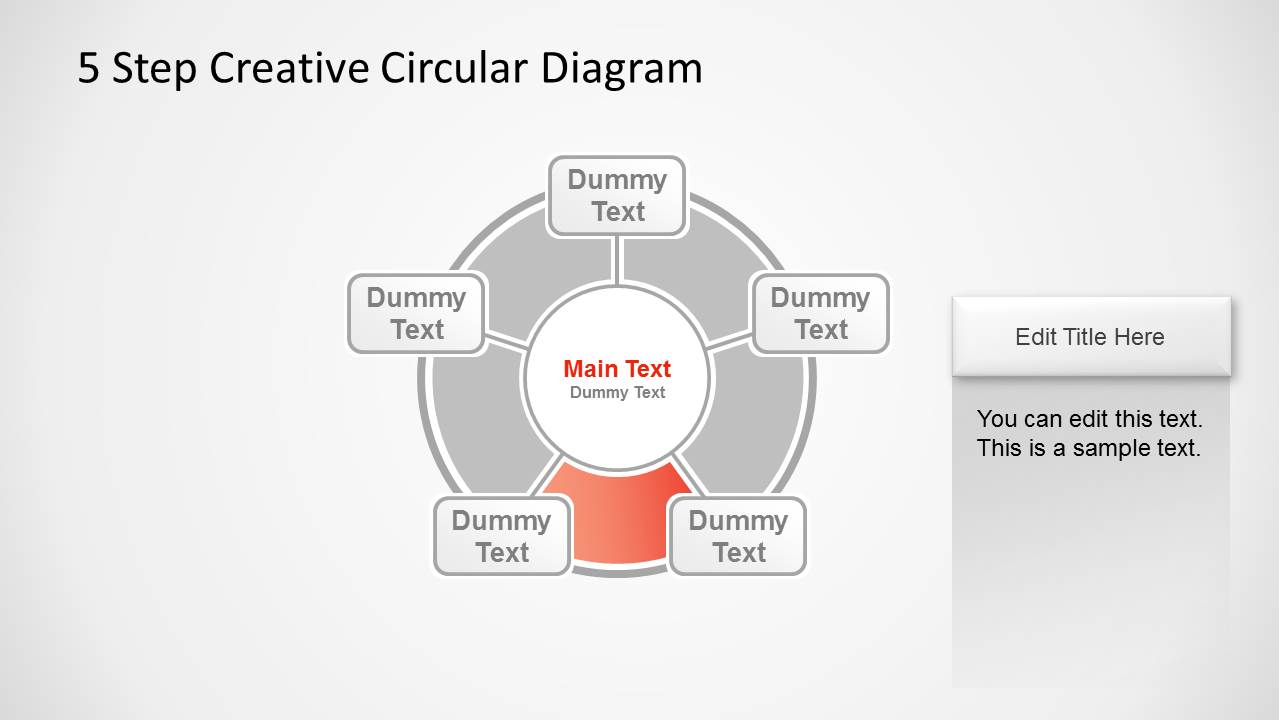
A: The ring metaphor signals recurrence more clearly than a straight line. The full diagram shows that all five steps belong to one system, while the gray background segments on the spotlight slides keep context visible as one colored step receives attention. This helps audiences understand both sequence and continuity.



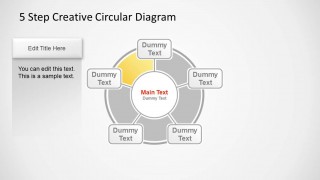
5 Step Creative Circular Diagram for PowerPoint
6-slide PowerPoint diagram template for 5-step circular processes, cycle stages, and recurring workflows
5 Step Creative Circular Diagram for PowerPoint is a 6-slide diagram template for showing a five-stage cycle. It includes a full circular process diagram plus five spotlight slides that isolate individual segments with callout text boxes. It is suited for process explanations, circular flow models, and recurring workflow presentations.


 Loading...
 Microsoft PowerPoint
  Microsoft Copilot
  Claude for PowerPoint
 Other formats supported
Subscribe today and get immediate
access to download our PowerPoint templates.