Slide 2 of 2 from 5-Step Adjustable Gauge PowerPoint Template
Editable 5-Step Adjustable Gauge PPT Template
5-Step Gauge Diagram for Presentations
- Diagram
- Other
- Process Slide
- 16:9
- 100% Editable
What’s on This Slide
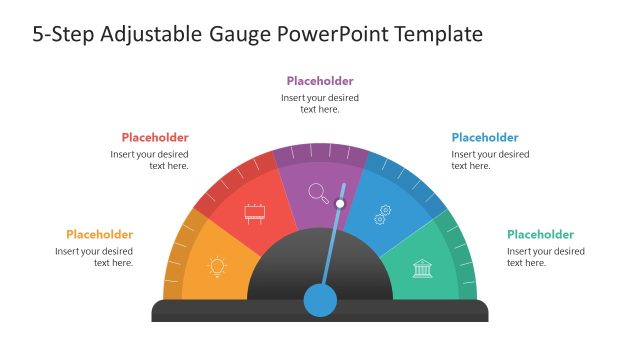
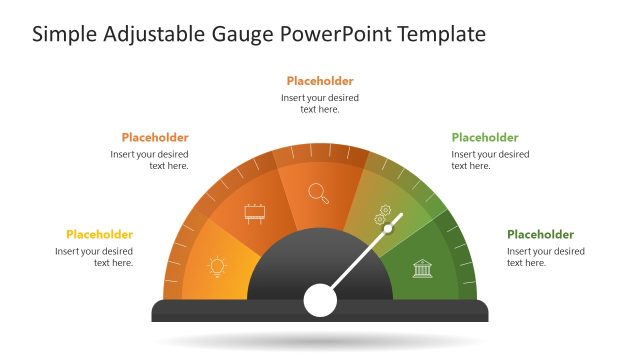
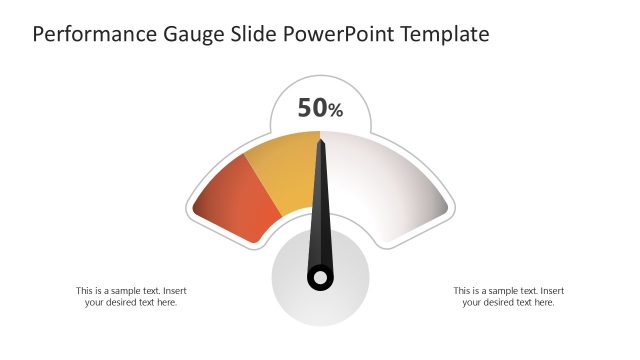
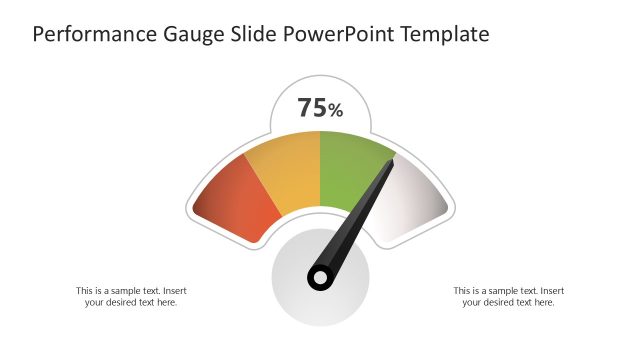
The layout features a semi-circular gauge positioned at the center bottom, with a pointer indicating a specific level. Surrounding the gauge are four text placeholders, two on the left and two on the right, aligned vertically. Each placeholder is labeled 'Insert your desired text here' and is evenly spaced. Icons representing various concepts are integrated within the gauge, positioned in the upper sections. The background is predominantly white, with a subtle gradient on the gauge, enhancing visual clarity. The overall structure emphasizes the gauge's central role.
How to Use It
This layout serves as a visual representation of a five-step process or evaluation metric. It is suitable for presentations that require illustrating stages of development, performance metrics, or strategic levels. This slide fits well in a sequence following a problem statement or overview, leading into detailed analysis or action plans. It is ideal for business contexts such as project management, performance reviews, or strategic planning discussions.
Text Placeholders & Capacity
Keep your copy within these limits so it fits without resizing. Node body slots can hold about 5-6 words each.
| Placeholder | Count | Max characters (approx.) |
|---|---|---|
| Item body | 4 | 30 |
| Slide title | 1 | 50 |
Slide Keywords
Download unlimited PowerPoint templates, charts and graphics for your presentations with our annual plan.
DOWNLOADReturn to 5-Step Adjustable Gauge PowerPoint Template.