Slide 1 of 1 from Free Adjustable Gauge PowerPoint Template
Free Adjustable Gauge Presentation Template
Adjustable Gauge PowerPoint Slide
- Diagram
- Gauge
- Evaluation Slide
- 16:9
- 100% Editable
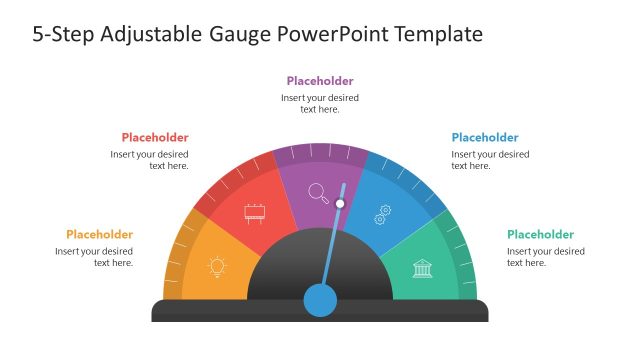
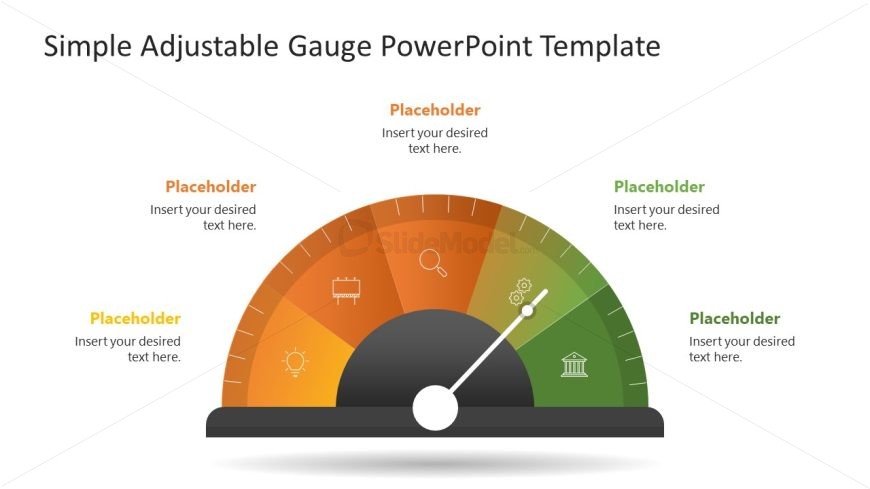
The Adjustable Gauge Layout, part of the Free Adjustable Gauge PowerPoint Template, effectively visualizes performance metrics and project status updates. This slide features a semicircular gauge with a gradient color scheme, surrounded by text placeholders aligned with relevant icons. It is designed for business presentations, offering a clear overview of key indicators and allowing for easy adjustments to reflect varying levels of achievement.
What’s on This Slide
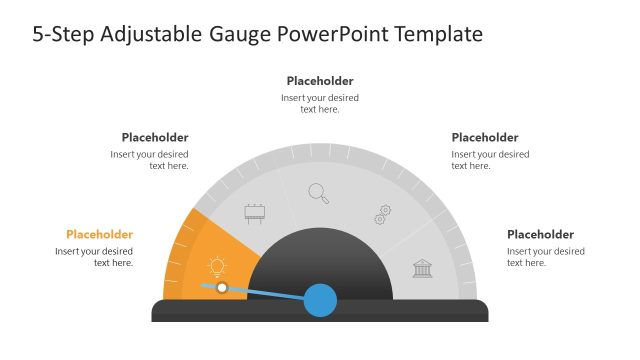
The layout features a semicircular gauge at the bottom center, with a needle pointing to a value. Surrounding the gauge are five text placeholders, positioned at the top and sides. Each placeholder is aligned with an icon representing different categories, such as a light bulb and a magnifying glass. The gauge has a gradient color scheme transitioning from orange to green, enhancing visual hierarchy. The overall composition is balanced, with the gauge as the focal point and placeholders evenly distributed around it. Background is white, providing contrast.
How to Use It
This layout serves as a visual representation of metrics or performance indicators, ideal for business presentations. It fits well after an introduction or problem statement, transitioning into analysis or solutions. Use it to display key performance metrics, project statuses, or survey results. The gauge can be adjusted to reflect varying levels of achievement or progress, making it versatile for different contexts. It is suitable for executive summaries or team updates, providing a clear overview of important data.
Text Placeholders & Capacity
Keep your copy within these limits so it fits without resizing. Node labels can accommodate about 30 characters each.
| Placeholder | Count | Max characters (approx.) |
|---|---|---|
| Item heading | 5 | 30 |
| Slide title | 1 | 50 |
Slide Keywords
Download unlimited PowerPoint templates, charts and graphics for your presentations with our annual plan.
DOWNLOADReturn to Free Adjustable Gauge PowerPoint Template.