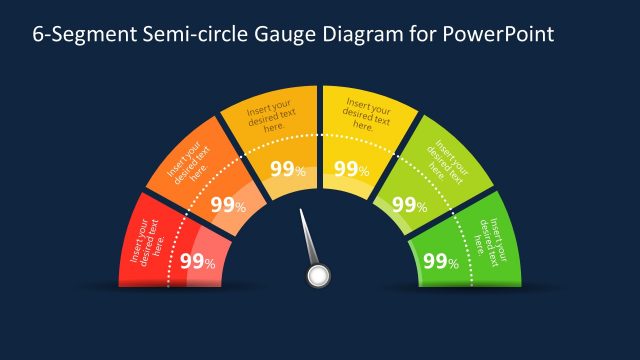
Slide 2 of 2 from 6-Step Adjustable Gauge PowerPoint Template
6-Step Adjustable Gauge PPT Template
6-Step Adjustable Gauge Diagram for Presentations
- Diagram
- Other
- Process Slide
- 16:9
- 100% Editable
What’s on This Slide
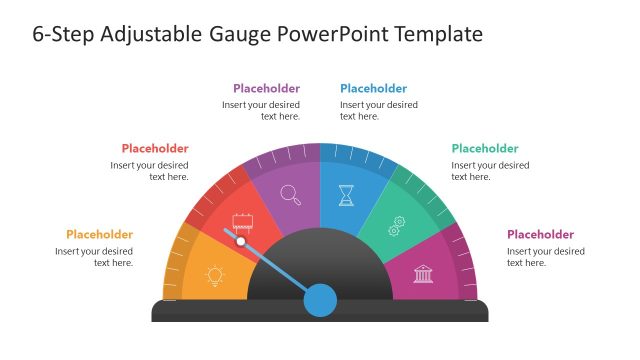
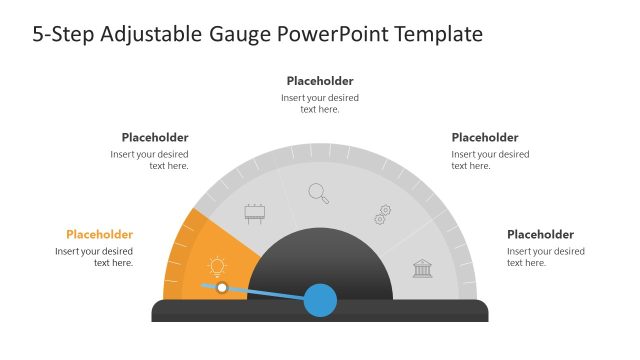
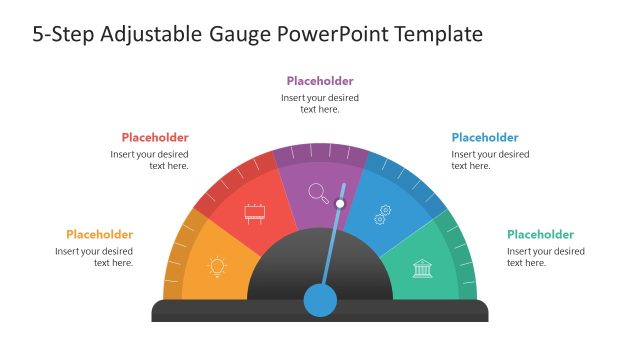
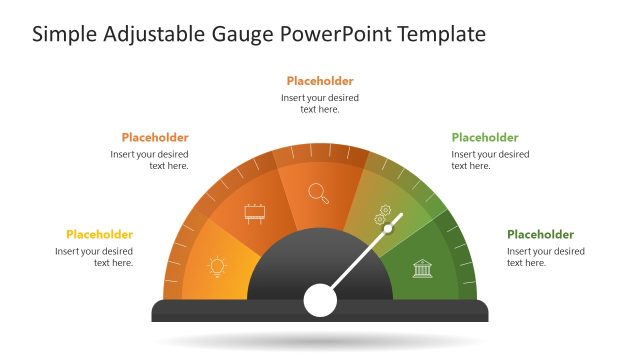
The layout features a semi-circular gauge at the center with a needle pointing to a specific value. Surrounding the gauge are six text placeholders, each positioned at equal intervals around the gauge, with colors varying among purple, blue, green, orange, red, and gray. The placeholders are aligned horizontally and are labeled 'Insert your desired text here.' Below the gauge, there is a solid base that supports the gauge structure. The overall composition is balanced, with a clear visual hierarchy emphasizing the gauge and its surrounding text areas.
How to Use It
This layout serves as a visual representation of a six-step process or levels of strategy. It fits well in presentations that require illustrating sequential steps or stages in a project. Ideal scenarios include project management updates, strategic planning sessions, or performance tracking. This diagram effectively communicates progress or status at each level, making it suitable for business contexts where clarity in multi-step processes is essential.
Text Placeholders & Capacity
Keep your copy within these limits so it fits without resizing. Each text slot can hold about 30 characters comfortably.
| Placeholder | Count | Max characters (approx.) |
|---|---|---|
| Item body | 6 | 30 |
Slide Keywords
Download unlimited PowerPoint templates, charts and graphics for your presentations with our annual plan.
DOWNLOADReturn to 6-Step Adjustable Gauge PowerPoint Template.