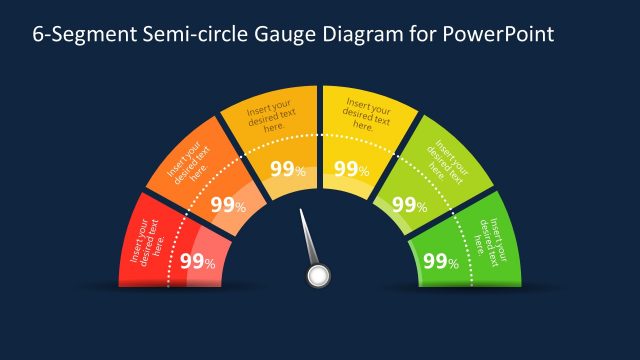
Slide 1 of 2 from 6-Step Adjustable Gauge PowerPoint Template
6-Step Adjustable Gauge Presentation Template
6-Step Adjustable Gauge Template Overview
- Diagram
- Layered Stack
- Process Slide
- 16:9
- 100% Editable
What’s on This Slide
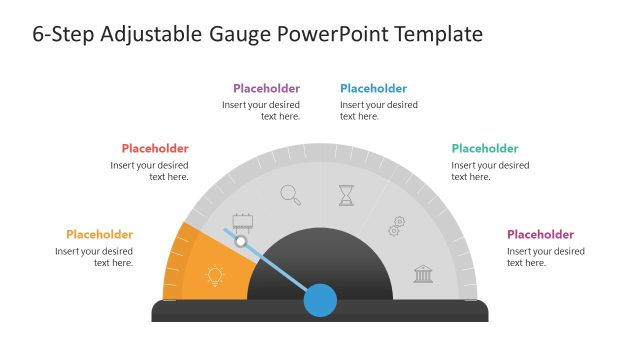
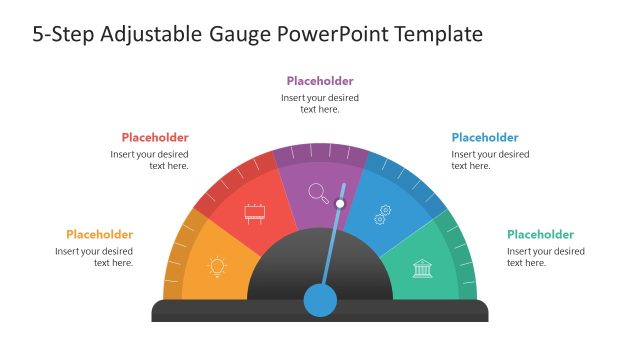
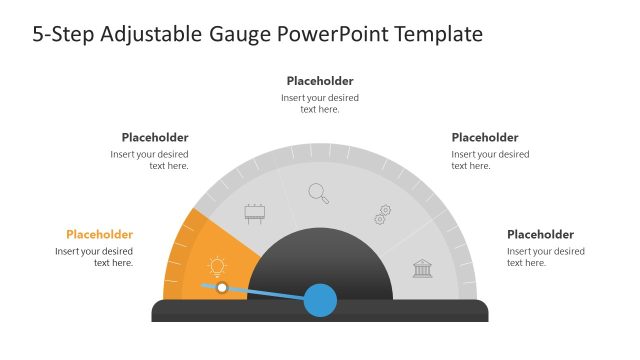
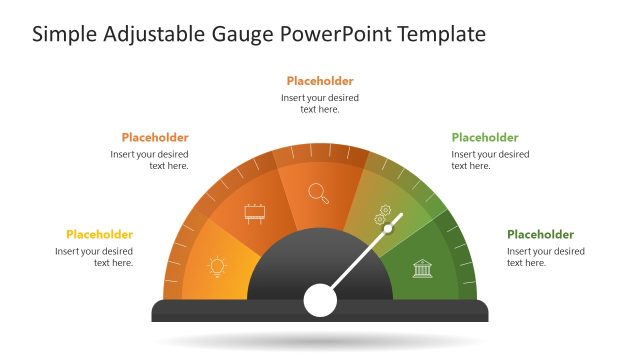
The layout features a semicircular gauge with a central dial. The gauge is divided into six colored segments, each containing a text placeholder for content. The segments are arranged in a rainbow gradient from red to purple, with icons representing various concepts placed within each segment. The central dial points towards a specific segment, indicating focus. Text placeholders are positioned around the gauge, aligned with each segment. The overall composition is balanced, with the gauge centered and a title at the top.
How to Use It
This layout serves as a visual representation of a six-step process or strategy. It is suitable for presentations that require a clear depiction of stages or levels in a project. This slide fits well after an introductory overview or problem statement, guiding the audience through a structured approach. It can be used in business contexts such as project management, strategic planning, or process improvement discussions, where a step-by-step breakdown is necessary.
Text Placeholders & Capacity
Keep your copy within these limits so it fits without resizing. Node body slots can hold up to 30 characters each.
| Placeholder | Count | Max characters (approx.) |
|---|---|---|
| Item body | 6 | 30 |
| Slide title | 1 | 50 |
Slide Keywords
Download unlimited PowerPoint templates, charts and graphics for your presentations with our annual plan.
DOWNLOADReturn to 6-Step Adjustable Gauge PowerPoint Template.